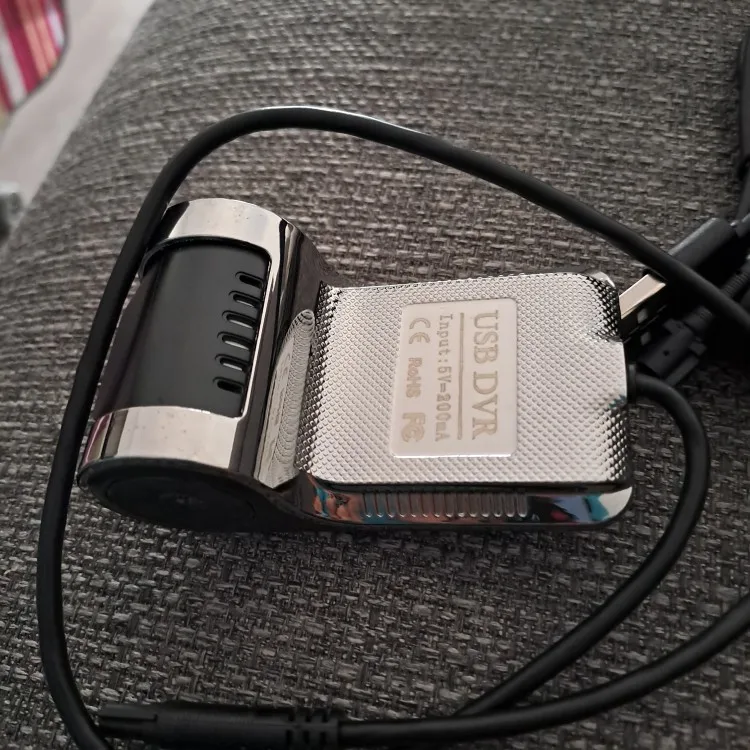
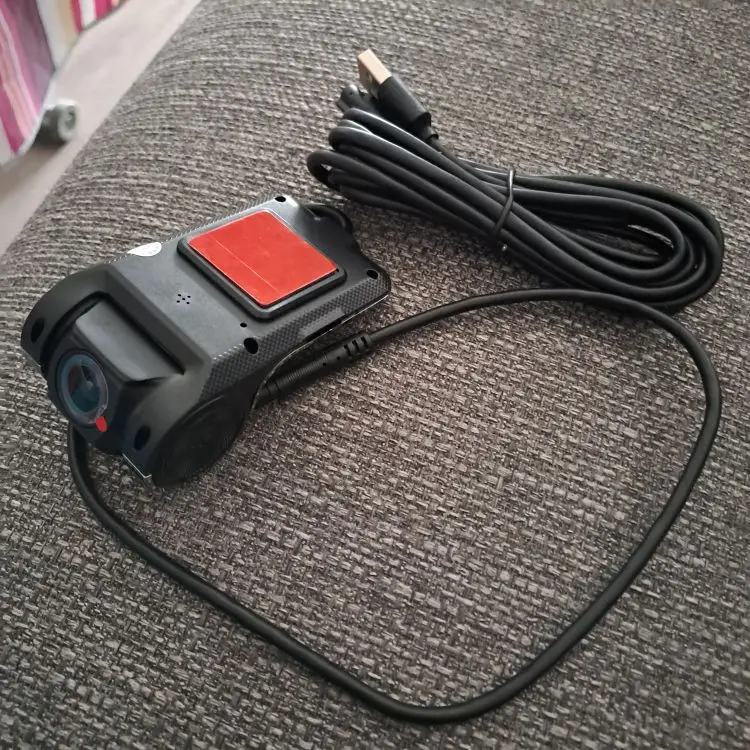
Grandnavi ADAS Front Dash Cam for Android Radios
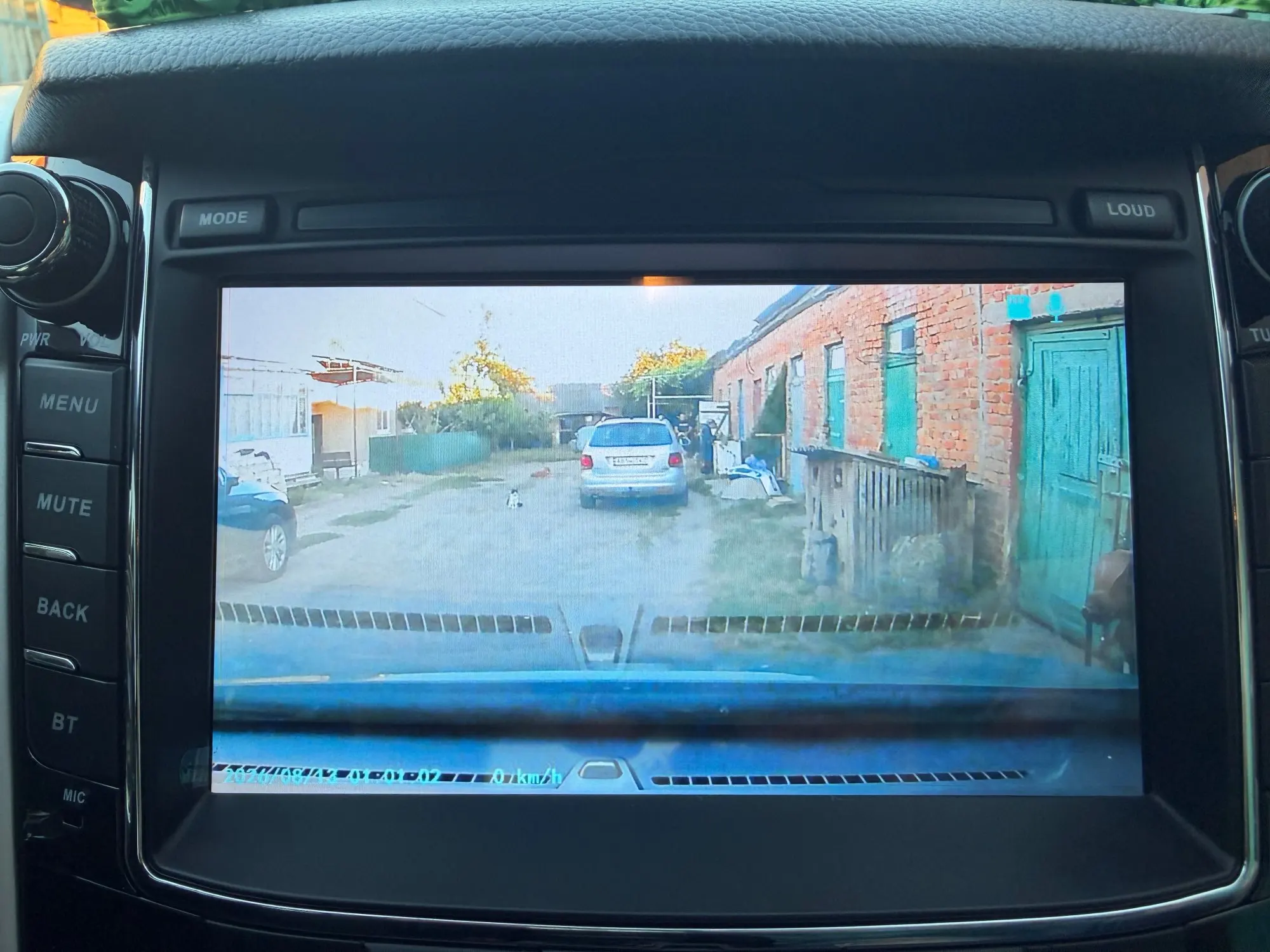
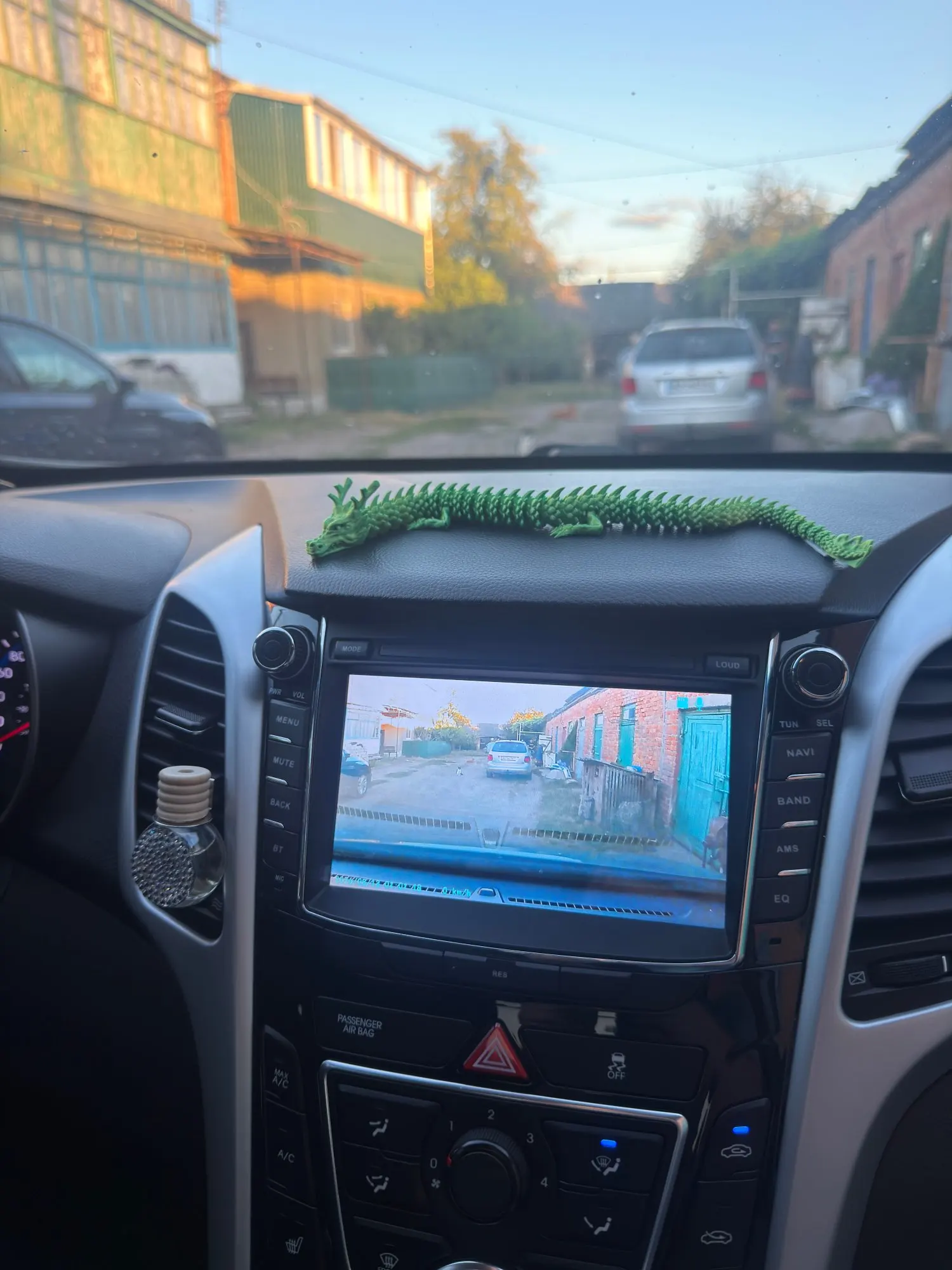
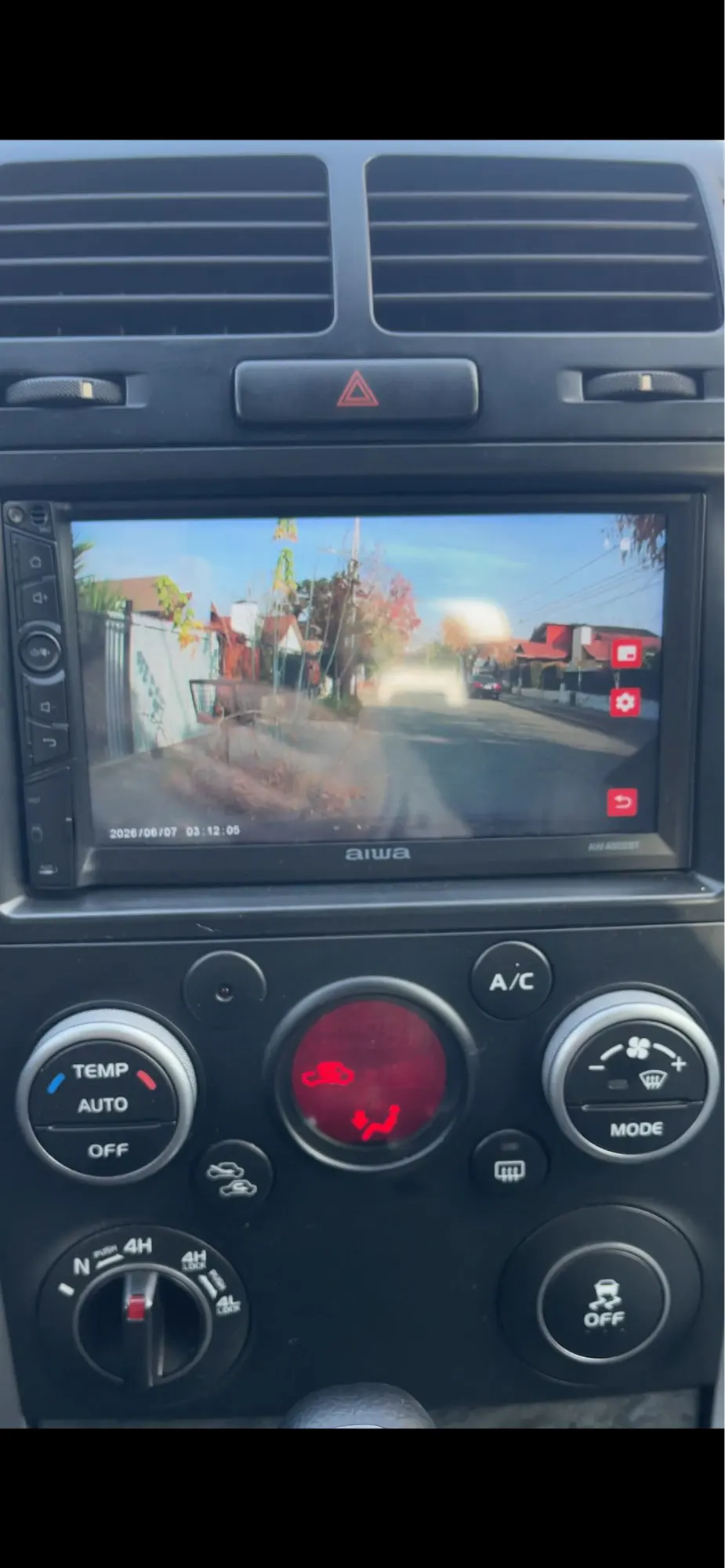
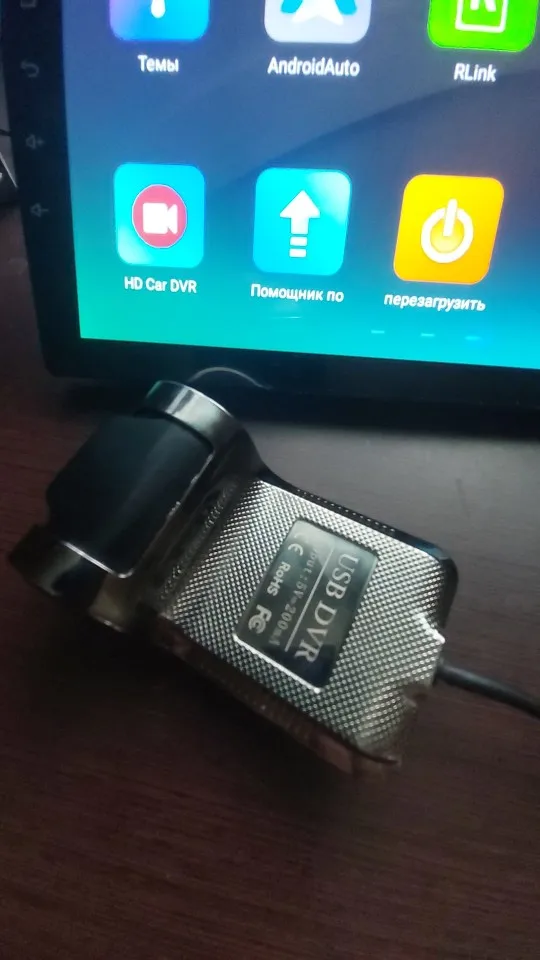
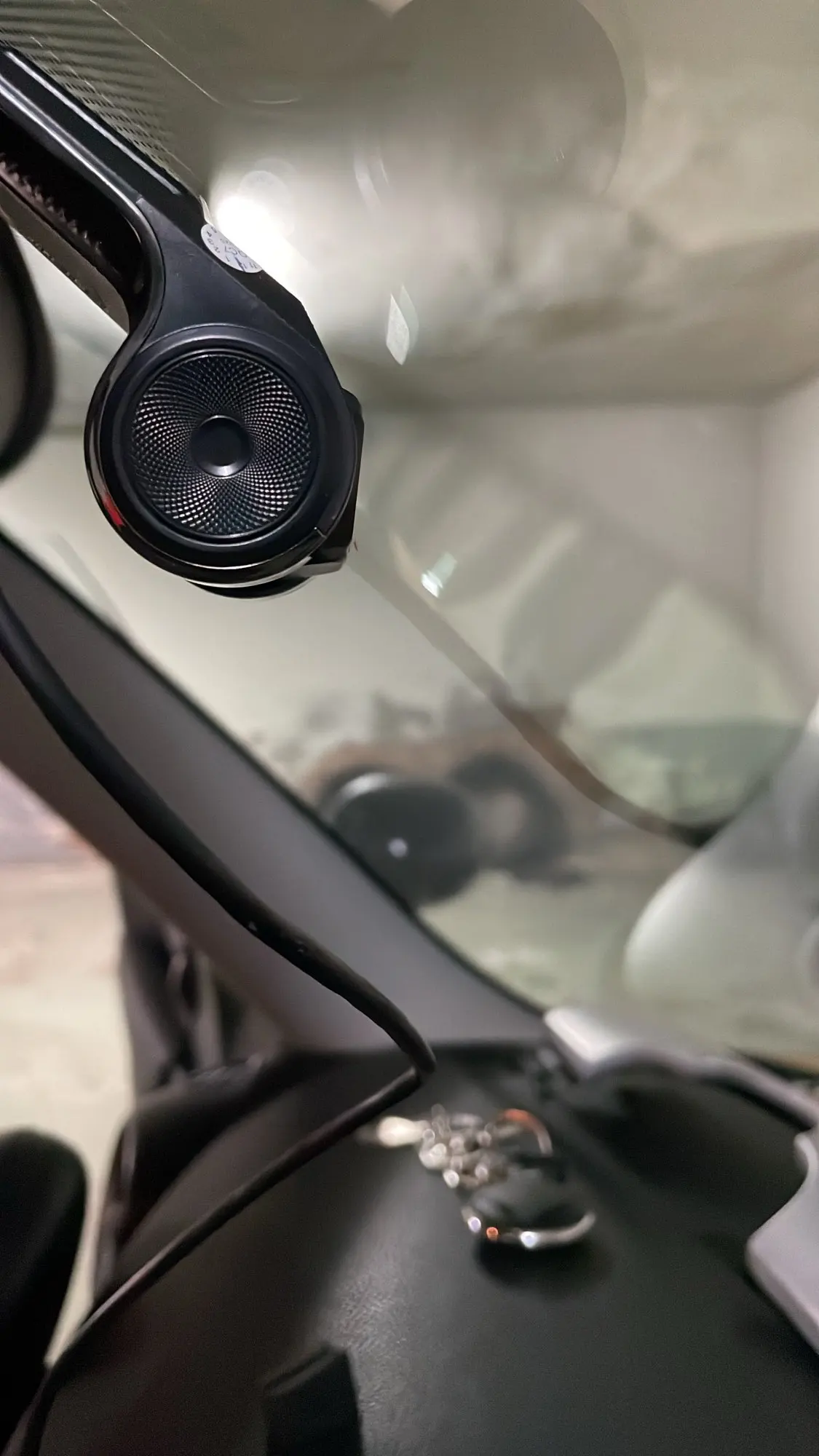
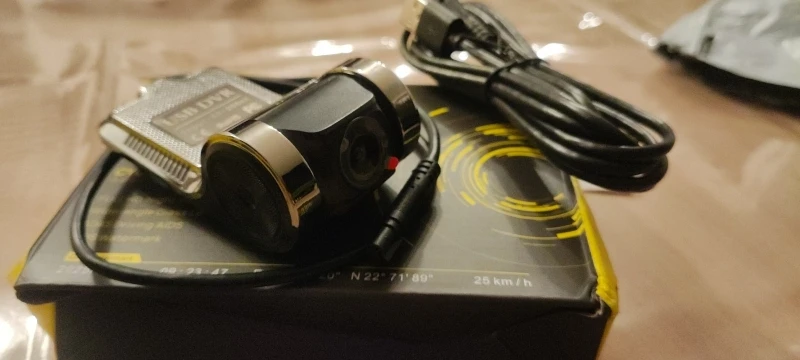
Shield your miles with the Grandnavi ADAS dash cam, made solely for Android car radios. Shot 1280x720 video across a full 170-degree angle, revealing clear scenes anytime. Unit powers instantly and smoothly cycles stored clips. Integrated lane departure alerts warn you before stray movements. Live surveillance packs neatly on your dash while matching vehicle clocks. Simple memory cards archive every trip securely.
Product Overview — What it is and who it’s for.
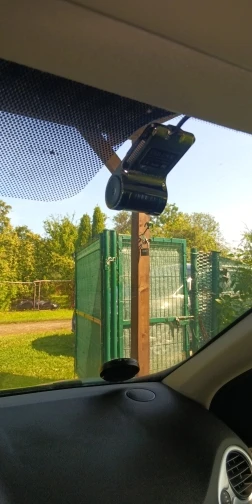
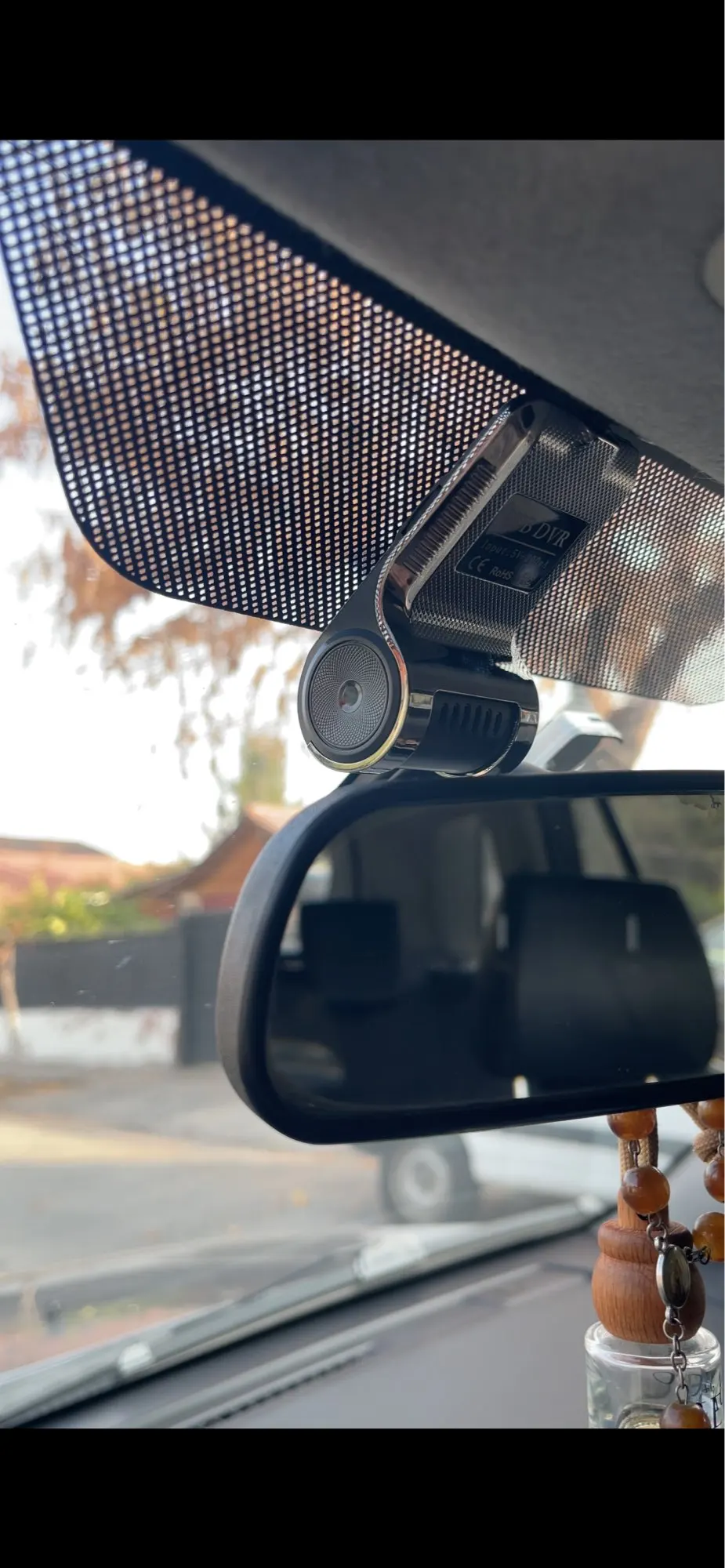
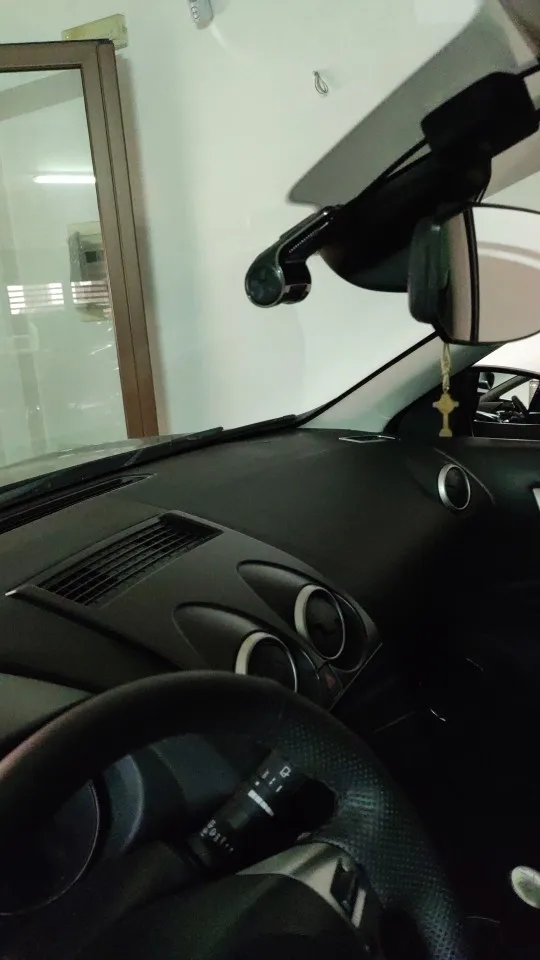
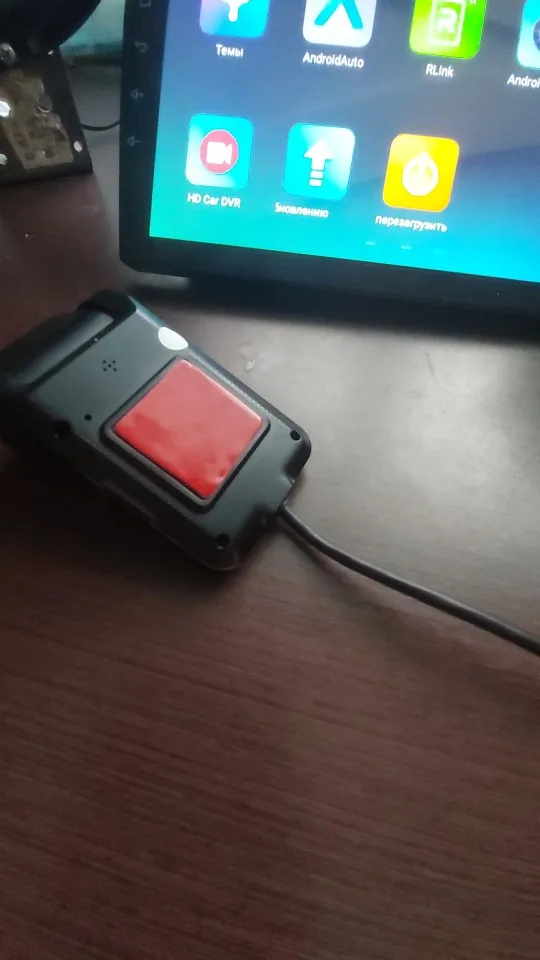
This compact recording device delivers real-time driving protection straight to your mobile entertainment center. You get reliable road monitoring tailored specifically for vehicles equipped with Android radios. The discreet hardware blends silently behind your existing interior paneling.
Key Benefits — What it helps the customer do.
You gain continuous peace of mind during every trip to work or destination. Automatic recording catches unexpected events without requiring frequent touch inputs. Instant lane departure alerts help correct drifting before costly mistakes happen. Clear playback files give you straightforward evidence for insurance or personal review.
Features — Its main functions.
-
Adaptive Night Capture Wide F2.0 optics gather ambient glow for sharp daytime clarity and readable night footage.
-
Smart Loop Storage Seamless overwriting guarantees fresh space while preserving recent journeys without filling up.
-
Synchronized Timing Auto date-stamping aligns video records perfectly with your scheduled routes and calendar.
-
Built-In G-Sensor Sudden stops trigger immediate file locking to protect critical crash moments.
-
Motion Detection Stationed recordings stay active if movement occurs near parked vehicles overnight.
Specifications — Size, materials, power, compatibility, and other known details.
-
Camera Output Delivers consistent 1280x720 resolution at steady 30 frames per second.
-
Lens Coverage Captures 170 degrees of forward visibility through a fixed non-touch glass assembly.
-
Power Supply Runs directly from your vehicle electrical system with zero internal batteries needed.
-
Media Support Accepts standard Micro SD or TF cards up to 32 gigabytes marked Class 10.
-
Compatibility Connects exclusively via USB port or inserted media to Android multimedia interfaces.
What’s Included — Items in the package.
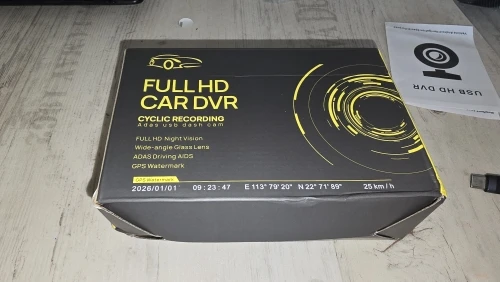
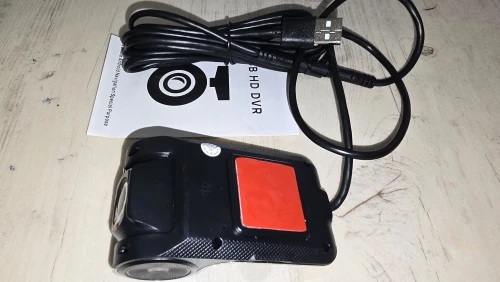
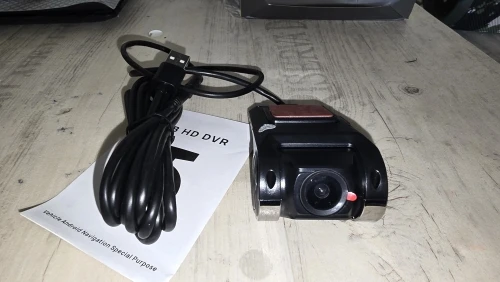
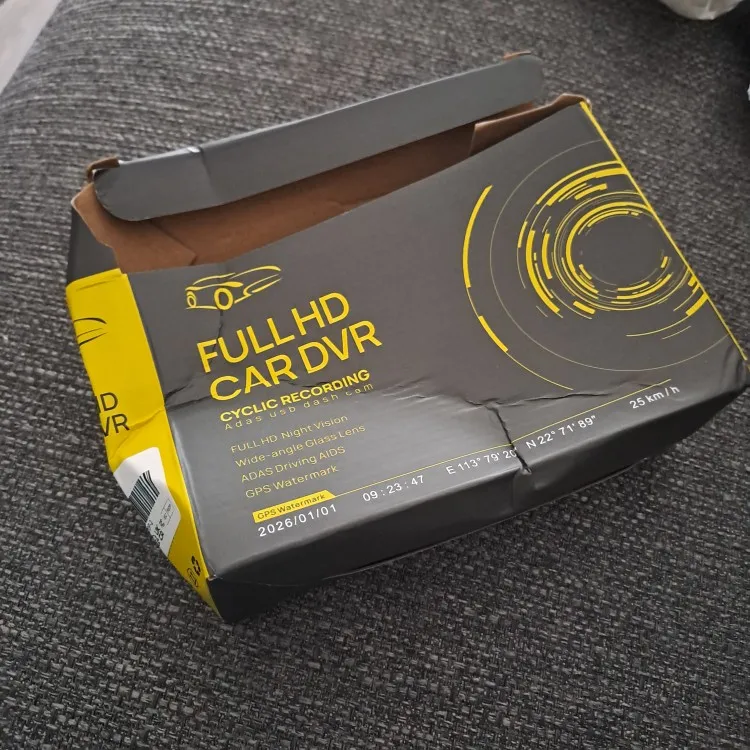
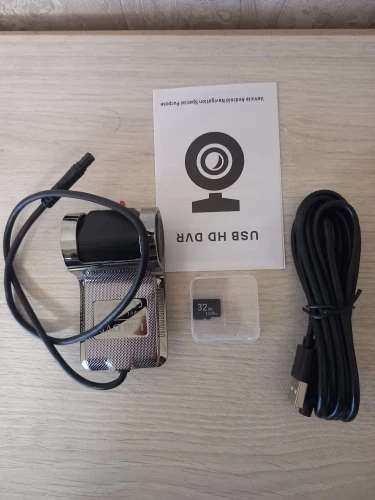
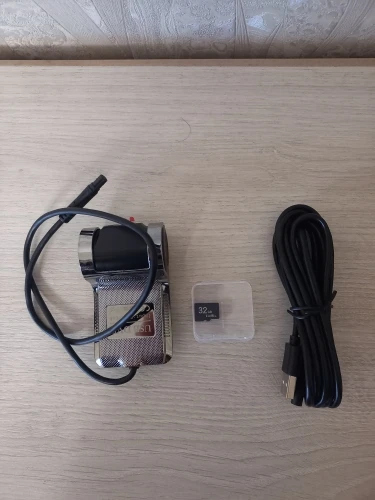
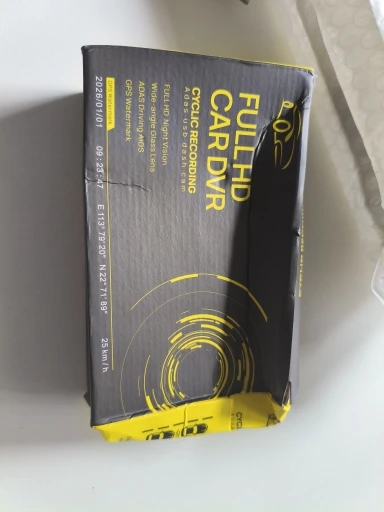
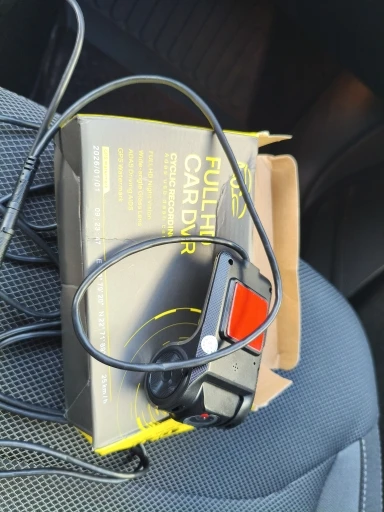
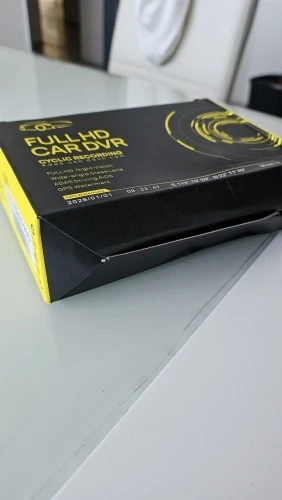
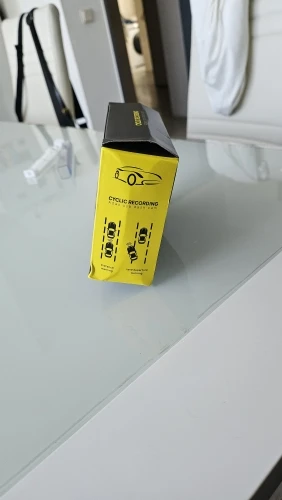
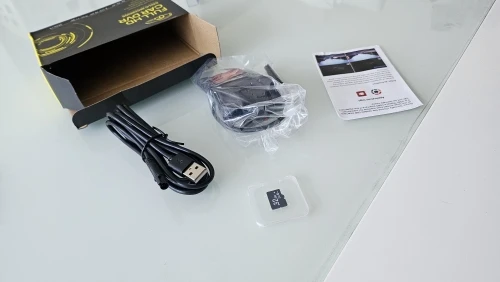
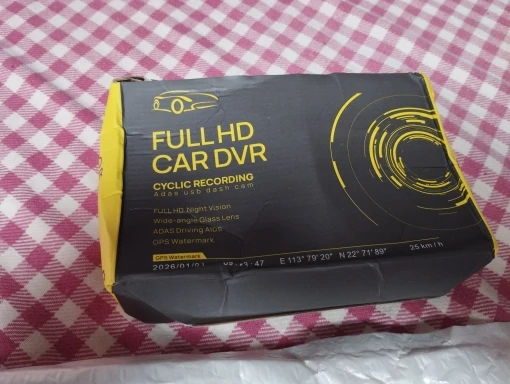
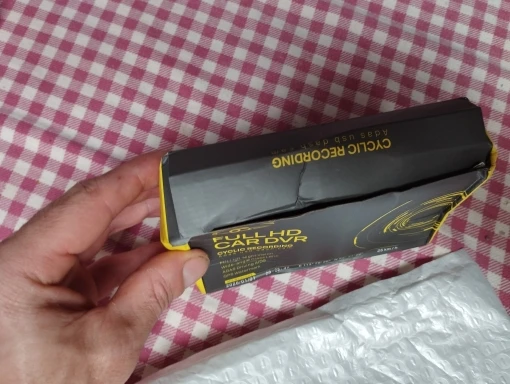
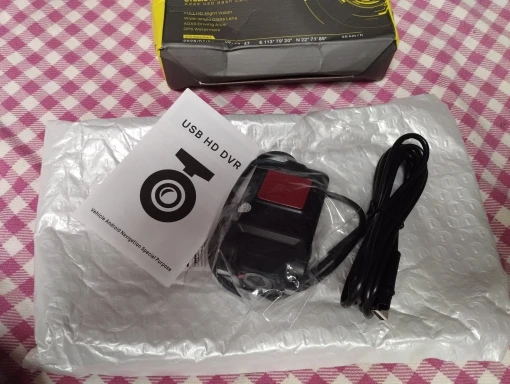
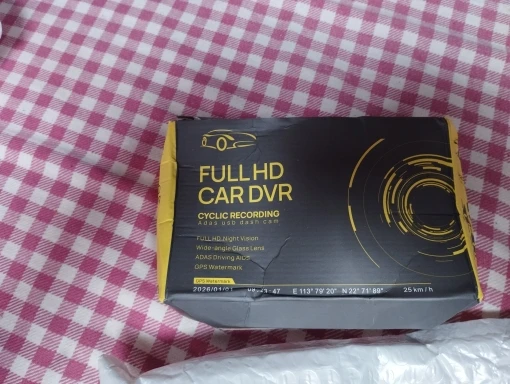
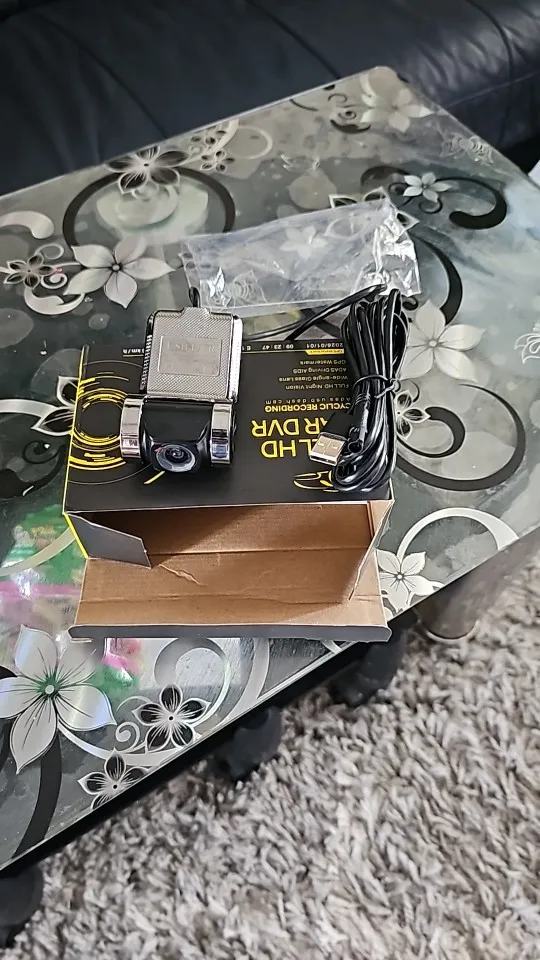
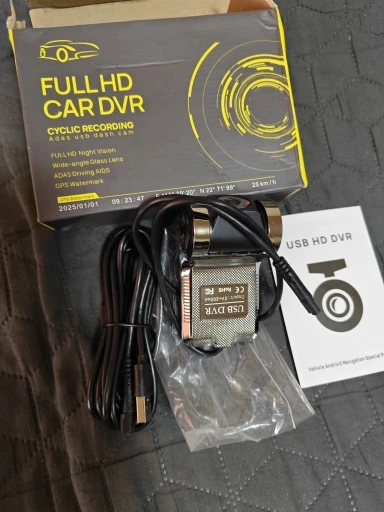
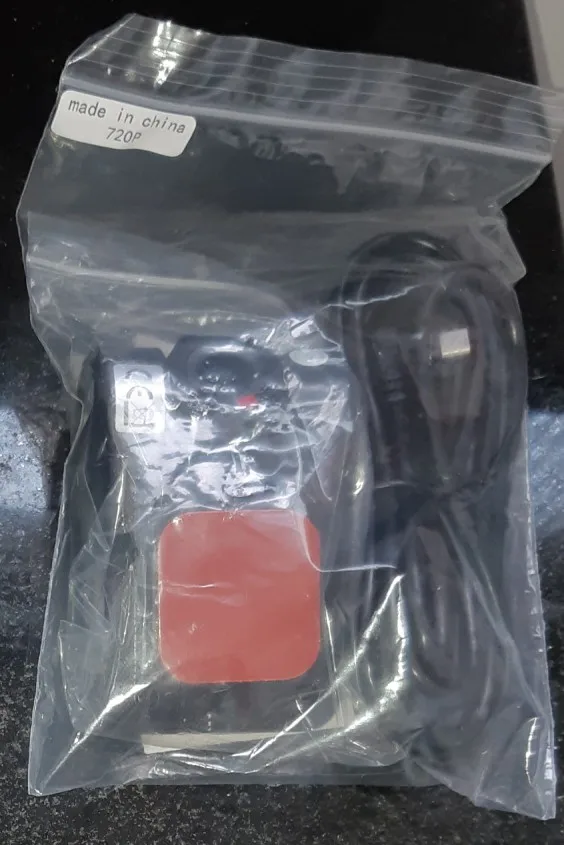
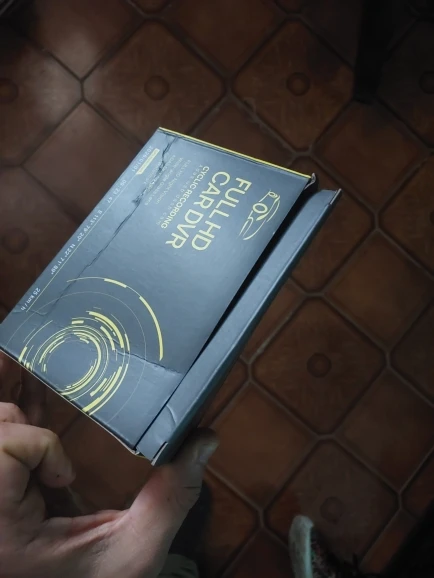
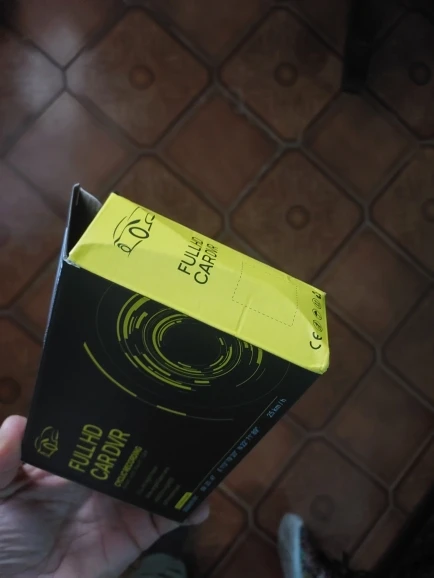
Your order arrives fully sealed in the original manufacturer packaging containing the main dash camera module and quick reference guide. Please prepare a standard USB cable yourself since external wiring is not bundled. You will also need a compatible Class 10 memory card to activate live monitoring.
How to Use — Brief setup or use instructions.
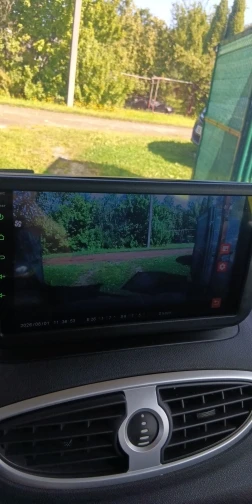
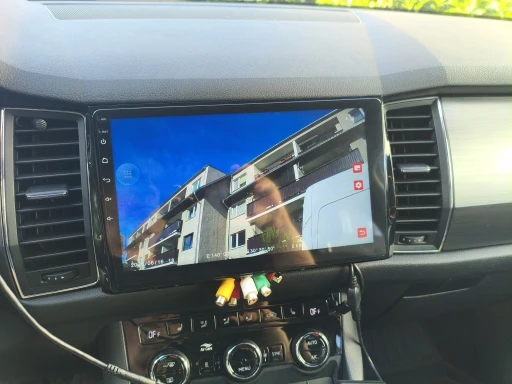
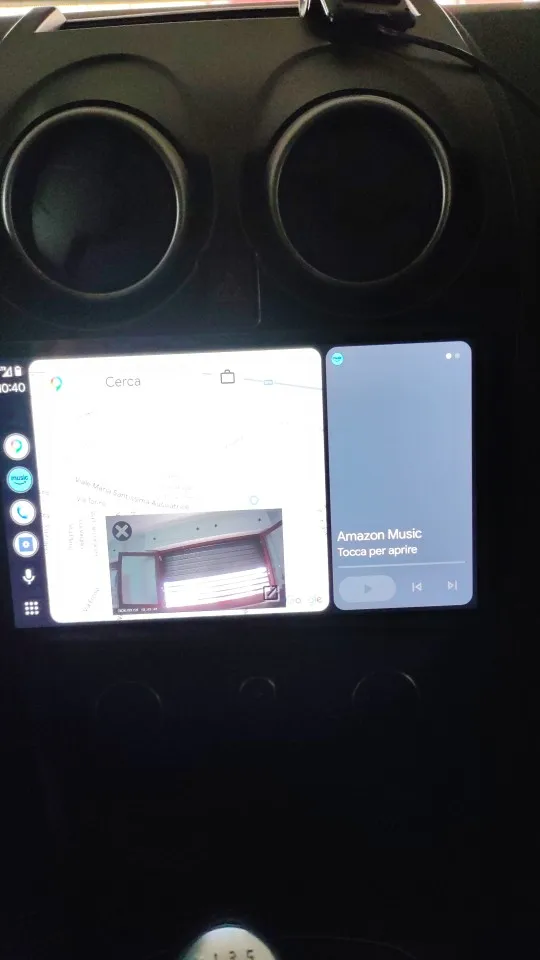
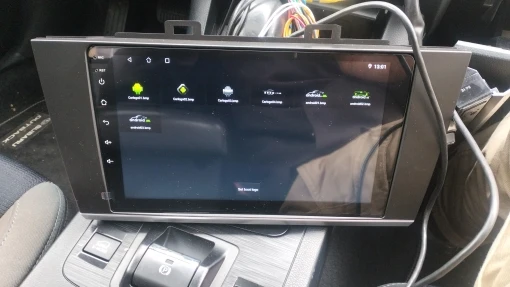
Open your file manager on the Android screen once connected to the host machine. Locate the Buildwin USB drive folder and launch the uCardvr.apk installer. Allow system settings to approve the program, then restart the interface. Enter application menus to enable ADAS alerts, adjust recording modes, or update software via local network. Plug a standard USB cord into your chosen large-screen port to view live feeds instantly.
Frequently Asked Questions — Answer two common questions using verified information.
Where do I find the recorded files? You cannot stream archived clips wirelessly. Remove the inserted memory card, insert it into a computer card reader, and open the saved AVI folders to watch older sessions offline.
Why won’t the app appear on my display? The device bypasses standard mobile operating systems. You must manually trigger the installer inside the hidden USB directory before menu icons populate. Rebooting the head unit after installation guarantees stable launches.
Audience Keyword Sets
- Primary search terms: ADAS dash camera, Android car radio DVR, lane departure warning tool, automotive surveillance gadget, vehicle front camera
- Intent-driven terms: buy dashcam for android stereo, best ADAS recorder for cars, night vision trail camera usb, loop recording dash monitor, g-sensor video logger
- Feature-focused terms: 1280x720 car cam, 170 degree wide angle DVR, motion detection dash recorder, hidden in-dash monitor, automatic cycle storage camera
- Technical compatibility terms: Micro SD TF card dash cam, USB connection vehicle encoder, Android multimedia player accessory, F2.0 aperture automotive lens, AVI H.264 video recorder
- Digital assistant queries: how to install dashcam apk on android radio, does this dvr work with phone bluetooth, where to replace car usb monitoring cord, best lane warning safety feature, verify CE FCC approved dash device