Phanteks Nexlinq Hub Control
Explore the Phanteks Nexlinq Hub Control and review the specifications below to choose the configuration that fits your needs.
Tighten your airflow and sync your lights with zero guesswork. Plug this compact driver into any open USB spot, launch the companion Windows App, and command every channel from a single dashboard. You get precise 12V regulation, clean routing, and thermal tweaks without crowding your motherboard. Trust the multiple channel output to keep your case breathing cool and your visual setup running smooth.
Key Features
Digital Oversight Replace physical switches with a dedicated Windows App that tracks speed and lighting in real time.Multi-Channel Routing Connect several peripherals to one central anchor point for cleaner cable management.Stable 12V Input Draws regulated power directly through a standard USB interface to protect sensitive internals.
The Nexlinq Hub V2 streamlines your internal wiring. You install the software, link each component to your preferred profile, and the system remembers your choices. Its matte black enclosure blends effortlessly into modern chassis layouts. Everything stays orderly, cool, and fully customizable with minimal effort.
This digital bridge connects your hardware to intuitive software control. You manage cooling profiles and RGB synchronization from one unified screen. The design prioritizes tidy interiors and responsive thermal tuning. Builders appreciate how it simplifies routine adjustments without adding bulk.
Key Benefits
You eliminate tangled header cables and reduce diagnostic headaches. Fan speeds adapt automatically to heat spikes, keeping noise low during light tasks and performance high when gaming or rendering. Synchronized lighting pulses cohesively across linked channels, elevating your desk presence. You spend less time untangling wires and more time optimizing your workflow.
Features
Custom Curves Adjust thresholds manually when automatic tracking falls outside your preference.Preset Modes Toggle between silent operation and maximum airflow with one click.Rugged Finish The durable black shell resists daily wear and matches standard internal panels.
Specifications
-
Model: Nexlinq Hub V2
-
Power Interface: USB
-
Voltage: 12V
-
Output Type: Multiple channel output
-
Color: Black
-
Application: Case
What’s Included
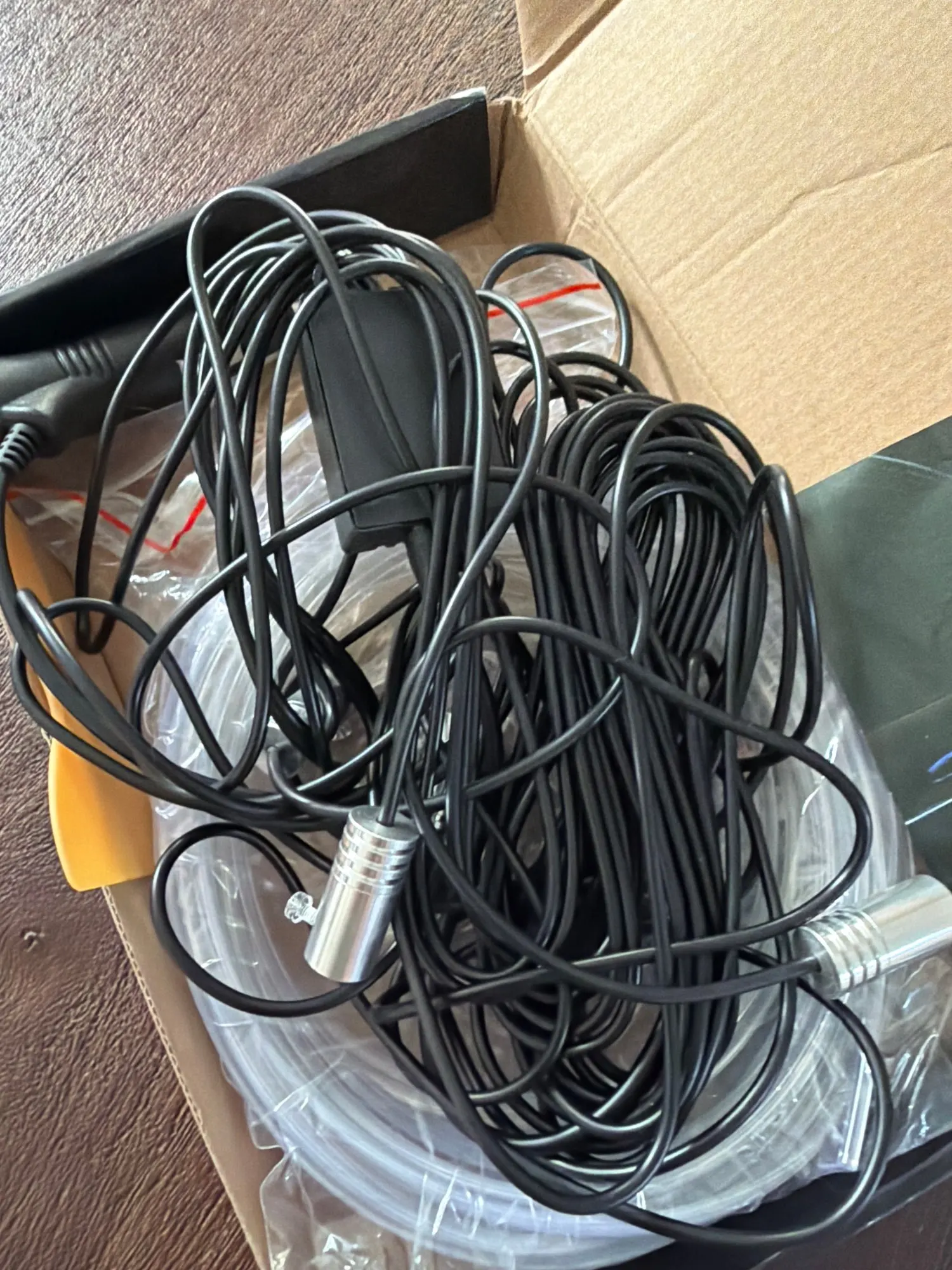
Your shipment contains the Nexlinq Hub V2 unit prepared for immediate installation. The package includes standard mounting hardware and clear guidance for accessing the Windows companion software. No extra adapters or external power bricks are required.
How to Use
Route the USB cable to an available internal pin header. Secure the hub to a panel using the included fasteners. Open the Windows App, assign each peripheral to a channel, and save your configuration. The system applies your settings on boot.
Customer Benefits
You extend component lifespan by maintaining consistent air movement throughout heavy sessions. Centralized tuning removes the guesswork from temperature management. Visual consistency improves when all connected strips run together rather than blinking independently. Daily operations run quieter, faster, and noticeably more organized.
Ideal Uses
Mount this driver in mid-tower builds demanding silent daytime operation. Deploy it in workstation frames that require steady thermal baselines during stress tests. Route addressable strips and case fans through a single junction to free up valuable motherboard pins.
Who It’s For
First-time builders value the simplified wiring path and guided setup. Seasoned modders rely on the predictable 12V delivery and reliable software foundation. Anyone tired of chasing loose cables will appreciate the permanent organizational upgrade.
Frequently Asked Questions
-
Which option will I receive? The configuration shown in your selected option; available labels include black.
-
What should I check for compatibility? Compare connector types, signal direction, power needs and host-device support with your equipment before ordering.
-
Are all pictured accessories included? Only items explicitly listed in the selected package are included.
-
Do specifications differ between variants? They can. Use the exact model and option label to confirm the configuration.
-
Where can I confirm setup instructions? Check the manufacturer manual for the exact model before installation or use.
Related Products