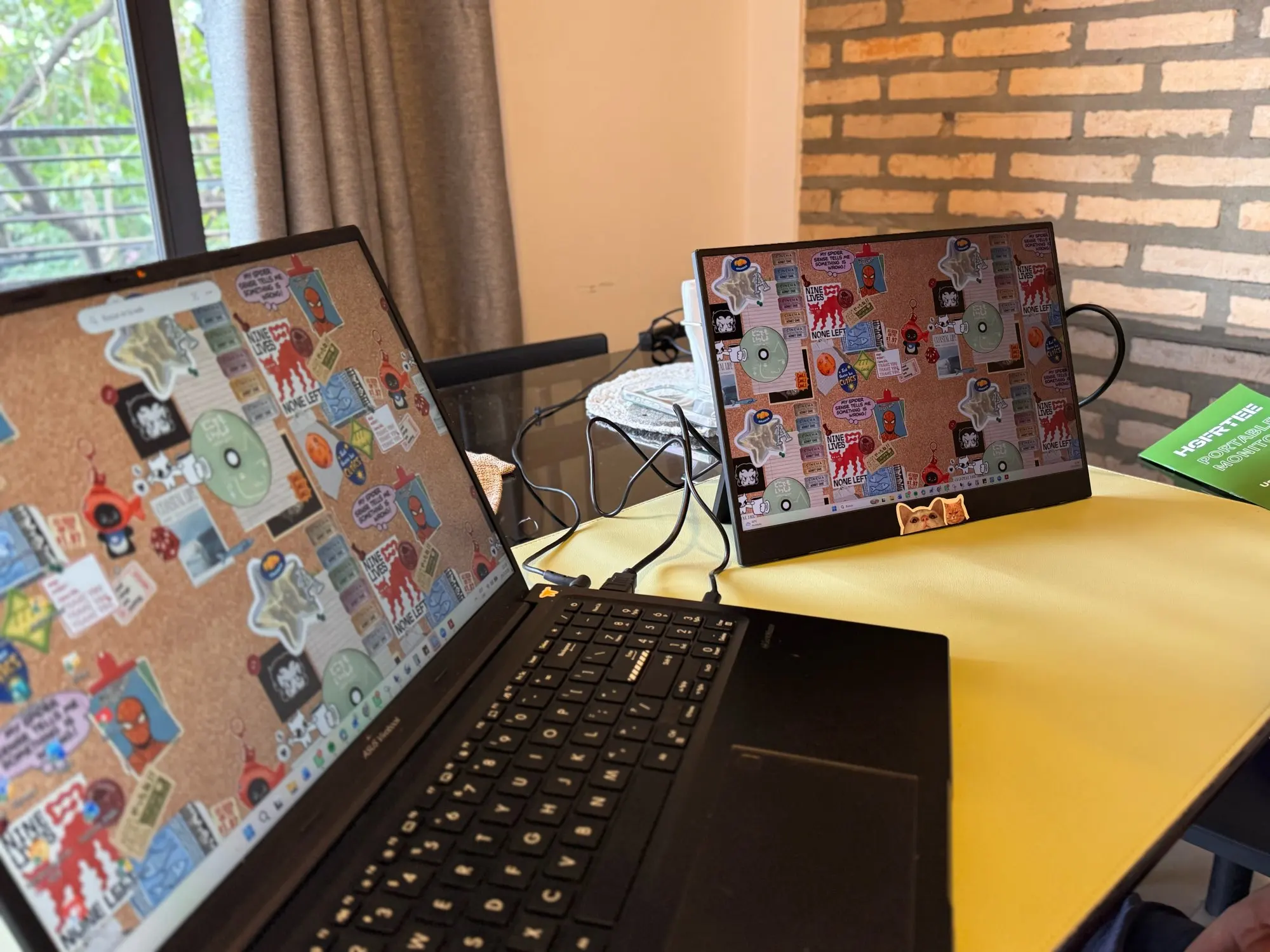
Expand your screen instantly with this portable IPS monitor. You get HDR10 clarity, 3ms response times, and dual USB-C connectivity for seamless desktop extension.
Key Features
-
High-Dynamic Range Panel: Delivers richer pictures and wider color ranges for vivid visuals.
-
Fast Motion Handling: A 60Hz refresh rate and 3ms response time eliminate stuttering during fast action.
-
Dual Connectivity Ports: Includes a Mini HDMI slot and two full-featured USB-C connectors for flexible wiring.
-
Built-In Audio Speakers: Provides immediate sound playback without needing external headphones.
-
Ultralight Chassis: Weighs just 634 grams so you carry it everywhere without fatigue.
Product Description
You plug this compact screen into almost any modern device and watch your workspace double overnight. The matte surface suppresses harsh reflections under office lights. FreeSync blends smoothly with supported games so tearing disappears. You browse documents, edit videos, or compete in matches without hunting for adapters.
Product Overview
This is a sleek 14.1-inch portable monitor designed for daily mobility. The ADS-IPS matrix renders sharp 1920x1200 pixels across a spacious 16:10 canvas. You slide it into a backpack alongside your laptop and deploy it anywhere a power outlet waits. It serves gamers, remote workers, and creatives equally well.
Key Benefits
Your productivity climbs when you split applications across two high-definition displays. Eye comfort improves because the anti-glare coating absorbs overhead light. Fluid animations arrive instantly thanks to rapid pixel transitions. You save wallet space by buying one affordable screen instead of bulky external units.
Features
Integrated stereo drivers deliver clear dialogue for calls and media. Adaptive Sync technology locks frame rates to your hardware output. The slim aluminum-style frame measures just three centimeters thick. Matte texture resists smudges during marathon editing sessions.
Specifications
-
Active Area: 14.1 inches diagonal measurement
-
Pixel Count: 1920 by 1200 native resolution
-
Coverage: 46 percent NTSC and 63 percent sRGB
-
Speed: 60Hz over Type-C 3.1 or HDMI 1.4 inputs
-
Panels: ADS-IPS architecture with 6-bit color depth
-
Luminance: 250 cd/m² peak brightness
-
Angles: 178° horizontal and 178° vertical viewing reach
What’s Included
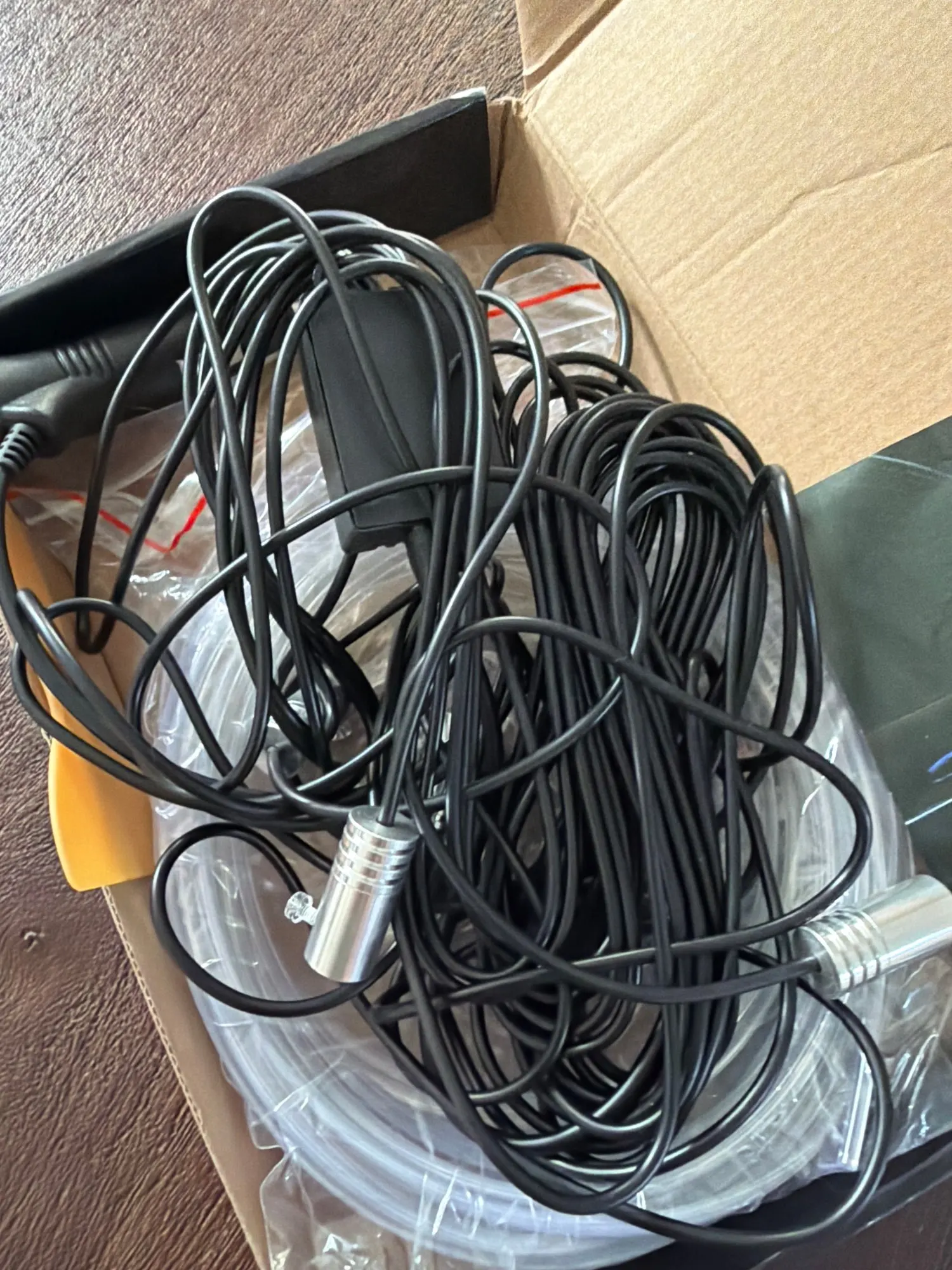
The sealed box contains one complete LCD panel ready for deployment. You also receive a dedicated HDMI video cable for baseline signal routing. A matching USB-C to USB-C cord handles simultaneous data transfer and power draw. A standard DC power cable arrives with the package. Printed quick-start pages guide initial port selection and display switching.
Additional Package Contents
All necessary cables travel together so you skip aftermarket purchases. The included documentation walks you through Windows, macOS, and console detection steps.
How to Use
Connect your computer to the Mini HDMI port for primary video feed. Attach the separate power cable to a wall adapter or USB hub. Enable extended desktop mode in your operating system settings. You can also route both image and electricity through a single Type-C wire. The monitor registers automatically once signal and voltage stabilize.
Customer Benefits
You reclaim valuable desk area by stacking screens vertically. Workflow speed increases as you drag files between adjacent views. Travel stress drops because the featherweight design passes security checkpoints effortlessly. You enjoy reliable color accuracy for photo reviews and video grading on the go.
Ideal Uses
Gamers chain PlayStation and Xbox controllers directly to the responsive pad. Remote teams host dual-screen standup meetings without camera congestion. Programmers compile code on the base lid while monitoring logs on the second view. Streamers overlay chat feeds beside their main broadcast window.
Who It’s For
Laptop travelers who refuse to sacrifice desktop efficiency benefit from instant plug-and-play expansion. Console enthusiasts wanting a dedicated combat zone appreciate the tear-free motion. Digital artists reviewing sketches love the wide color mapping. Students attending hybrid classes gain room to reference notes beside lecture slides.
FAQ
Q: Why does the screen show No Signal?
A: Confirm your source device supports Type-C 3.0 or Thunderbolt 3 when using the direct cable. If you route through HDMI, connect the external power adapter to guarantee stable voltage delivery.
Q: Why does the display flicker occasionally?
A: Inspect every cable junction for loose seating. Provide at least PD 20W power output to prevent voltage dips that cause unstable frame rendering.
Q: Will it work with older laptops lacking Type-C video support?
A: Yes. Switch to the included HDMI cable and attach the power plug to drive the panel correctly.
Q: Can I mount this screen on an arm clamp?
A: The base frame measures 7mm thick. Standard VESA or mini-clamp brackets hold it securely when positioned flat.
Q: Is the surface glossy or matte?
A: The front glass carries a matte coating that diffuses ambient light and blocks fingerprints.
Slide it onto your coffee shop table, tap the power button, and command your next project with effortless dual-display precision.
Specifications |
Band |
HGFRTEE |
Screen size |
14.1 inch |
Panel type |
ADS-IPS |
Resolution |
1920*1200P |
Aspect ratio |
16:10 |
Color Gamut |
46% NTSC,63%SRGB |
Displays Colours |
16.7M (6-bit) |
Brightness |
250cd/m2 |
RefreshRrate |
TYPE-C 3.1 1920*1200P@60hz/ HDMI 1.4 1920*1200P@60hz |
Contrast |
1000:1 |
Viewing angle |
178° |
Refresh rate |
60Hz |
Response time |
3ms |
HDR |
support |
Freesync |
Adaptive Sync (freesync) |
Appearance size |
310mm*210mm*7mm |
Weight |
634g |
Packing List
|
Monitor |
*1 |
HDMI cable |
*1 |
USB-C to USB-C Cable |
*1 |
Power cable |
*1 |
Manual |
*1 |