30 DAY MONEY BACK GUARANTEED


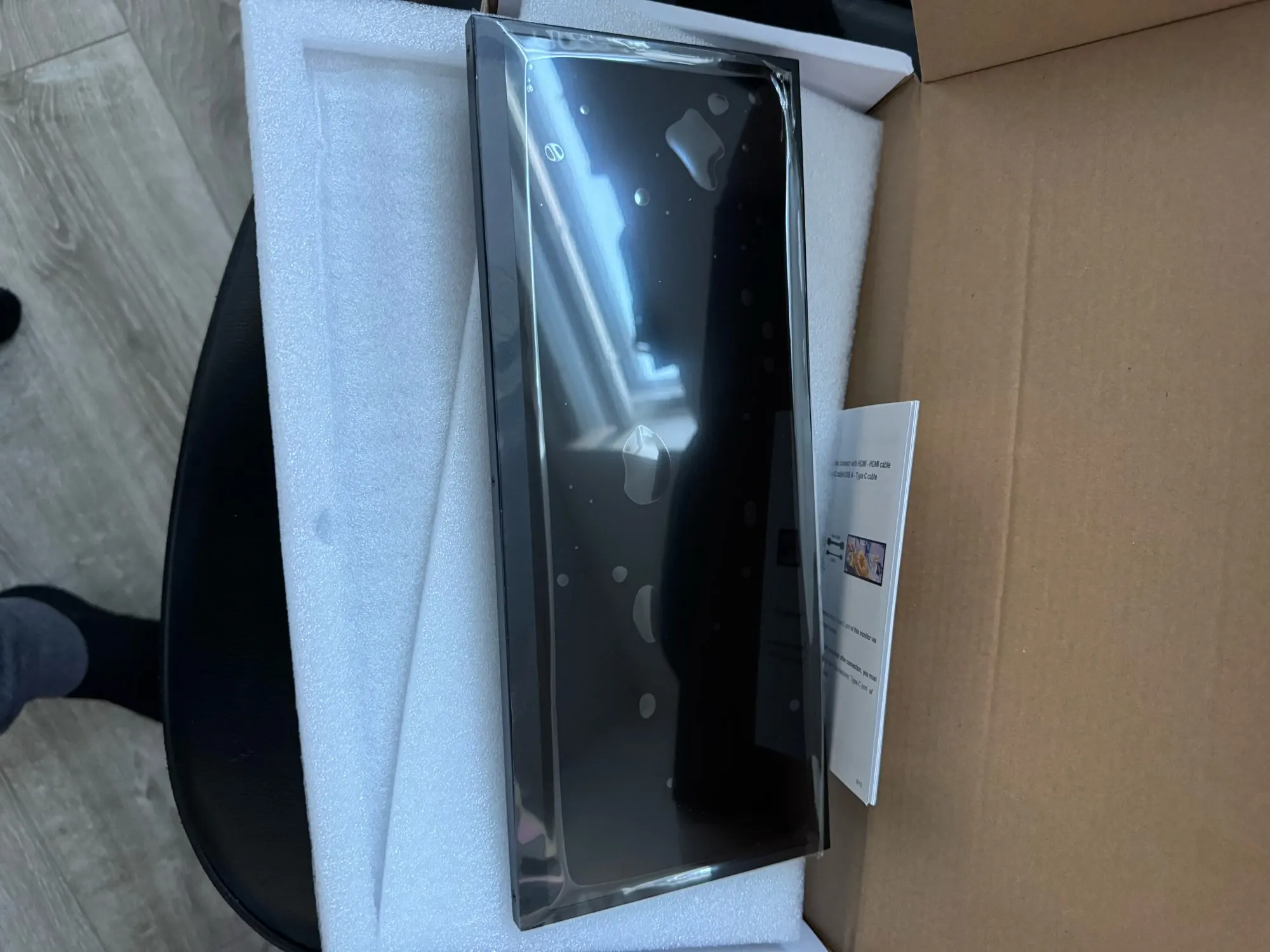
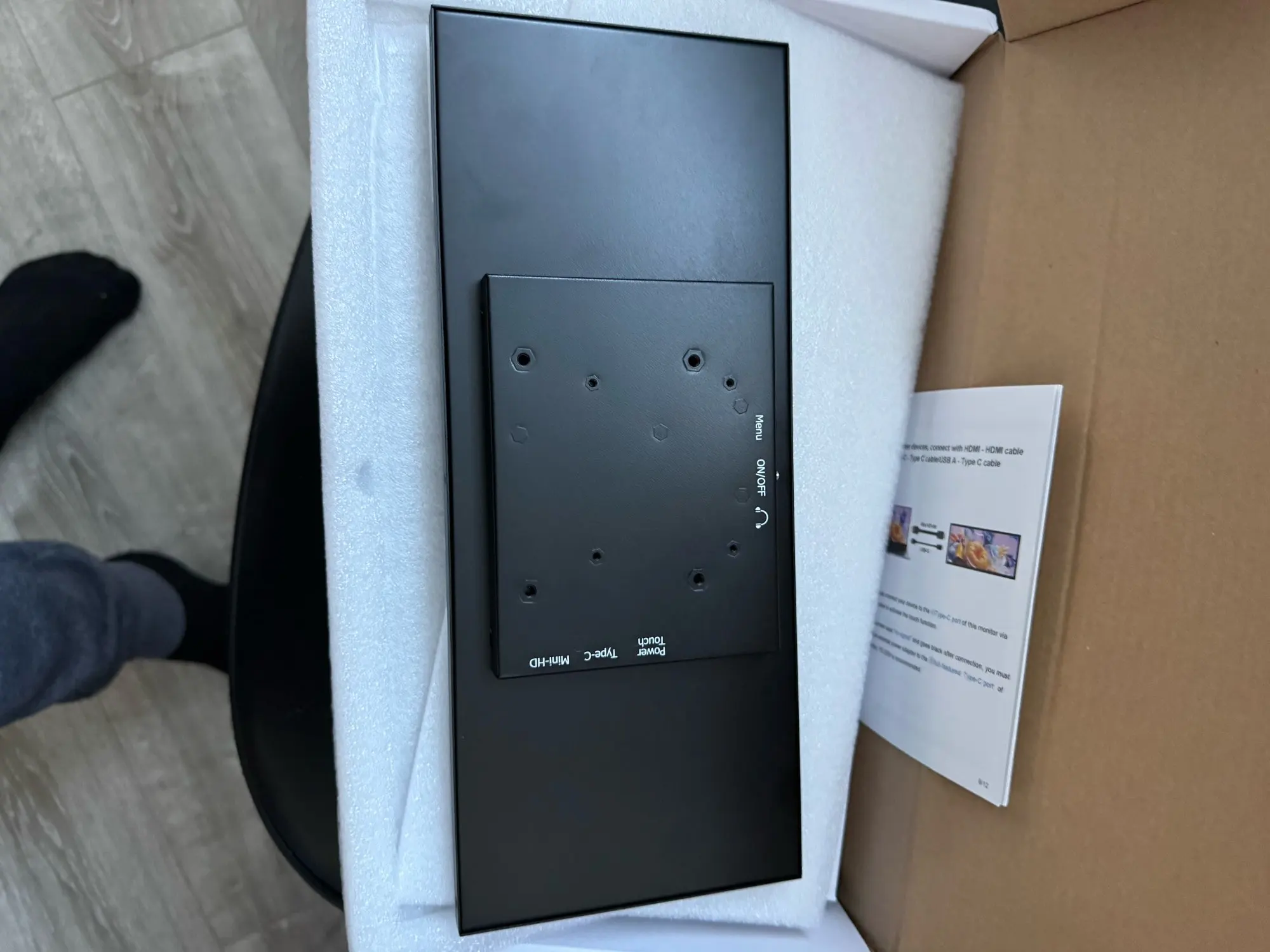
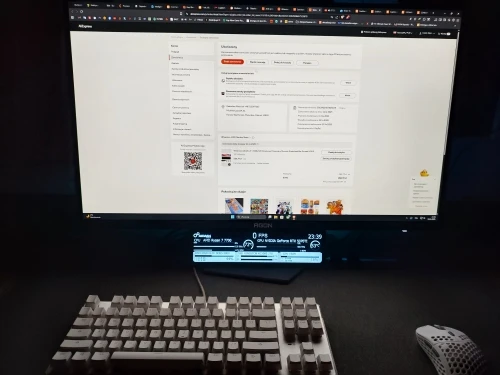
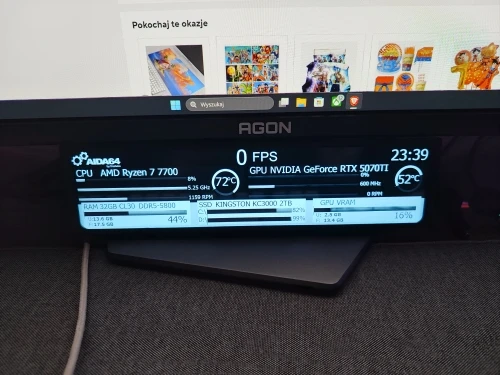


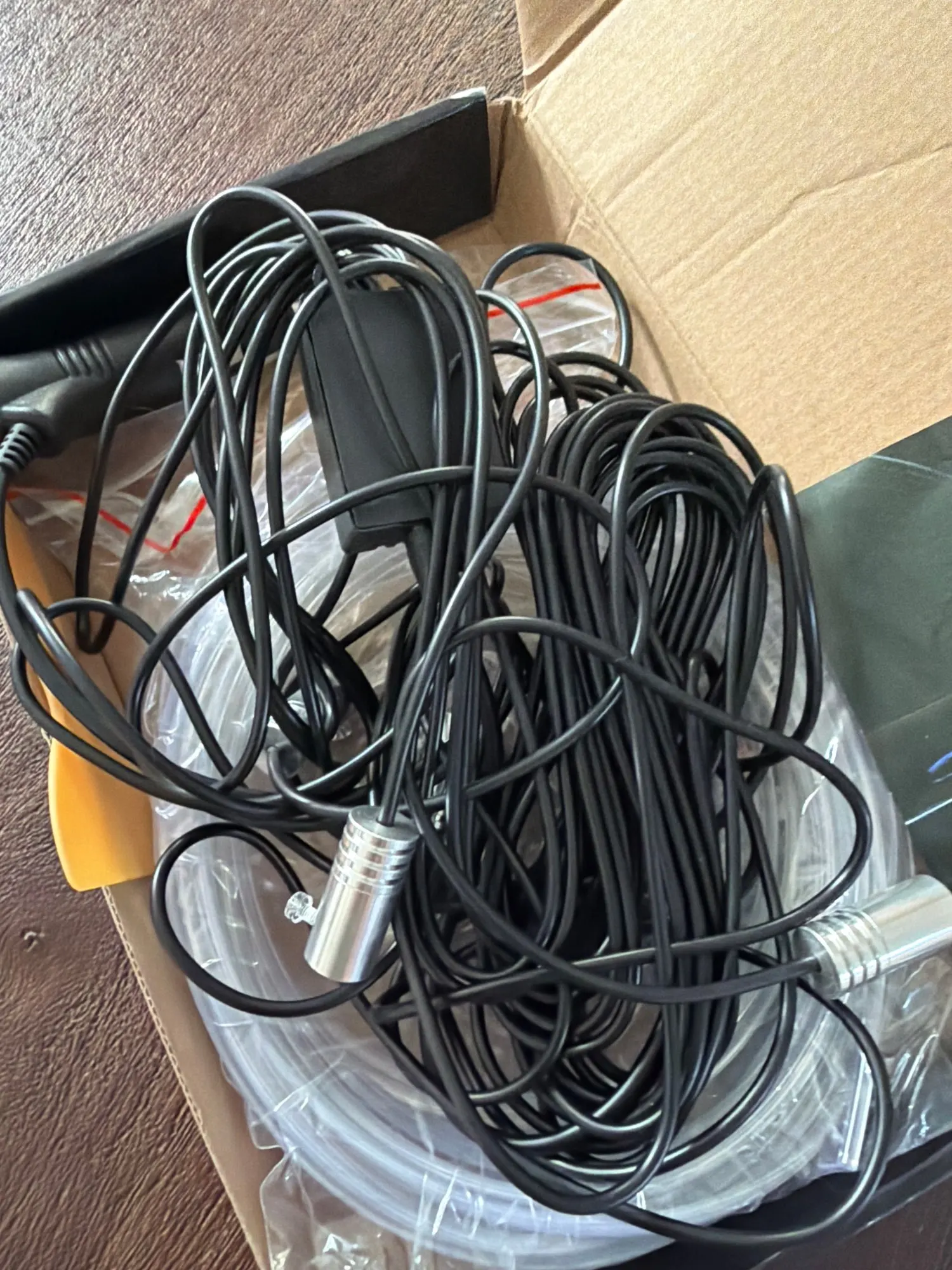
I don't know, they look like the ones in the picture, they are very uncomfortable and I ordered them in brown, not black.
The product is fake and very bad, the processor is i3 and the RAM is DDR3.


Secure Payment

Fast Delivery

Money Back Guarantee

24/7 Support

Quality Assurance
Free shipping on all orders . See details
Estimated between Oct 17, 2026 and Oct 19, 2026 Ships within 1-3 business day after payment clears. | SHOP Track Order | Ourlum Orders | Track Orders
30 days returns. 100% Money back guaranteed. See details

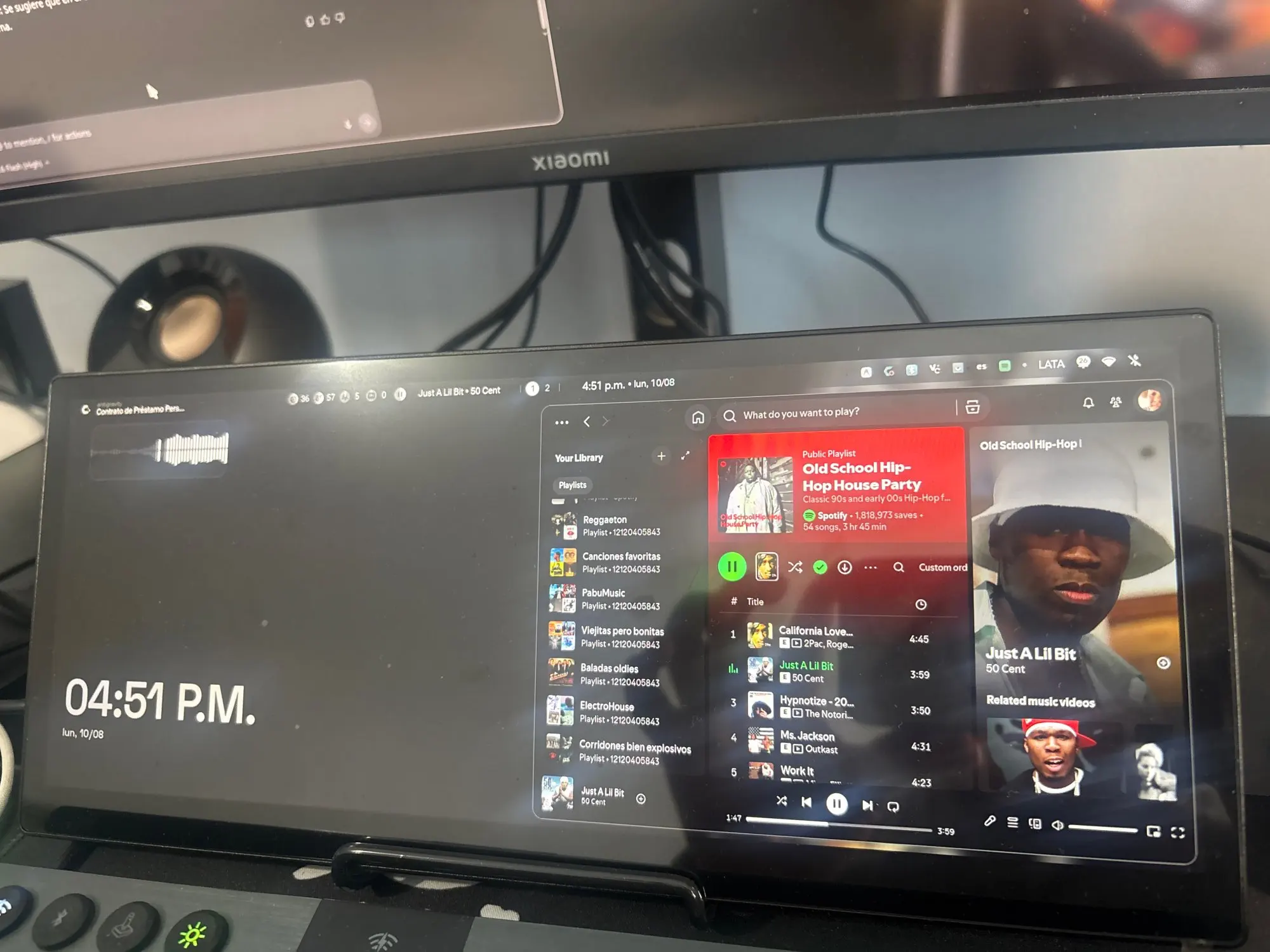
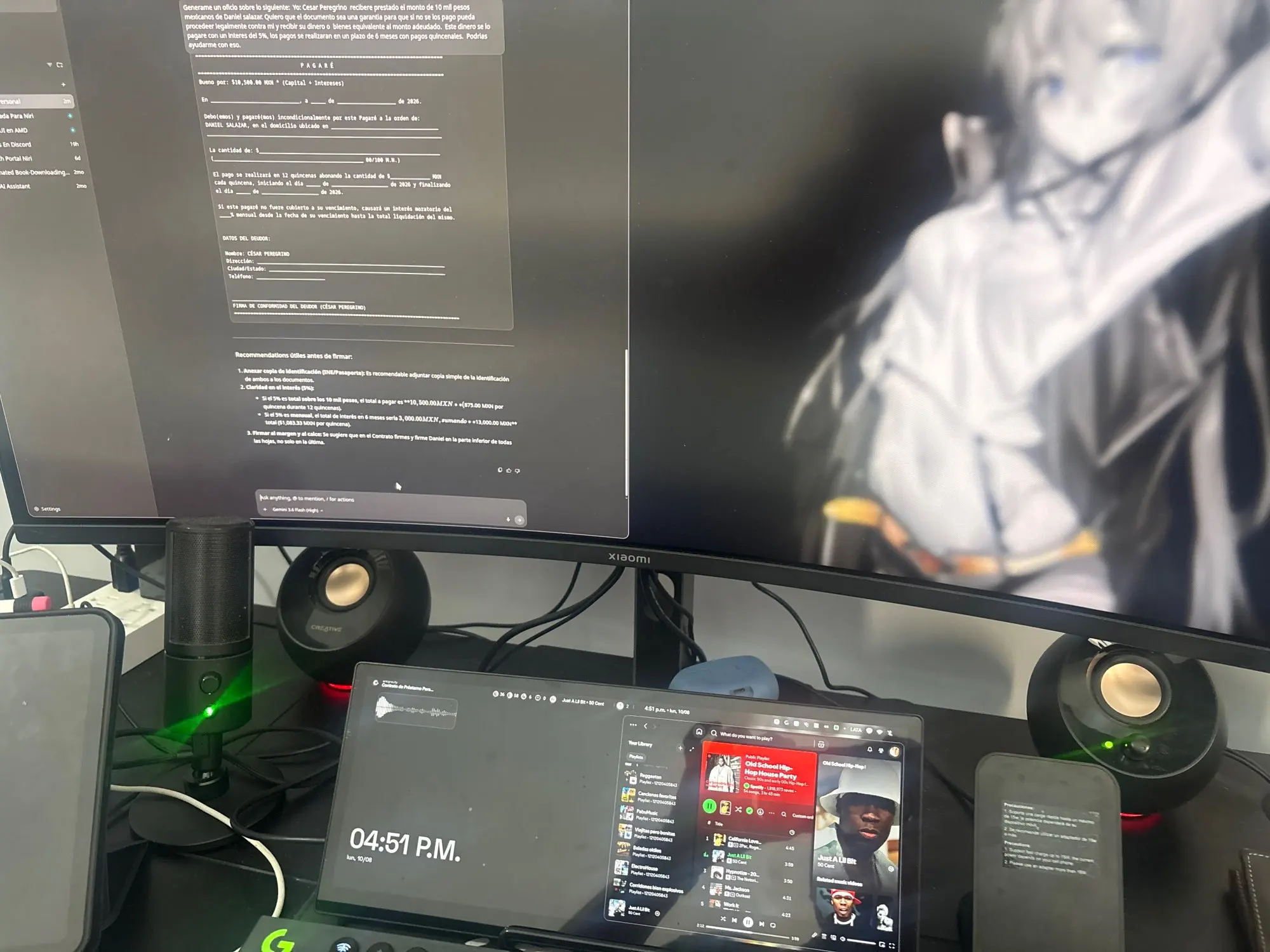
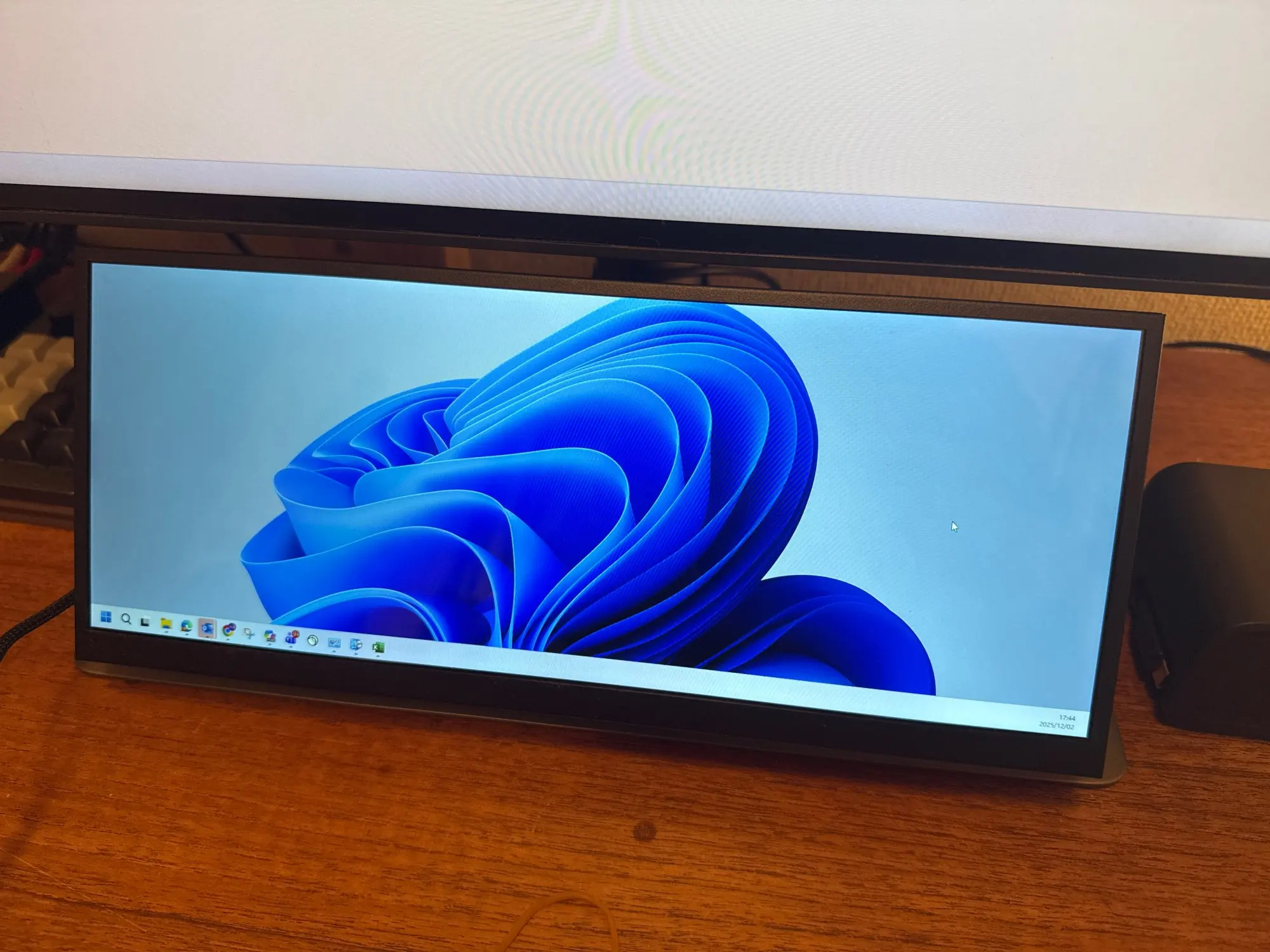
Portable Touch Screen Gaming Monitor. Grab a 12.3-inch portable touch screen gaming monitor for desktop expansion. Experience crisp 1920x1080 FHD visuals and rapid 3ms response times. USB-C, HDMI, and USB ports guarantee plug-and-play connections. Touch navigation and dual speakers boost every session. This ultra-slim display adapts to any workspace. Upgrade your setup today for seamless multitasking.
Your daily screen gets a major upgrade.
This sleek 12.3-inch touch monitor expands your digital world . You connect it through a single USB-C cable or standard HDMI inputs. The glossy surface renders bright 500 cd/m² images against a deep 1500:1 contrast ratio. Hidden rear ports keep your desk tidy. You simply plug in and see every detail clearly. The narrow bezel design saves valuable table space.
You get a complete second-screen solution that travels where you do.
The unit weighs little and stands ready for home desks or coffee shop workstations.
It replaces bulky setups with one flexible, portable display.
You finish projects faster with extended multitasking capabilities.
You eliminate cable clutter thanks to consolidated rear connections.
You enjoy clearer media playback through dedicated internal drivers.
Every component serves a direct purpose.
You receive the complete 12.3-inch display unit ready for immediate activation.
All necessary mounting brackets come installed for straightforward placement.
No extra software downloads are required for basic operation.
The box contains the primary screen body.
A quick reference guide covers initial setup steps.
Cables are sold based on your current host device requirements.
You slide the USB-C connector into your host device for power and signal transfer.
Alternatively, you attach an HDMI cable for older machines that lack modern charging ports.
You switch between extended or duplicated modes directly through your computer settings.
Note that multi-touch functionality operates exclusively on Windows and Linux systems.
You reclaim your primary monitor for focused deep work tasks.
You stream videos with balanced audio delivered right from the chassis.
You carry less weight when moving between rooms or locations.
You run creative editing timelines across three synchronized layouts.
You track live market charts while browsing articles on your main machine.
You launch indie games requiring pixel- feedback.
You are a remote worker who demands reliable screen real estate.
You own a Raspberry Pi setup needing a ready-to-use visual interface.
You travel frequently and refuse to sacrifice productivity on the road.
Is multi-touch compatible with Apple devices? No. The capacitive touch layer disables itself automatically on Mac OS and iOS systems.
Do I need extra power adapters? No. A full-featured USB-C port handles power delivery and video transmission simultaneously.
OurLum specializes in Smart Electronic products, connected devices and useful everyday accessories.
OurLum specializes in Smart Electronic products for everyday use.
Shop OurLum with confidence—secure payments, fast shipping, easy returns, order tracking, and reliable support.
At OurLum.com, we don’t just promise quality—we guarantee it. Every product is carefully selected and tested to meet real-life needs, and your satisfaction is 100% backed by our no-hassle return policy. If it doesn’t work for you, we’ll make it right—fast. Shop confidently knowing you're getting trusted products, secure checkout, and real support when you need it. Because at OurLum, your peace of mind comes first


Excellent secondary monitor. I bought the touch model which works perfectly on Arch Linux. No issues at all. It arrived very quickly. Highly recommended.
Great resolution and good product for the price. Touch works perfectly fine as well
Perfect! Fast delivery!
ideal for sensor panel.
Everything is great, the only negative point is that the USB-A to USB-C cable is unfortunately a bit short at 1 meter.
The crop piece isn't working at all.
Resolution is very poor
Good contact
The screen works without any problems.
package well packed
Unfortunately, they included a non-working cable. Other than that, the product works perfectly.
I ordered the screen and it was delivered very quickly. Sadly, the screen didn’t work correctly. The seller offered me a partial refund which i would’ve taken but then the screen stopped working completely… the seller then offered me a full refund, also fast communication so thank you.
Never received the product, I received a t-shirt instead! Big scam.
That's great. Thank you for the shipment.
very satisfied, the monitor works great with my setup.
excellent monitor and excellent build quality. very fast shipping