SPECIFICATIONS
Application: Laptop
Bracket Type: Swivel Lift Bracket
Brand Name: Uperfect
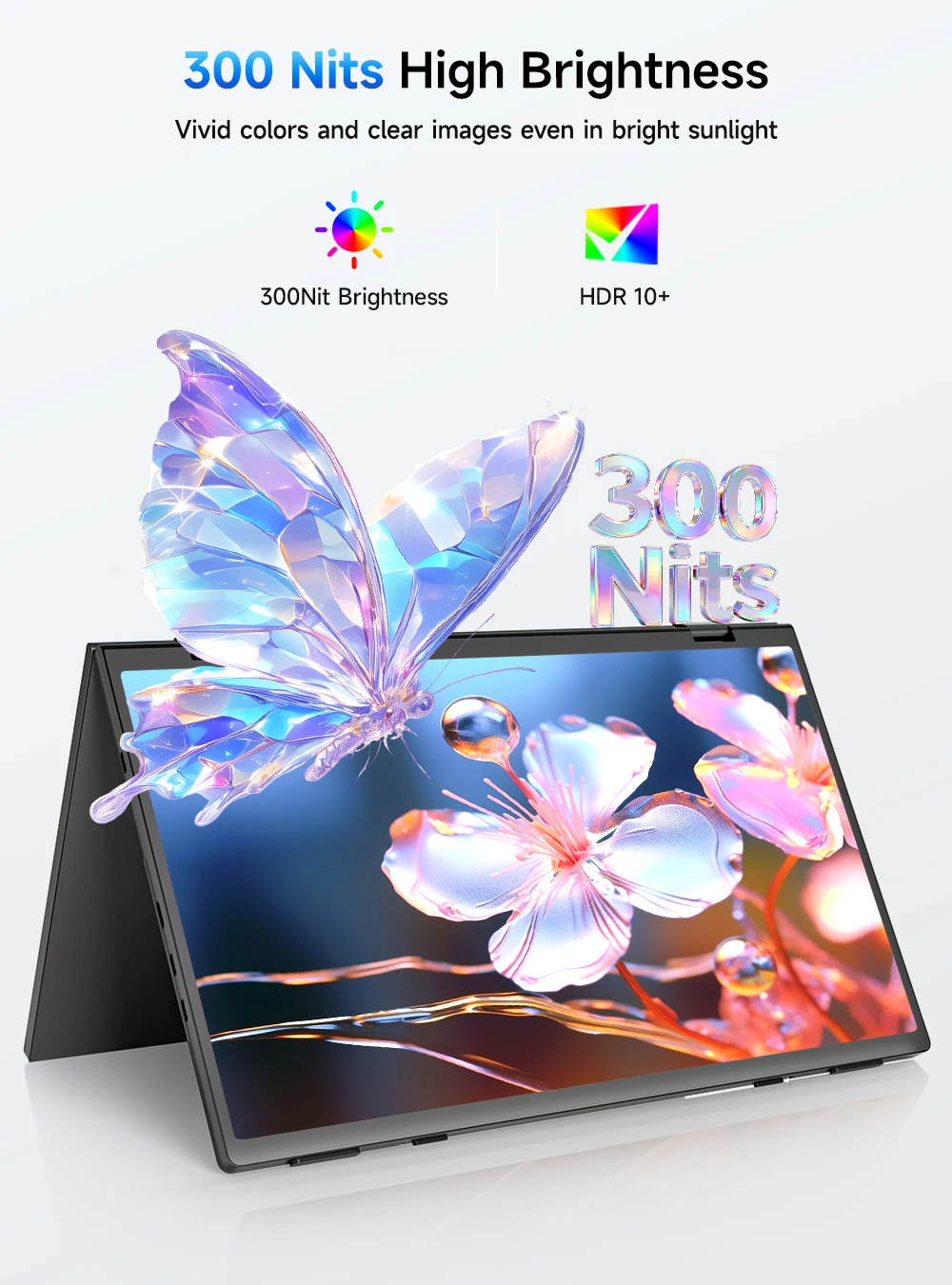
Brightness: 300cd/m
Built-in Speaker: Yes
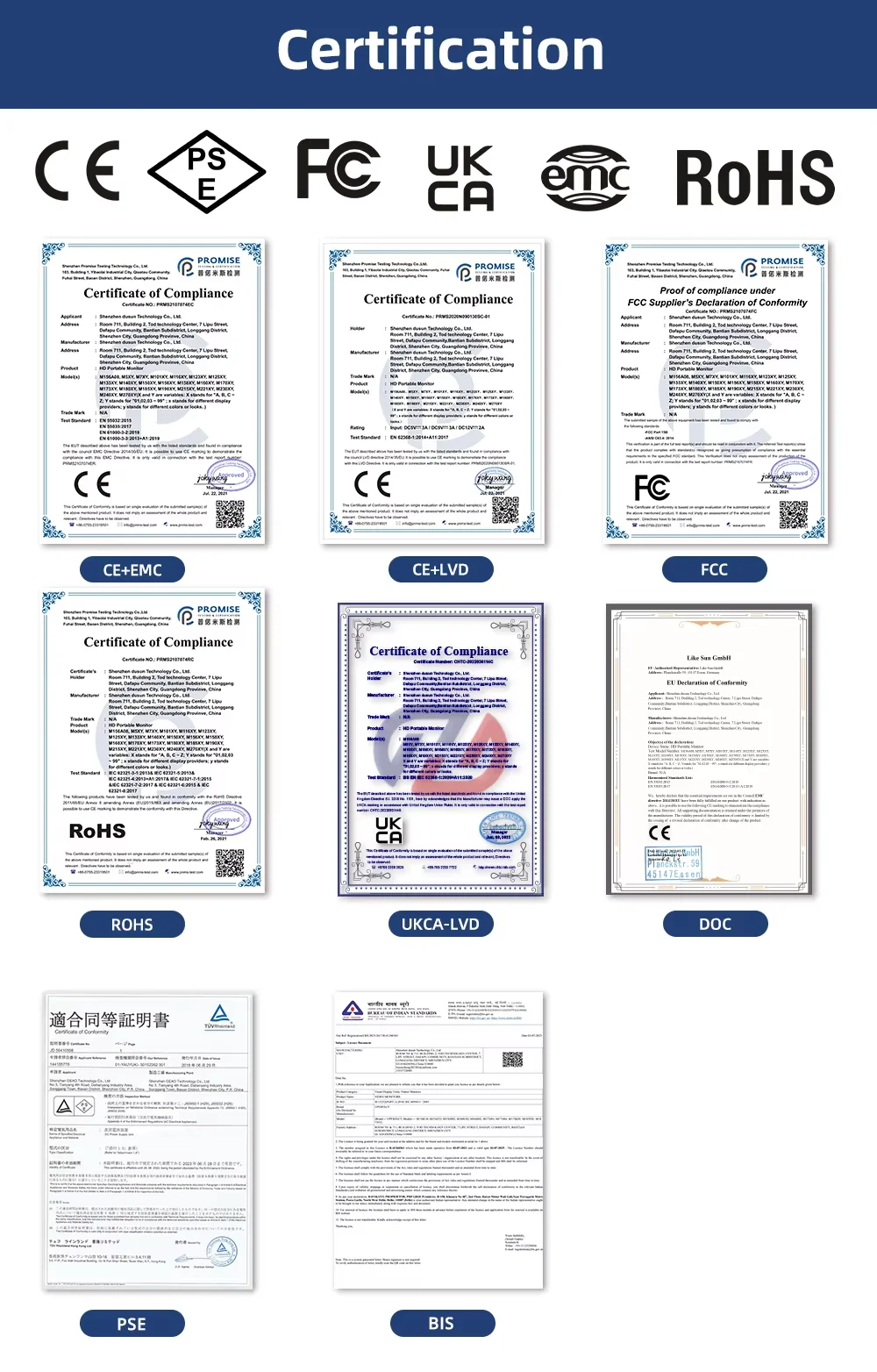
Certification: CE,RoHS,UL,weee
Contrast Ratio: 1000:1
Display Ratio: 16:9
Display Size: 15.6
Feature: Speaker,Gaming
High-Dynamic Range: Other
High-concerned chemical: none
Horizontal Viewing Angle: 178°
Interface Type: Type-C
Matrix color depth: 6 bit
Origin: Mainland China
Panel Type: IPS
Pixel Pitch: 0.258mm
Products Status: STOCK
Refresh Rate: 60 Hz
Refresh rate sync technology: AMD FreeSync
Resolution: 1920x1080
Response Time: 25ms
Screen Type: WLED
Screen curvature: NONE
Screen surface: MATT
Shape: others
Uperfect Model: Delta
Vertical Viewing Angle: 178°
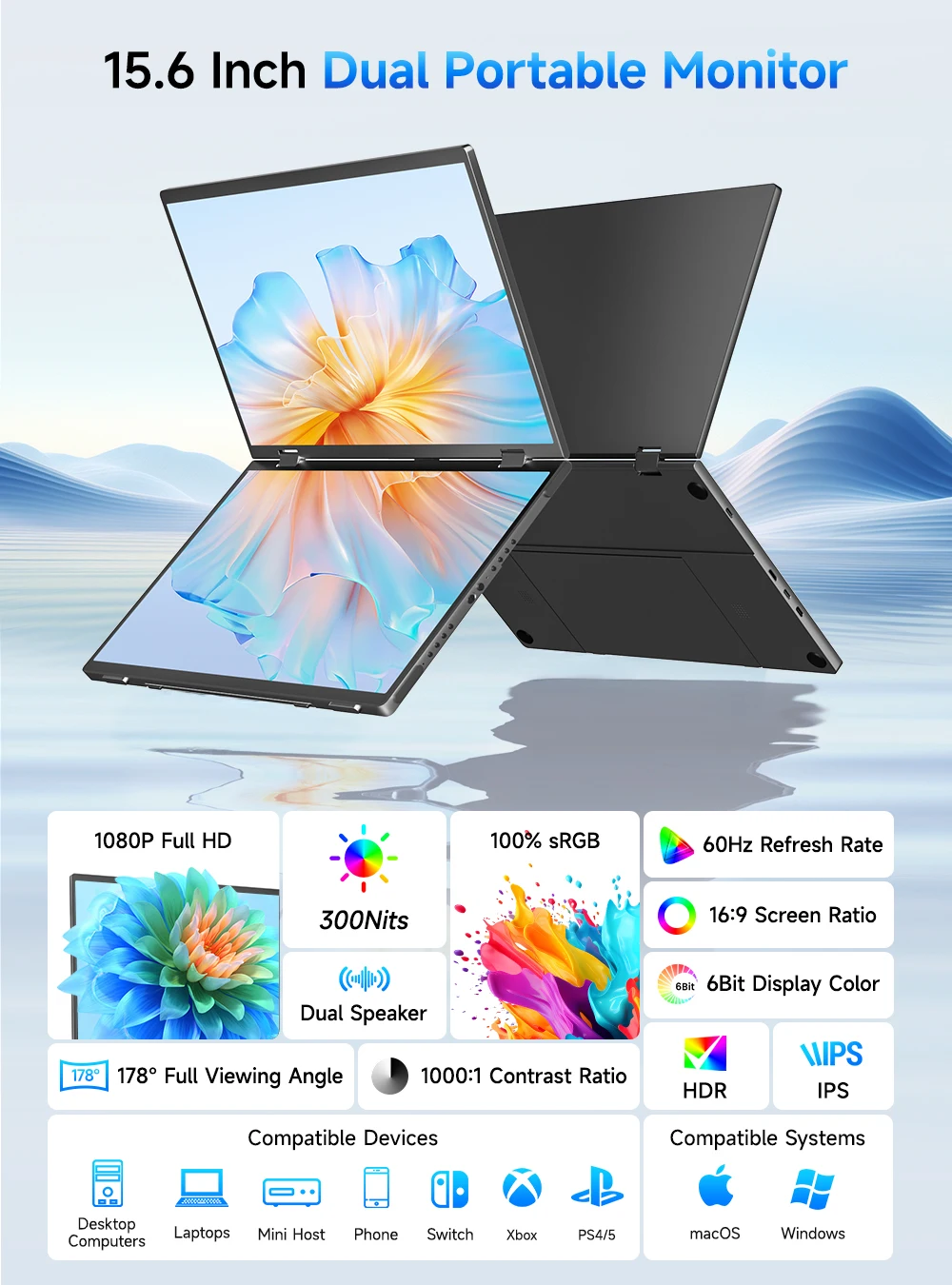
UPERFECT Delta 15.6" Dual Portable Monitor
【Screen Sharing, Multitasking】
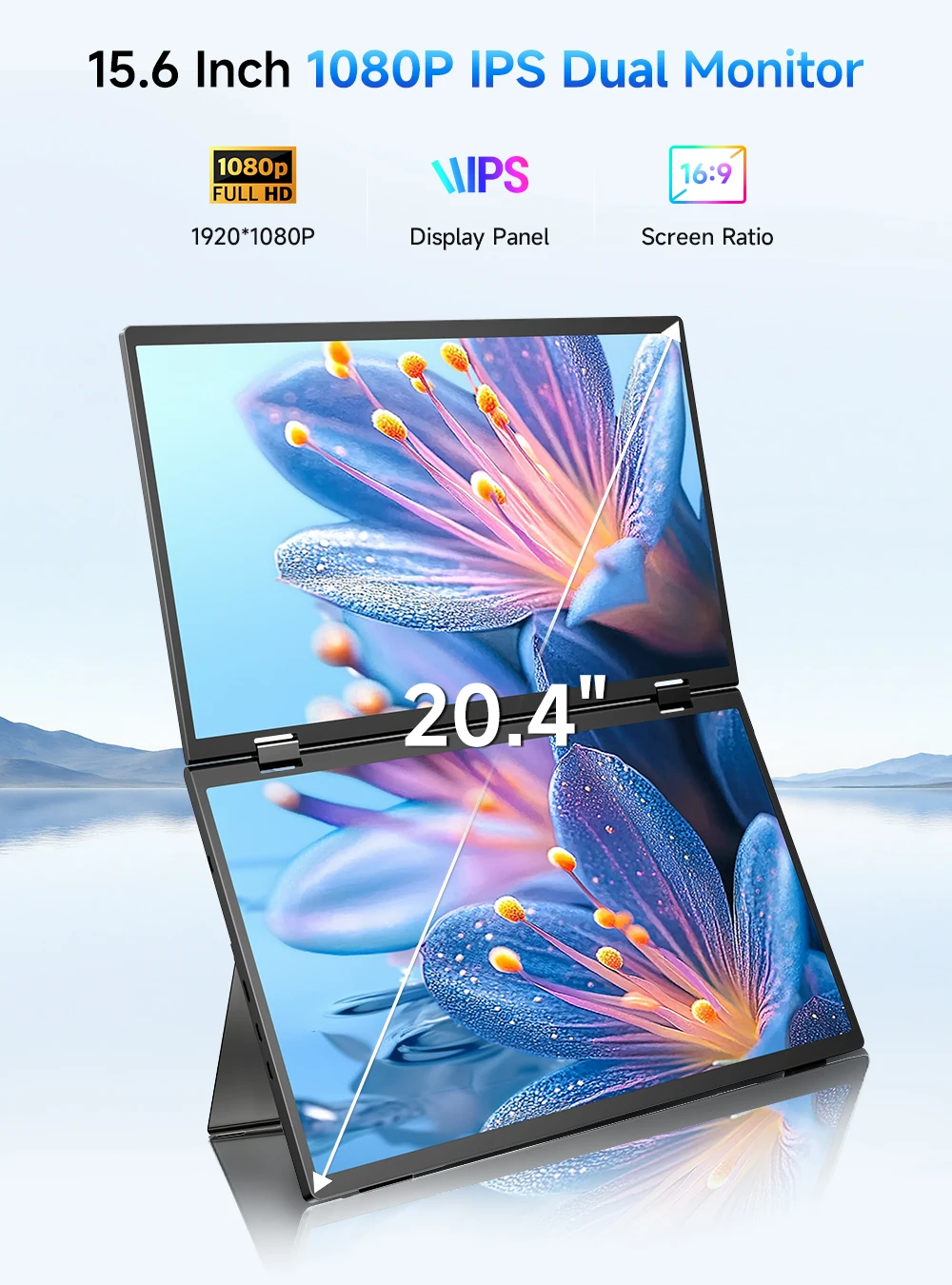
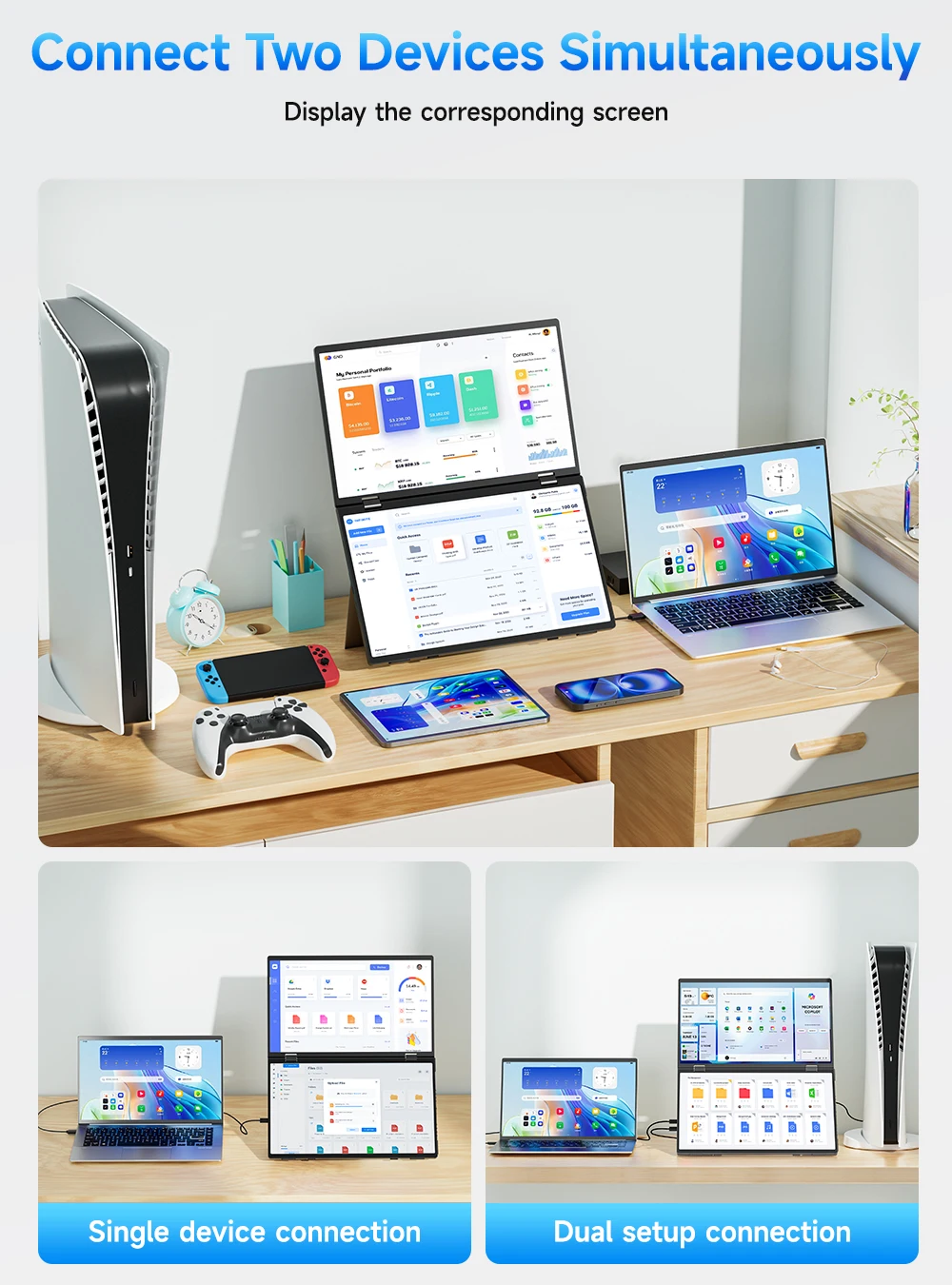
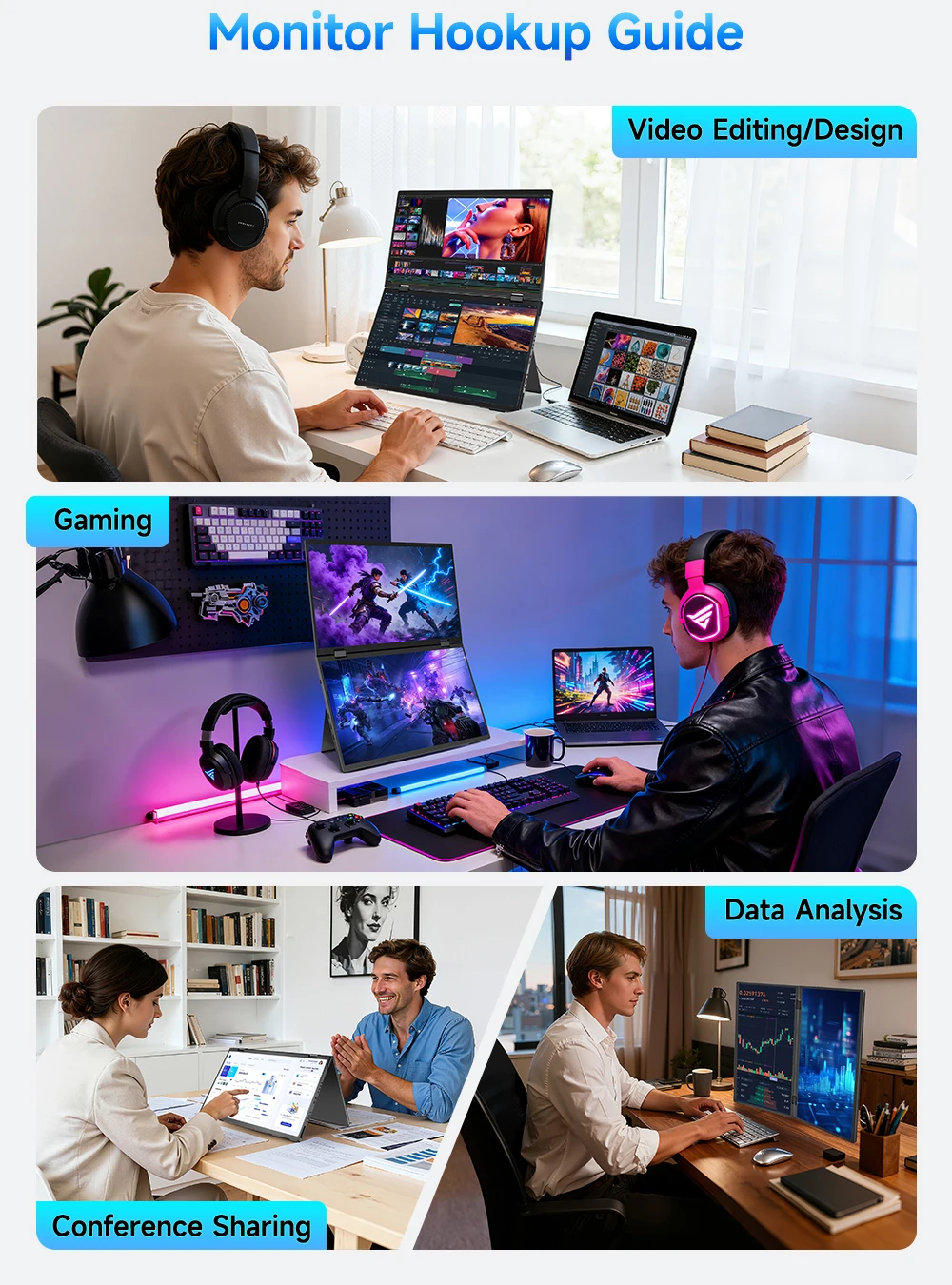
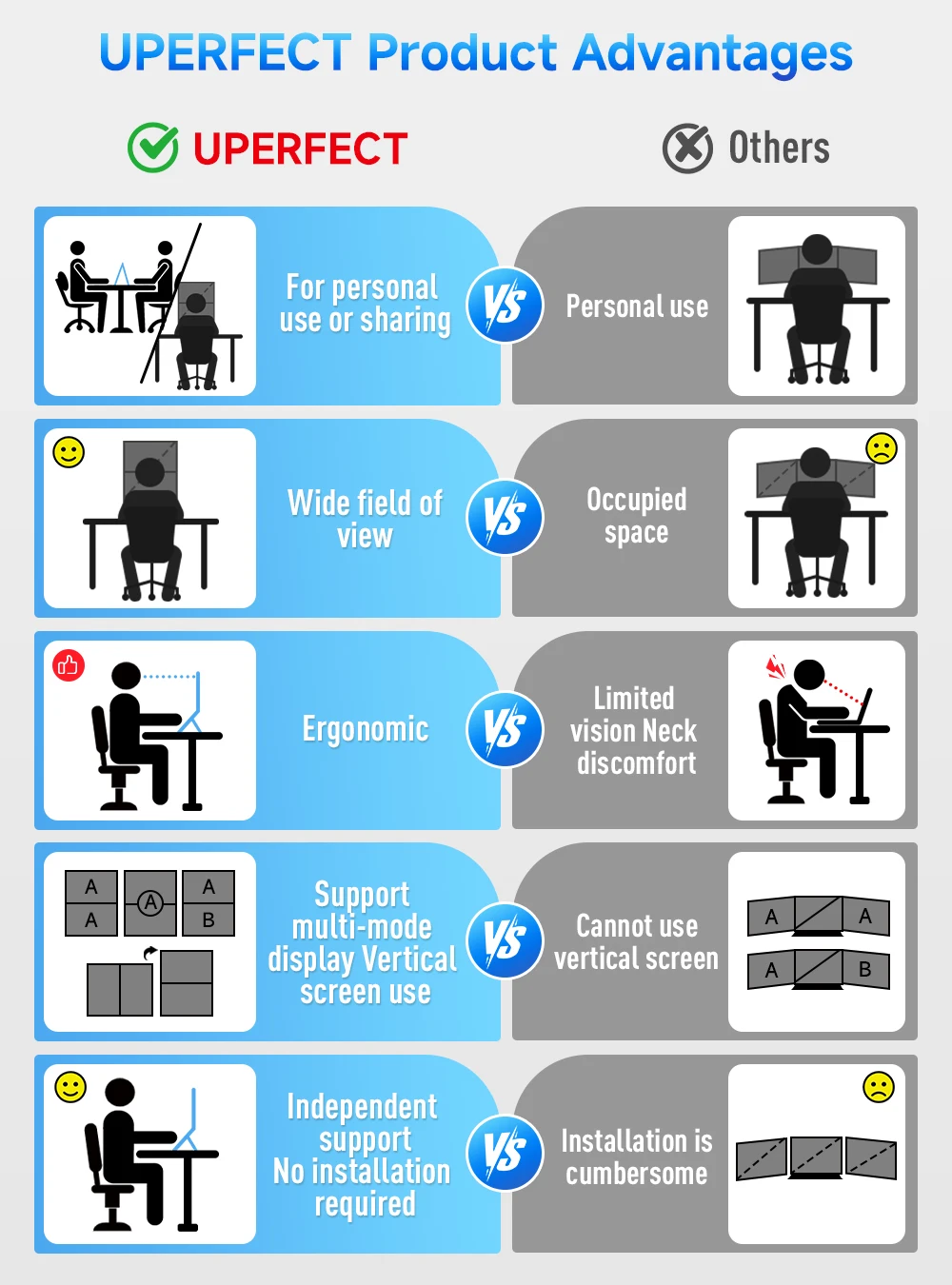
UPERFECT dual screen monitor is equipped with 2 15.6-inch IPS panels, providing more screen space, perfect for multitasking, work, study and creative projects. It can also be folded for easy carrying, greatly improving your efficiency. It is perfect for multitasking professionals, including remote workers, gamers, travelers, students, etc.
【High-Colour-Gamut Dual Stacked Display】
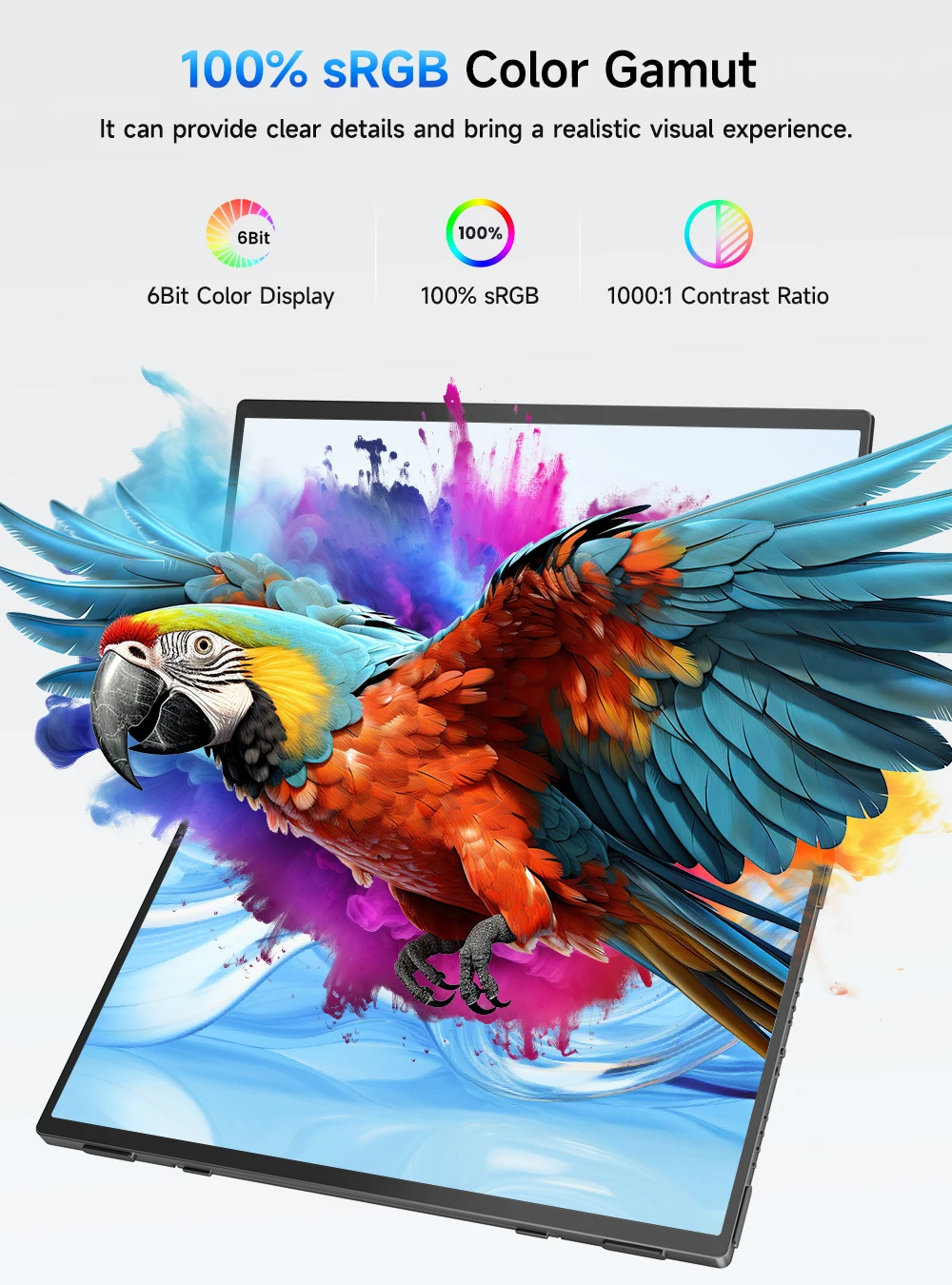
Features two 15.6" 1080P IPS matte screens with 100% sRGB high colour gamut, 8-bit colour depth, and smooth 60Hz refresh. The vertically stacked design expands your workspace significantly in extended or mirror mode (not a continuous waterfall display). Perfect for multitasking across spreadsheets, documents, chats, dashboards, timelines, and design tools.
【Multiple Display Modes】
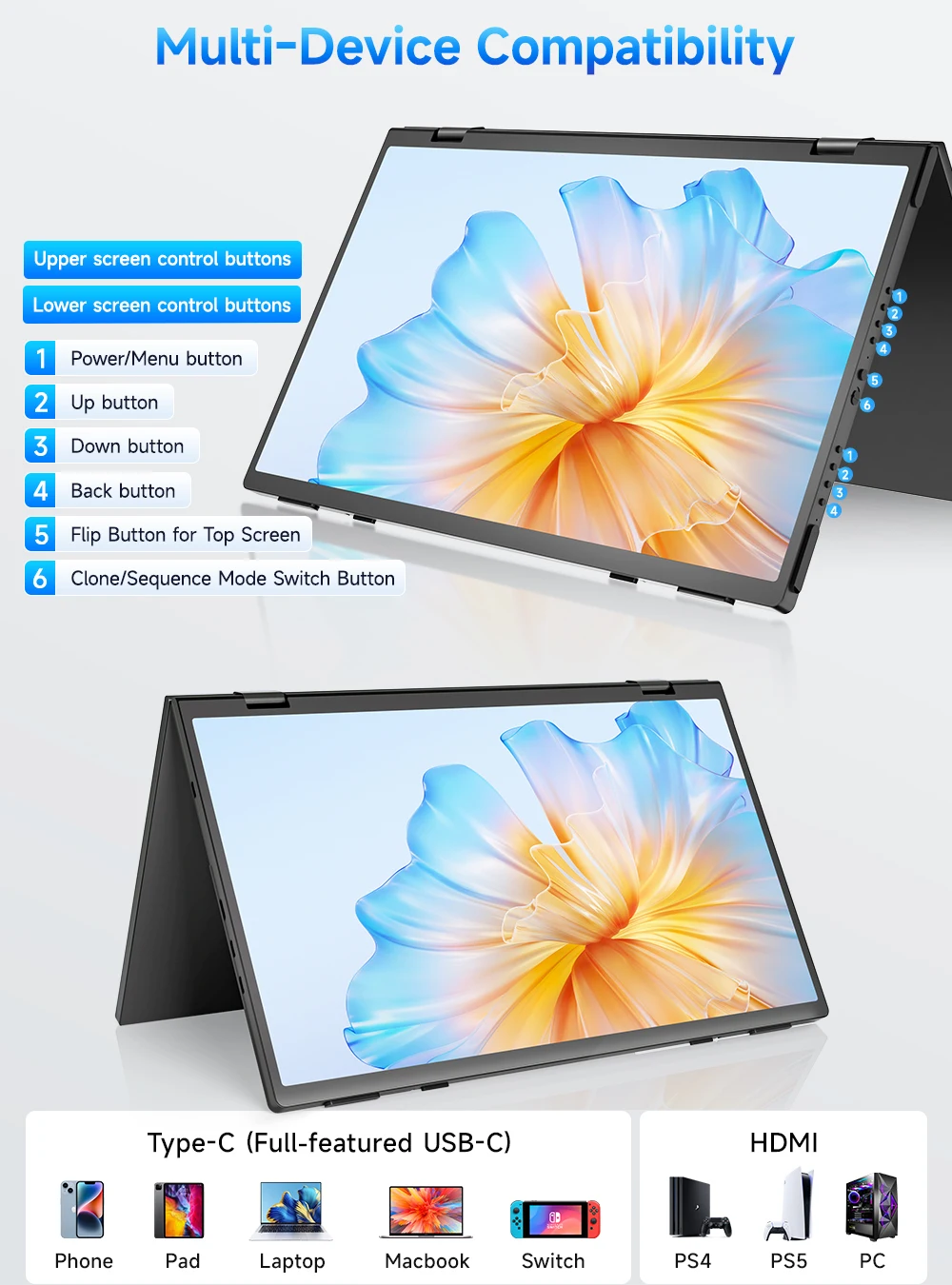
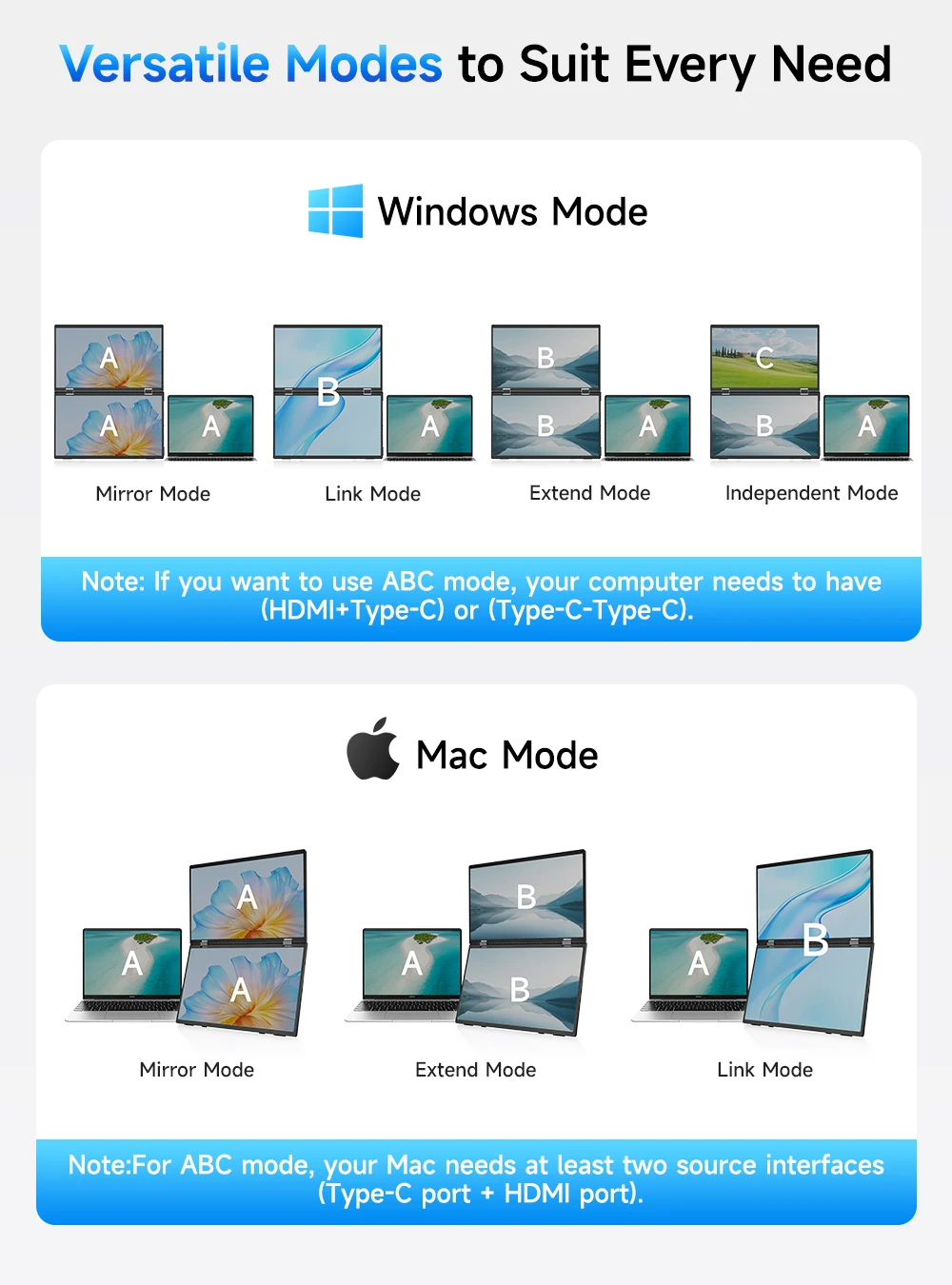
The laptop monitor has extension mode, splicing mode and copy mode, and the Type-C full-featured cable connection device can achieve three different display contents, bringing you an efficient working experience.Note:Please make sure you’re powering the monitor by the original power adapter we provided in the package.Note: Mac extension mode requires Type-C connection to download the driver, path: Menu-0therSettings-Mac extend-On
【Plug and Play, No Driver Required】
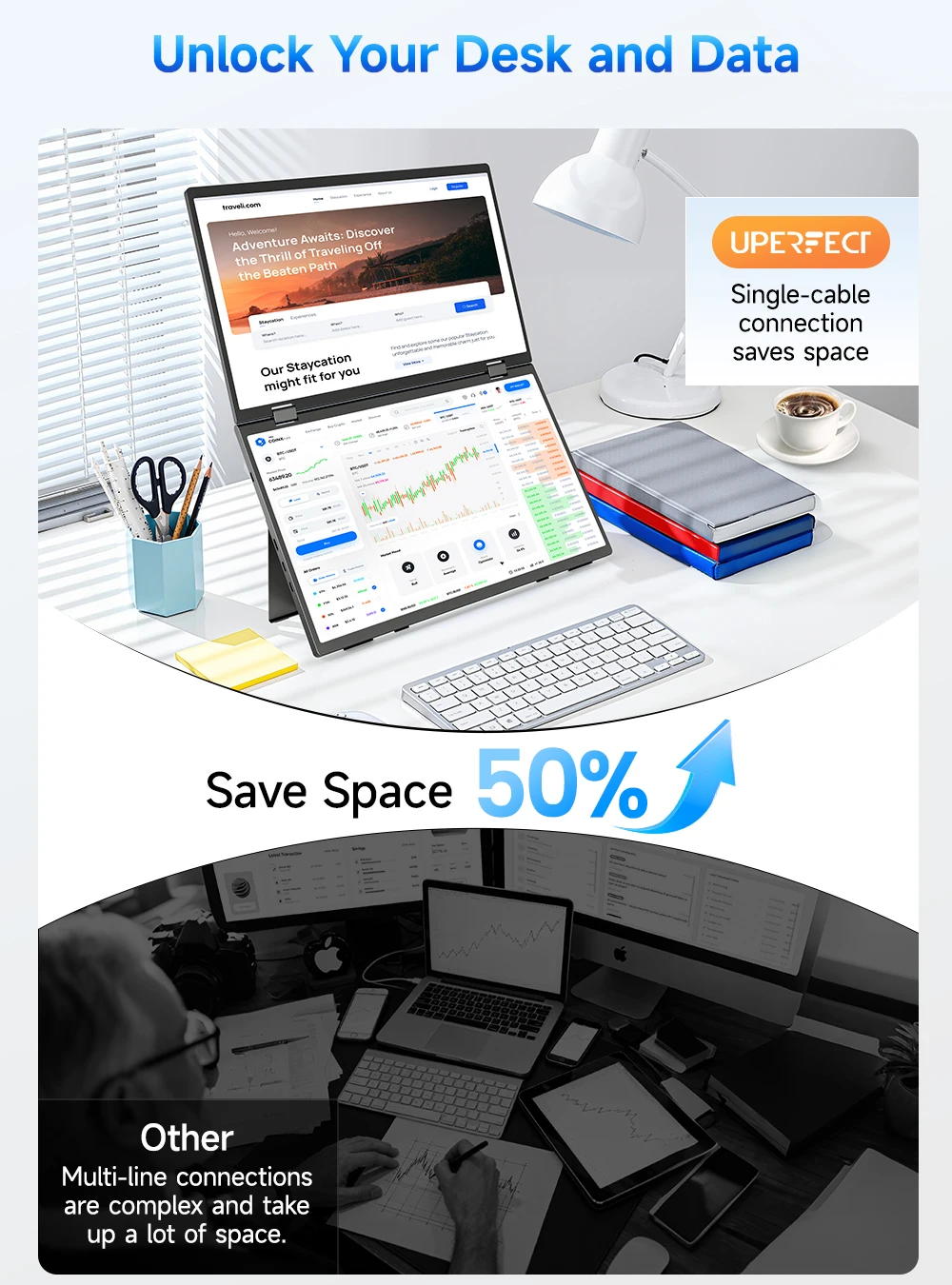
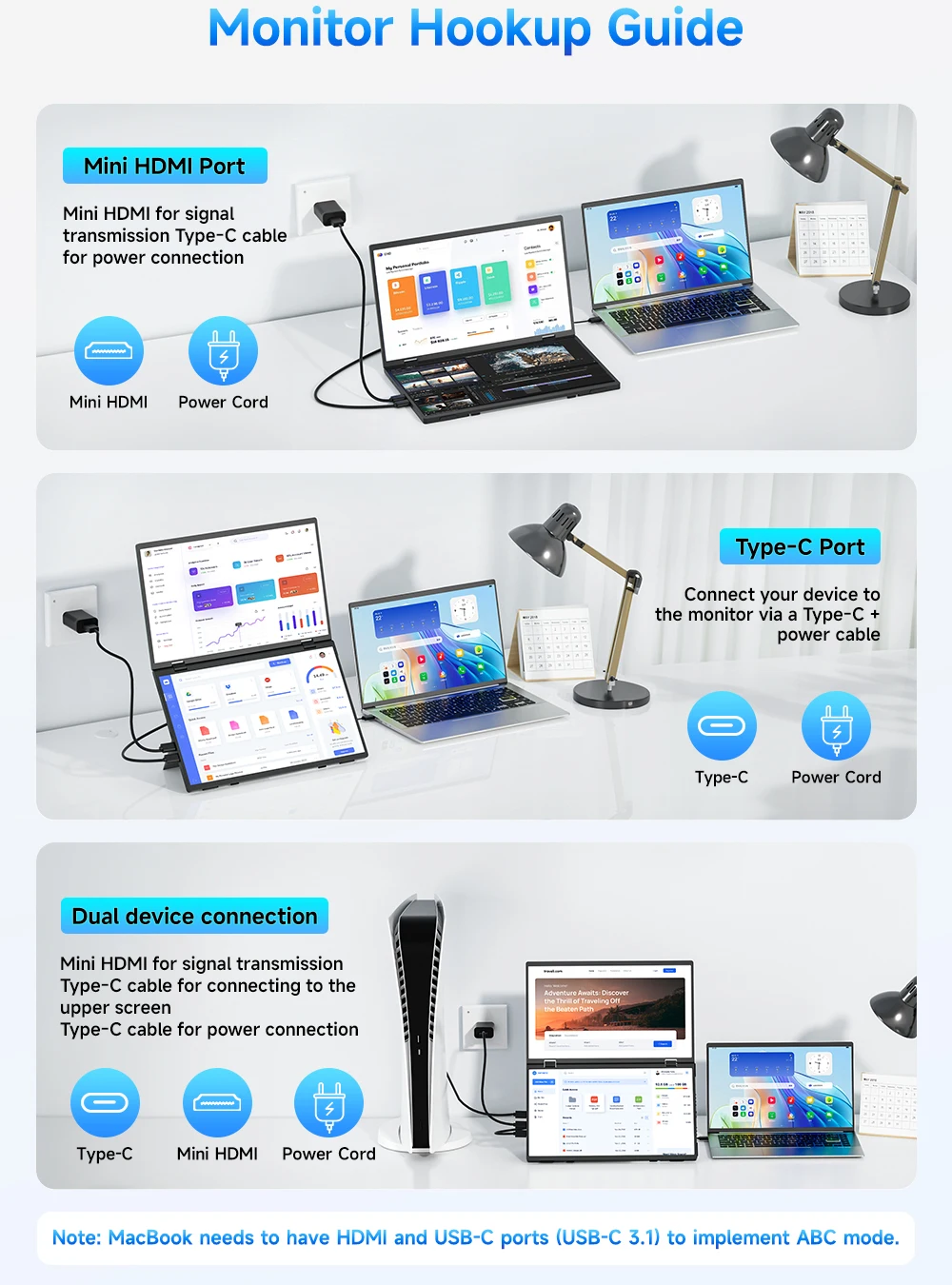
This UPERFECT portable notebook monitor can be connected to Windows and MacOS systems for use without installing drivers, reducing the need for complicated installation steps, and uses one Type-C cable to connect the signal and another Type-C cable to connect the power supply, making it easy whether you are opening multiple spreadsheets or browsing the web on a large screen.
【360°Folding Screen Design】
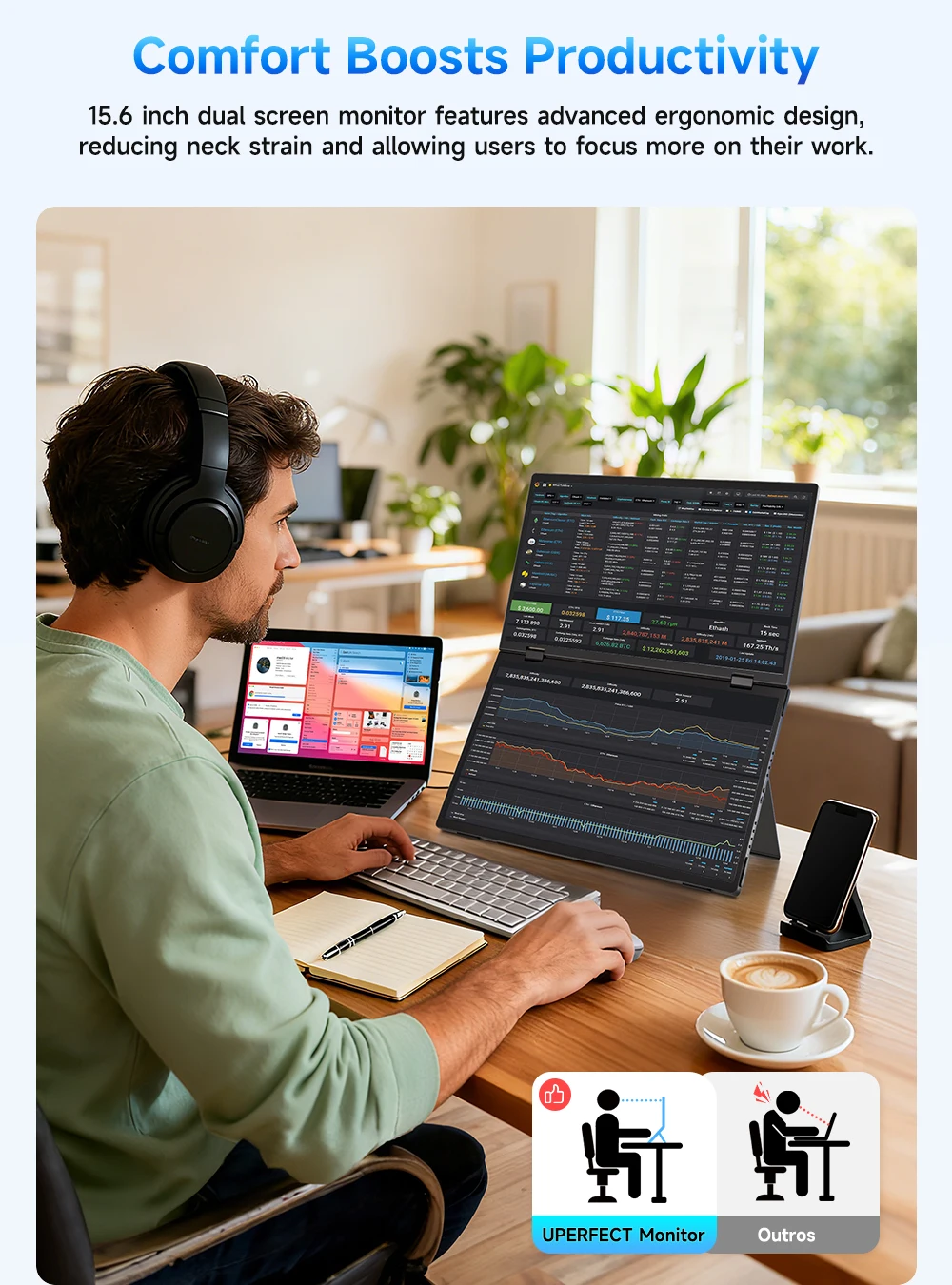
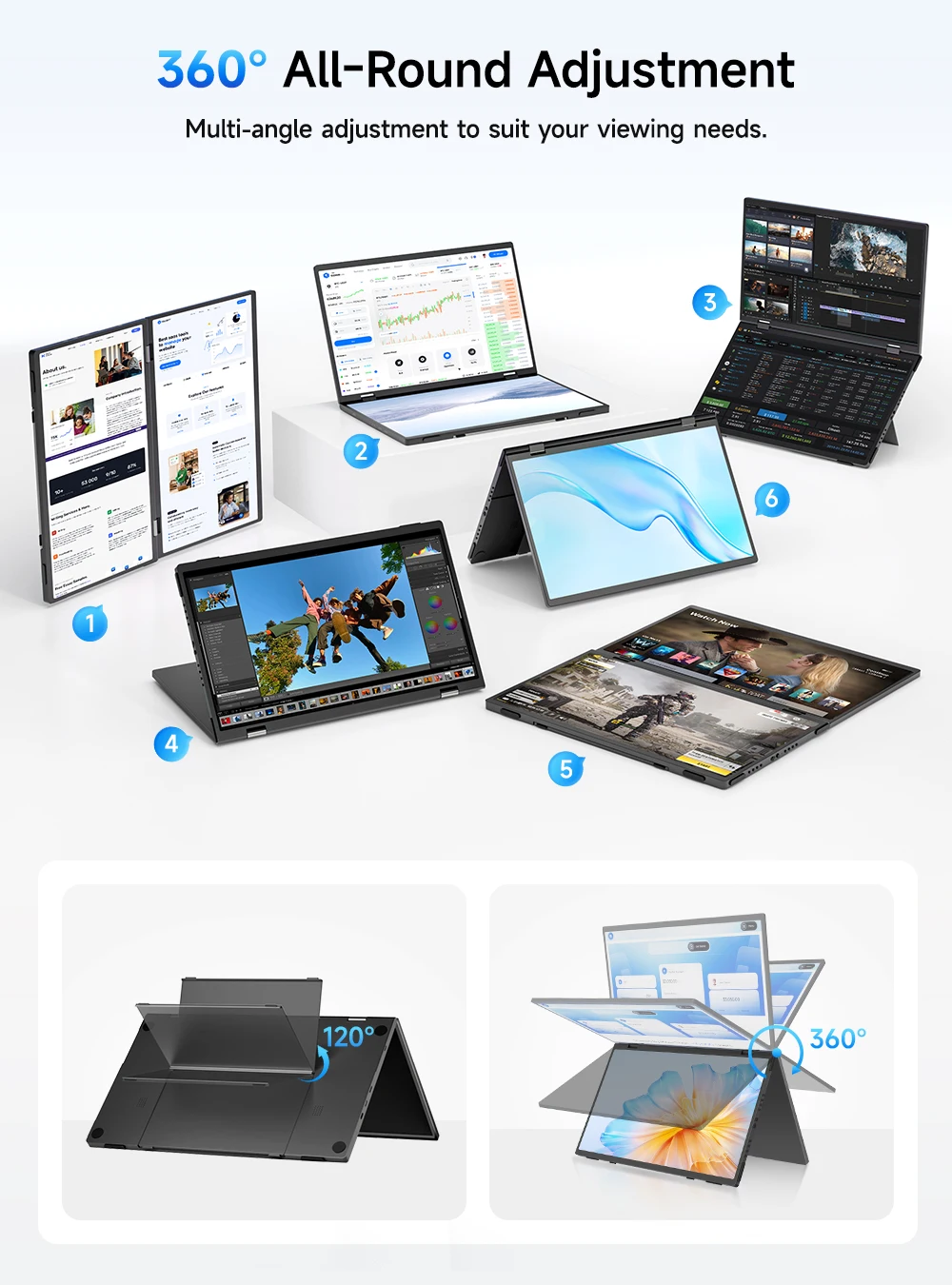
Crafted with a full-metal body for enhanced durability, cooling performance, and a refined professional appearance. The lightweight 3.5 lb design folds 360° and supports both landscape and portrait use. Includes a 120° adjustable desktop kickstand, VESA mount support, and a flip-able upper display for comfortable multi-angle viewing during long work sessions.
What's in the box?
1 x Monitor
1x MINI HDMI(1080P)
2 x C-C line
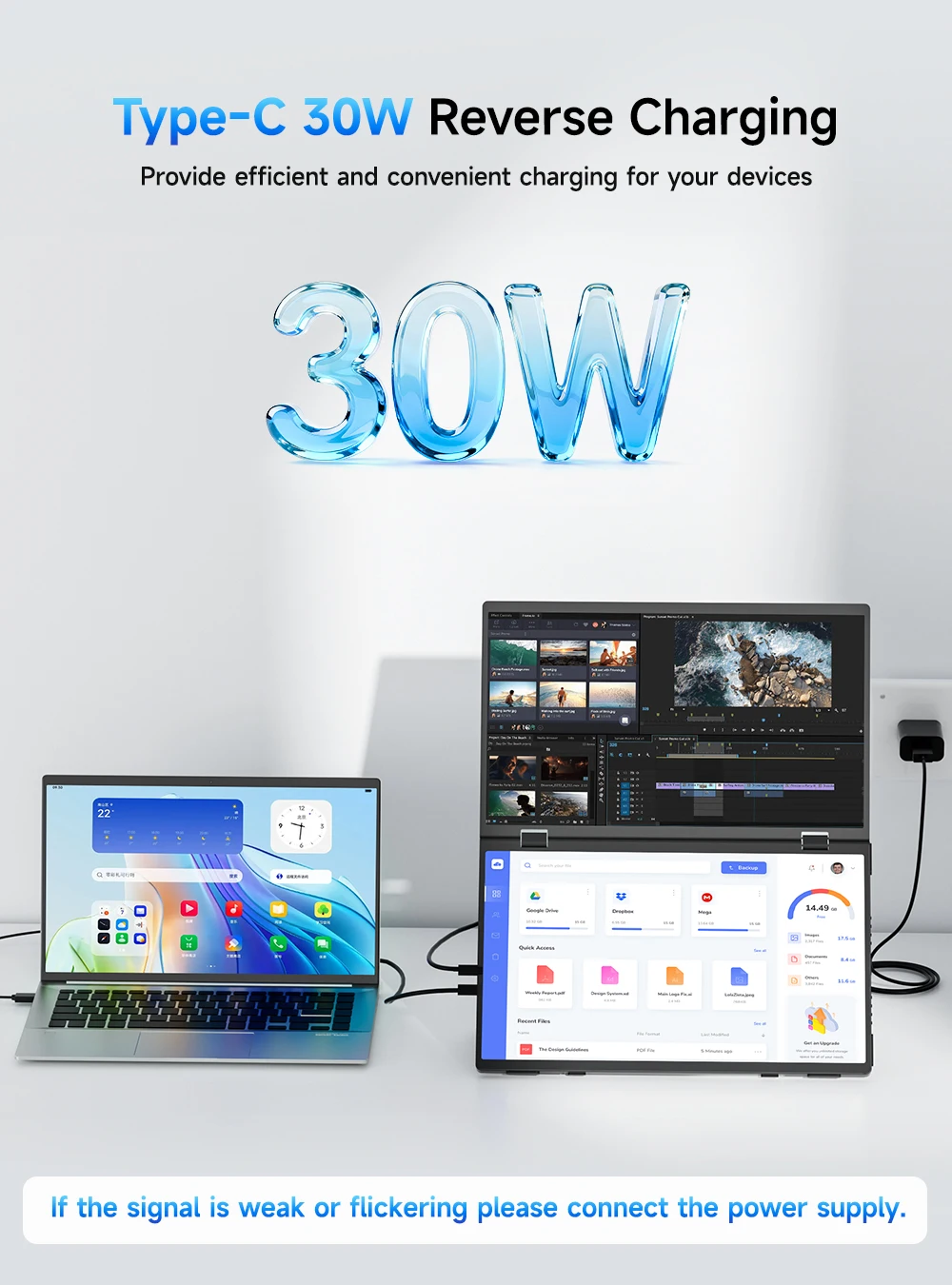
1 x PD30W power head
1 x Instruction manual
Specifications
Series: UStation
Model: Δ / Delta
Refresh Rate: 60Hz
Screen Size: 15.6-inch dual screen
Resolution: 1920 × 1080 (FHD)
Display Ratio: 16:9
Viewing Angle: 178°
Panel Type: IPS
Contrast Ratio: 1000:1
Brightness: 300 cd/m²
Color Depth: 6bit
Rated Power: 13W
Material: Aluminum
Auto Rotation: Support 0-120°~adjustment
Built-in Speaker: Yes, 2x8Ω 1W
Built-in Battery: No
Product Size: 344.16(W) × 193.59(H)mm
Net Weight: 1.5 kg
Display interface
√ 1 * Mini HDMI (signal source)
√ 2 * Type C (fully functional type C, USB PD protocol can provide power and transmit signals)
√ 1 * TYPE-C (signal source)
Q: Why does my monitor not turn on?
1.Make sure the cable you use is provided by us, or is compatible with your deviceand is not damaged.
2.Select the correct input source, such as HDMI,Type-C.
3.If you are using a Type-C signal source, please ensure that the Type-C port of yourdevices support both power and signal transmission; and make sure that the cable isconnected to the monitor's second Type-C port, not the first.
4.This may be caused by insufficient power supply.It is recommended to use anexternal power supply above PD45w.
Q:The screen flickers or goes black during use.
1.lt is generally caused by an insufficient power supply.The monitor require highpower support.Please use the original cable included to power the monitor.
2.If you use a power bank to power the monitor, please confirm whether the power ofthe power bank reaches 30w or above.In addition, if you need a power bank, please contact us
3.If there is external interference, please try to move speakers and other equipmentaway;
4.Please try to set the device refresh rate to 60Hz;5.Cable is defective or damaged.
Q: It says "no signal", what to do?
1.When connecting with a USB-C cable, make sure your device supports USB3.1./Thunderbolt 3.lf not, please add a Mini HDMl to HDMl cable for signaltransmission.
2.Please make sure to use the original cables.
3.Please try another device. If it still fails, please tell us for a replacement.
lmportant Tips:
lf you find any issues with your monitor, please contact us before returning it. We will help you solve your problems and tryour best to make you satisfied. We take full responsibility for our products.
lf there are any defects that cannot be solved, we will refund or send you areplacement.