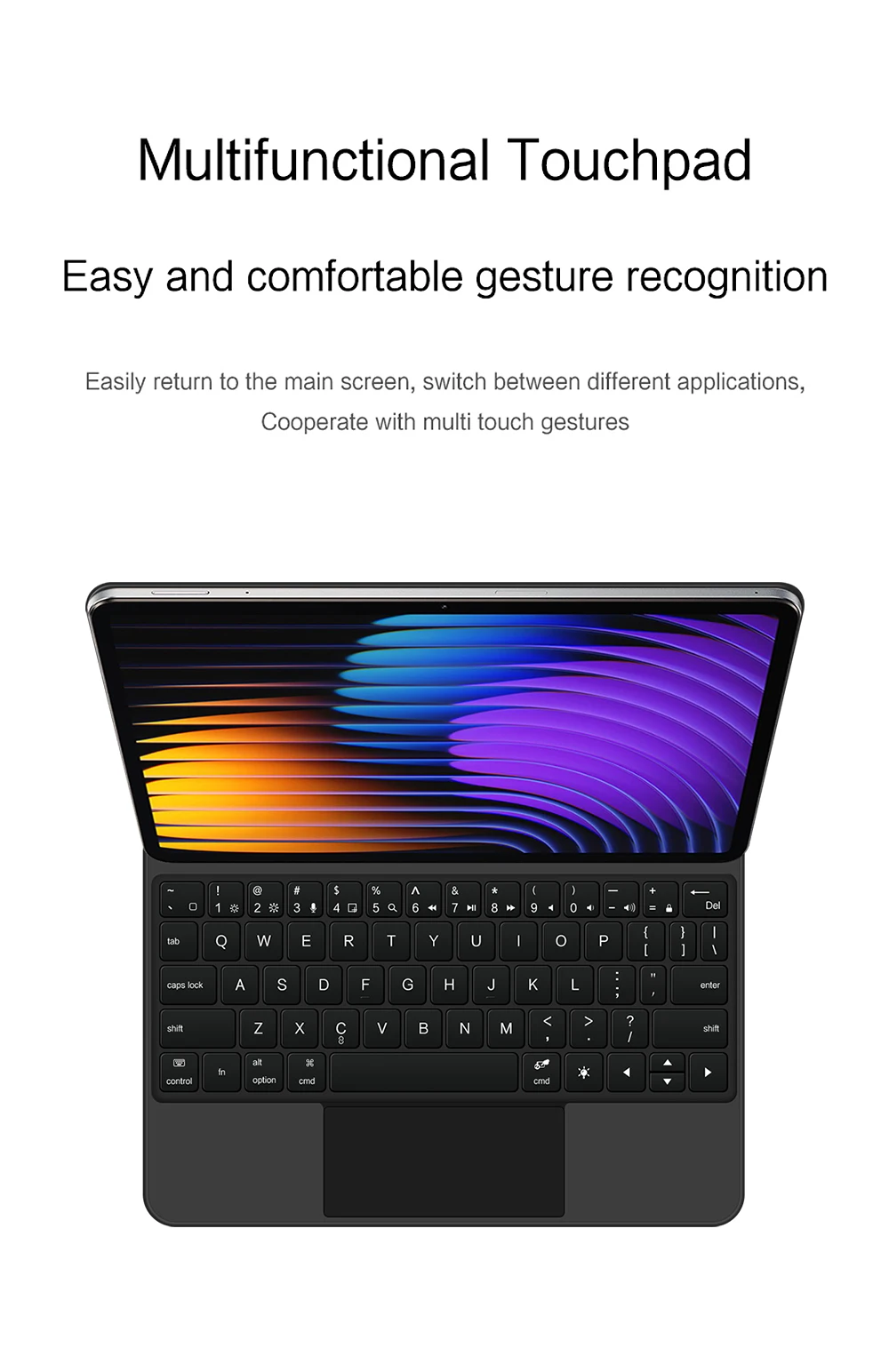
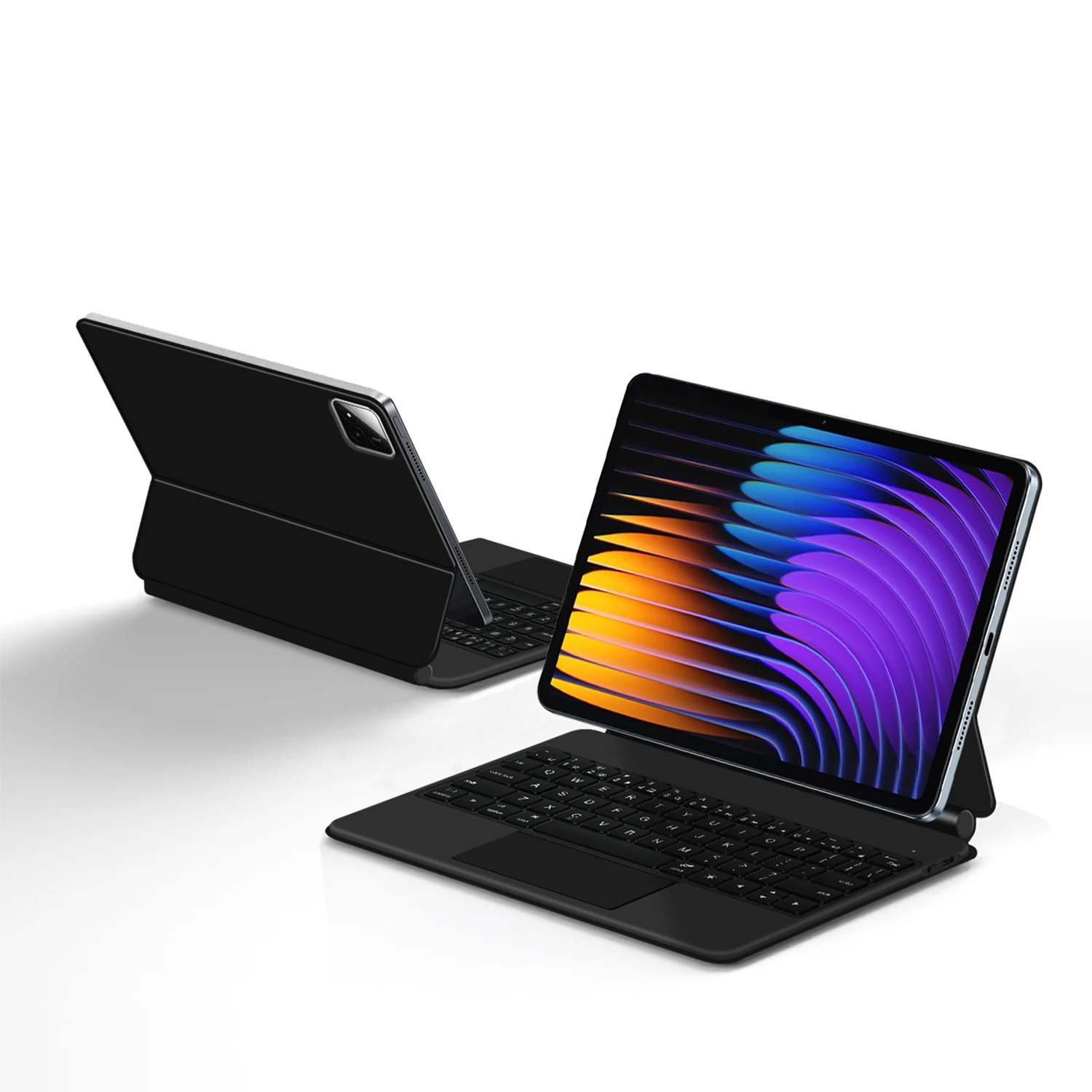
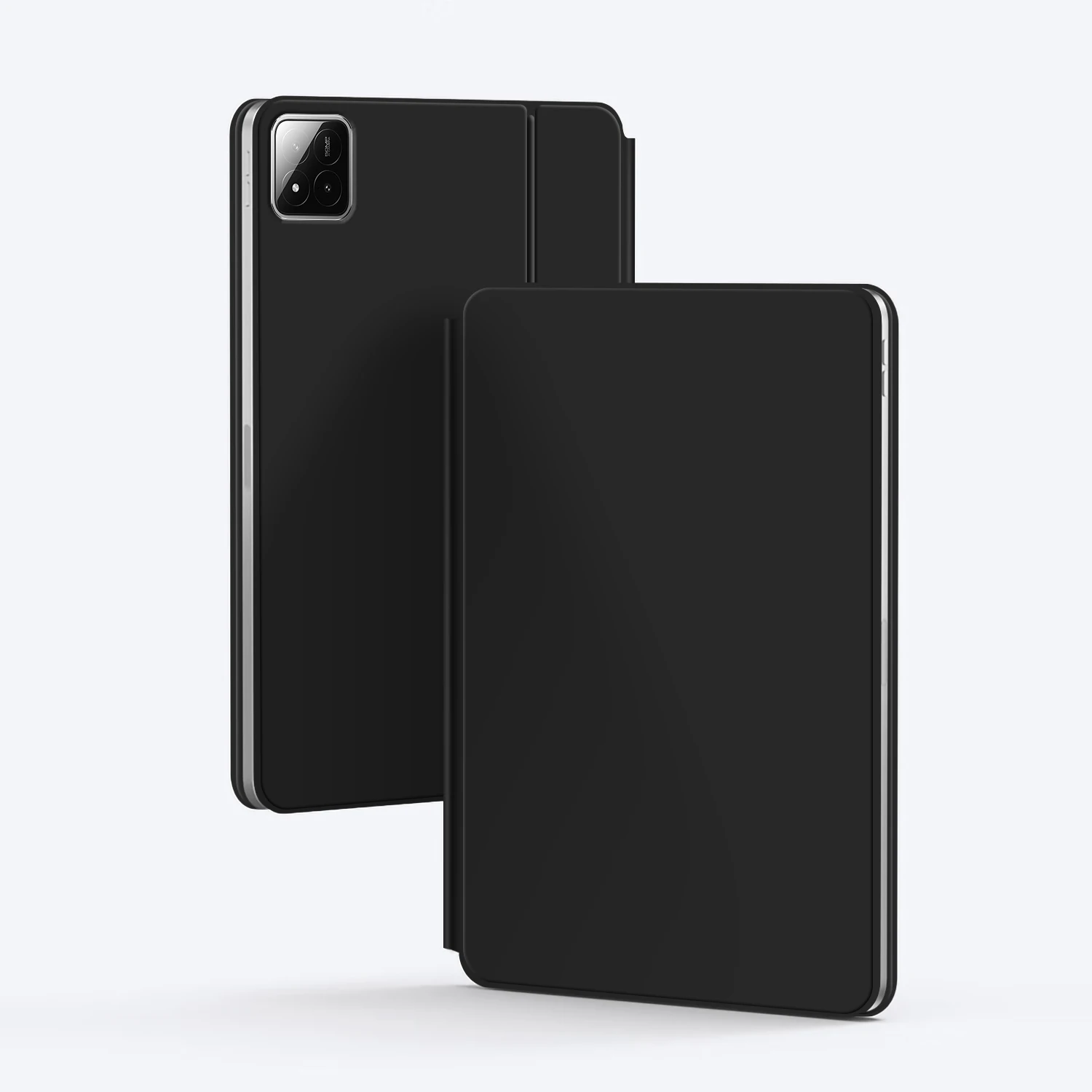
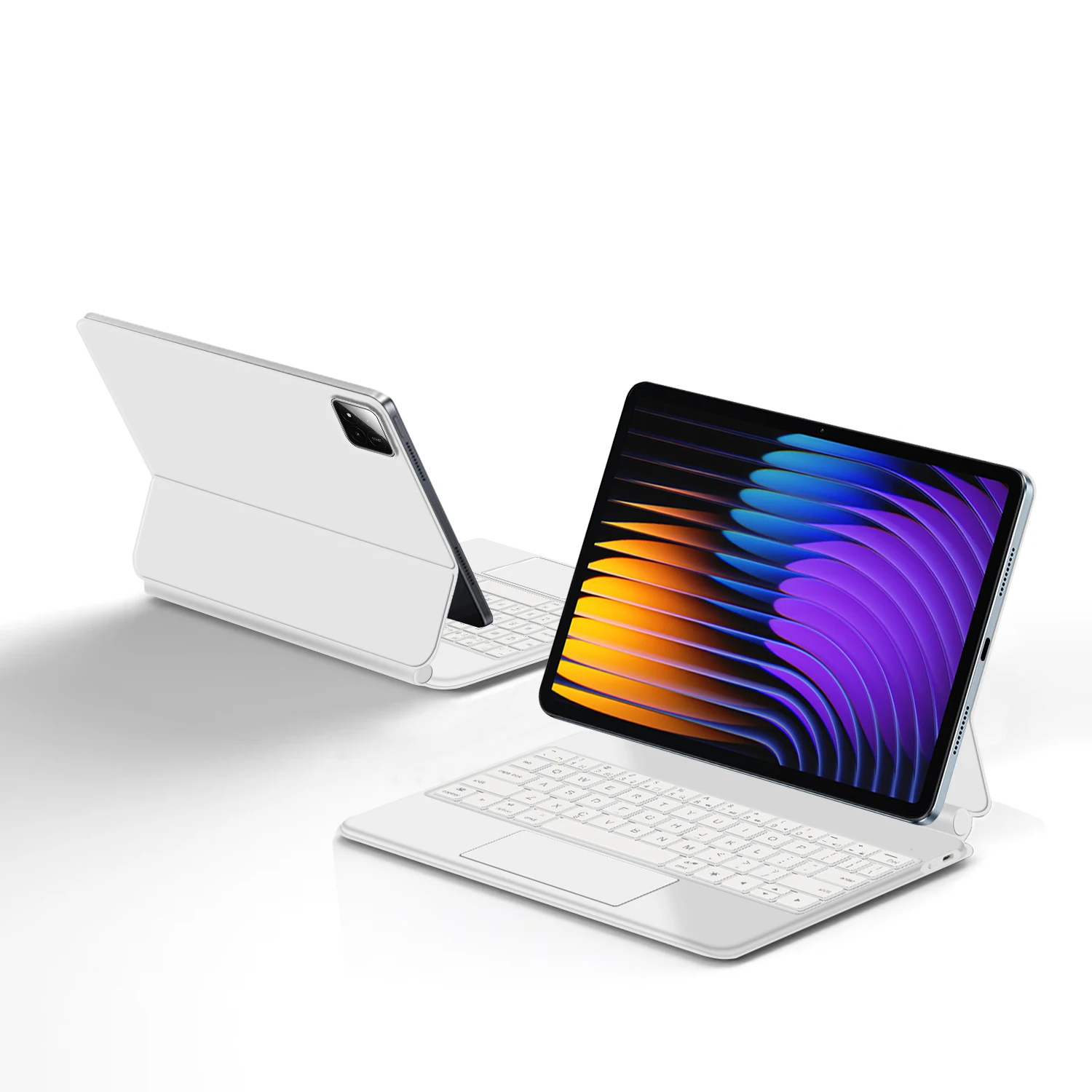
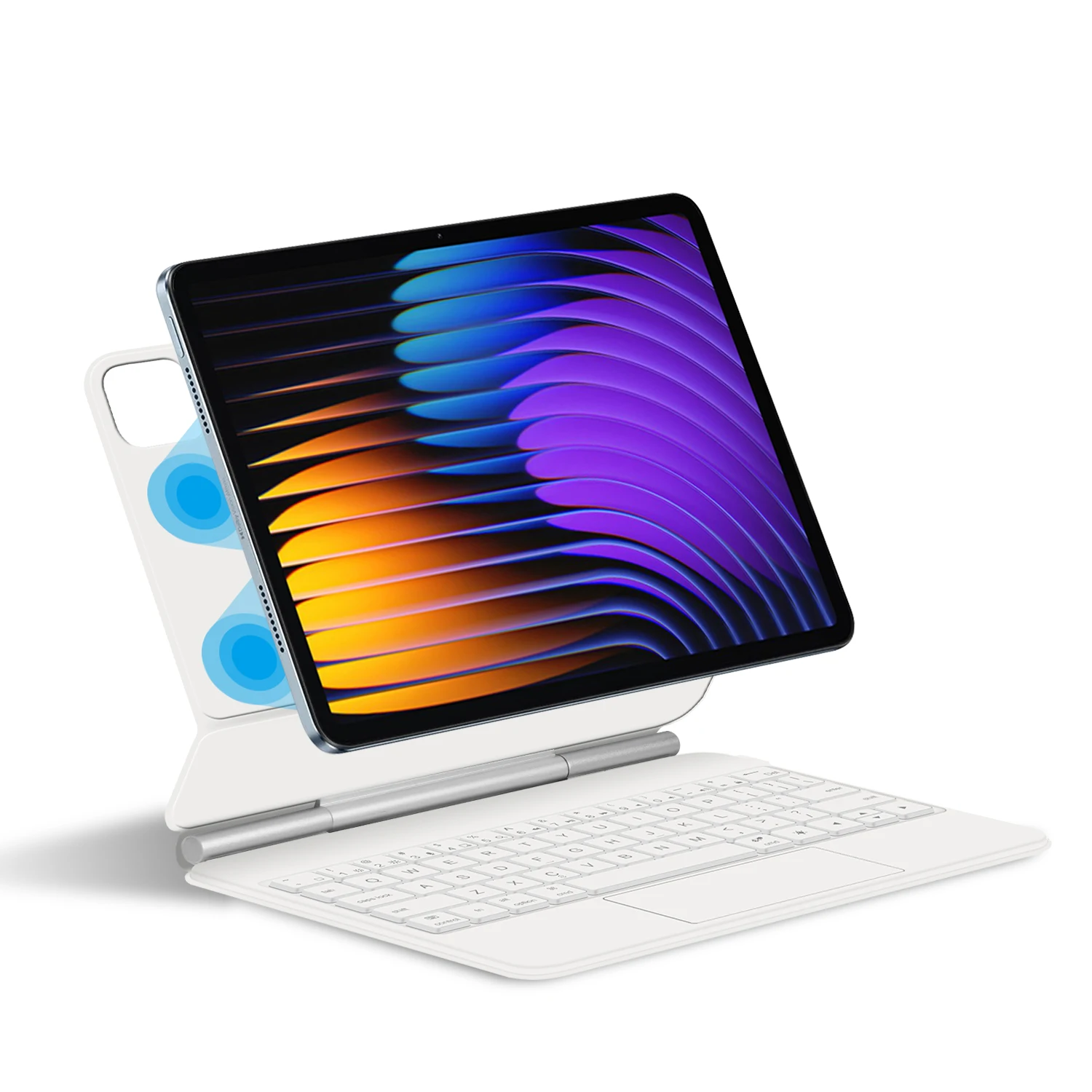
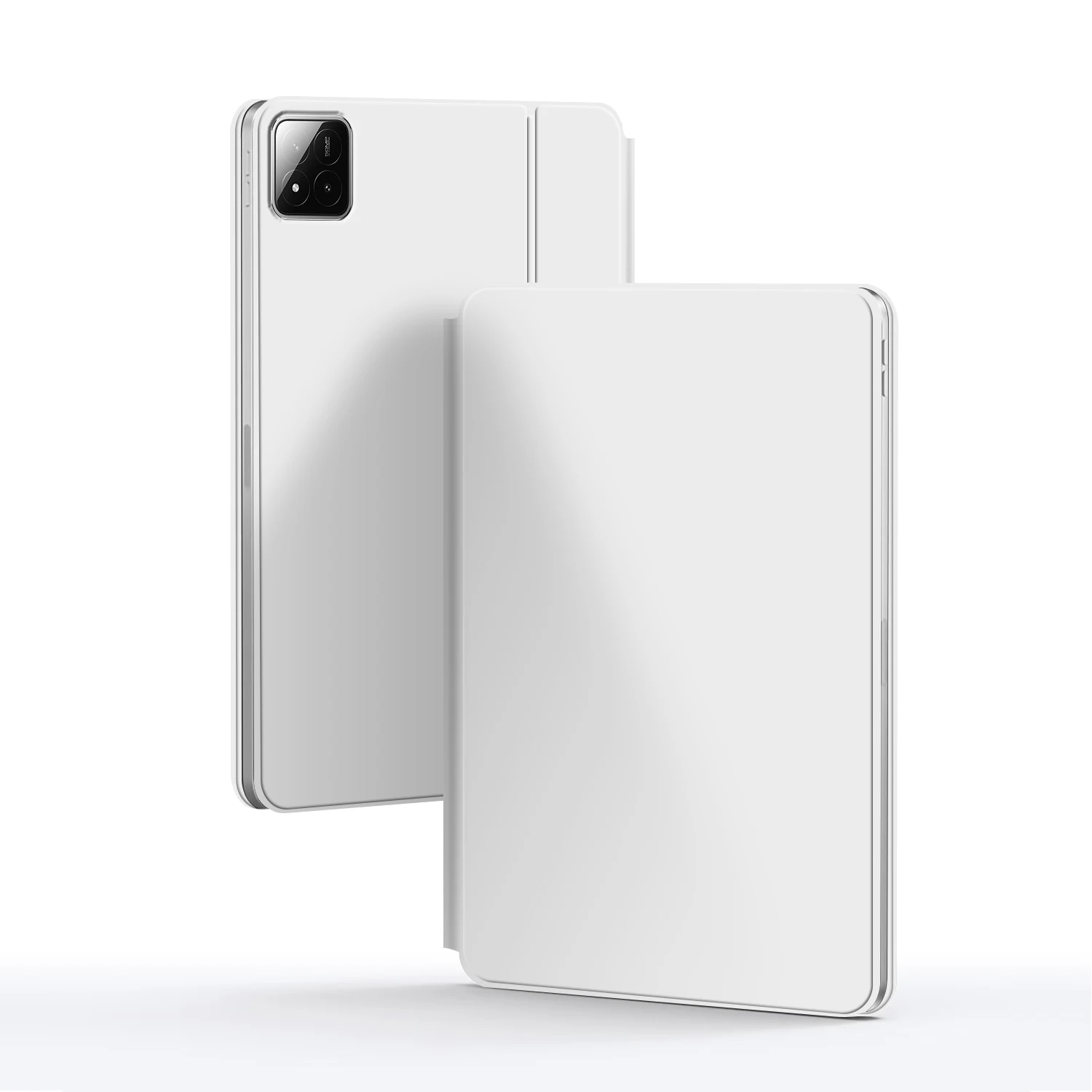
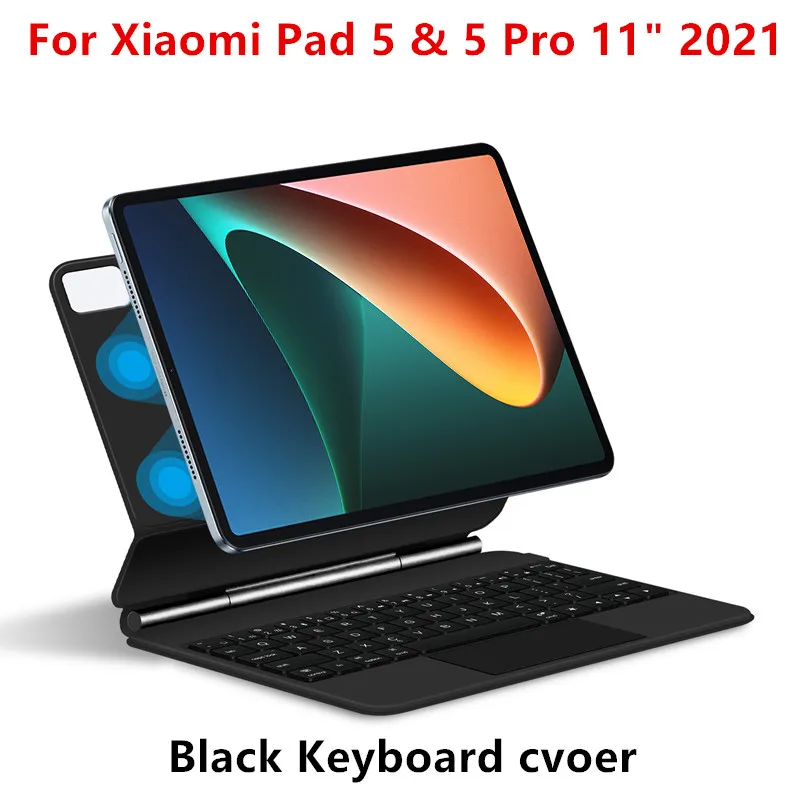
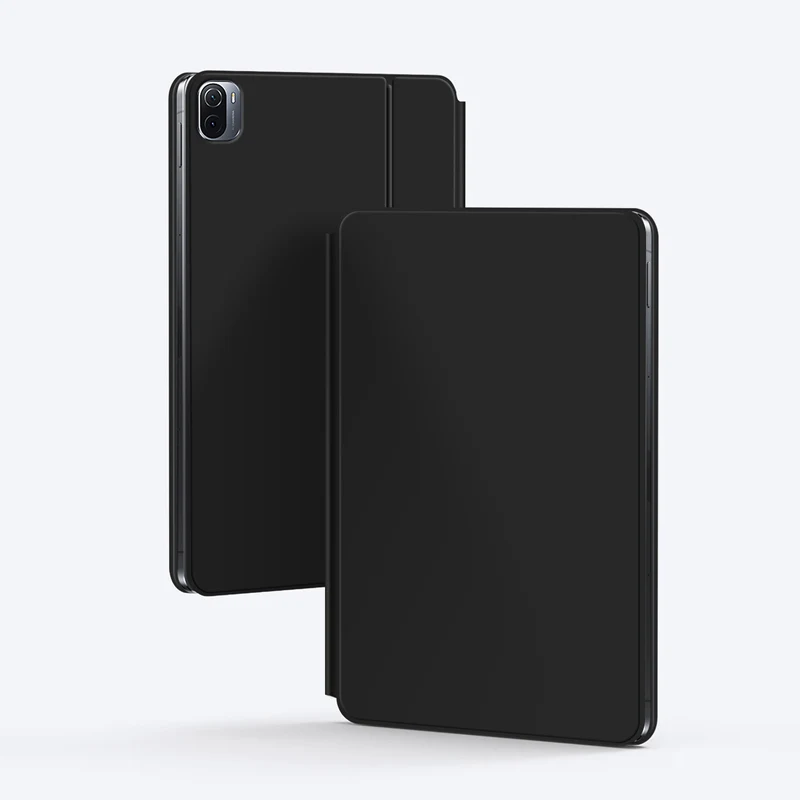
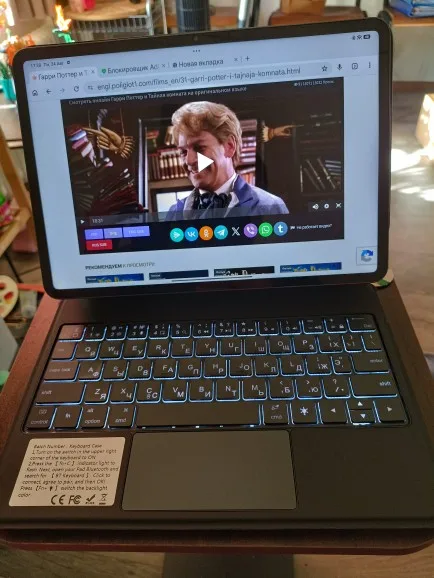
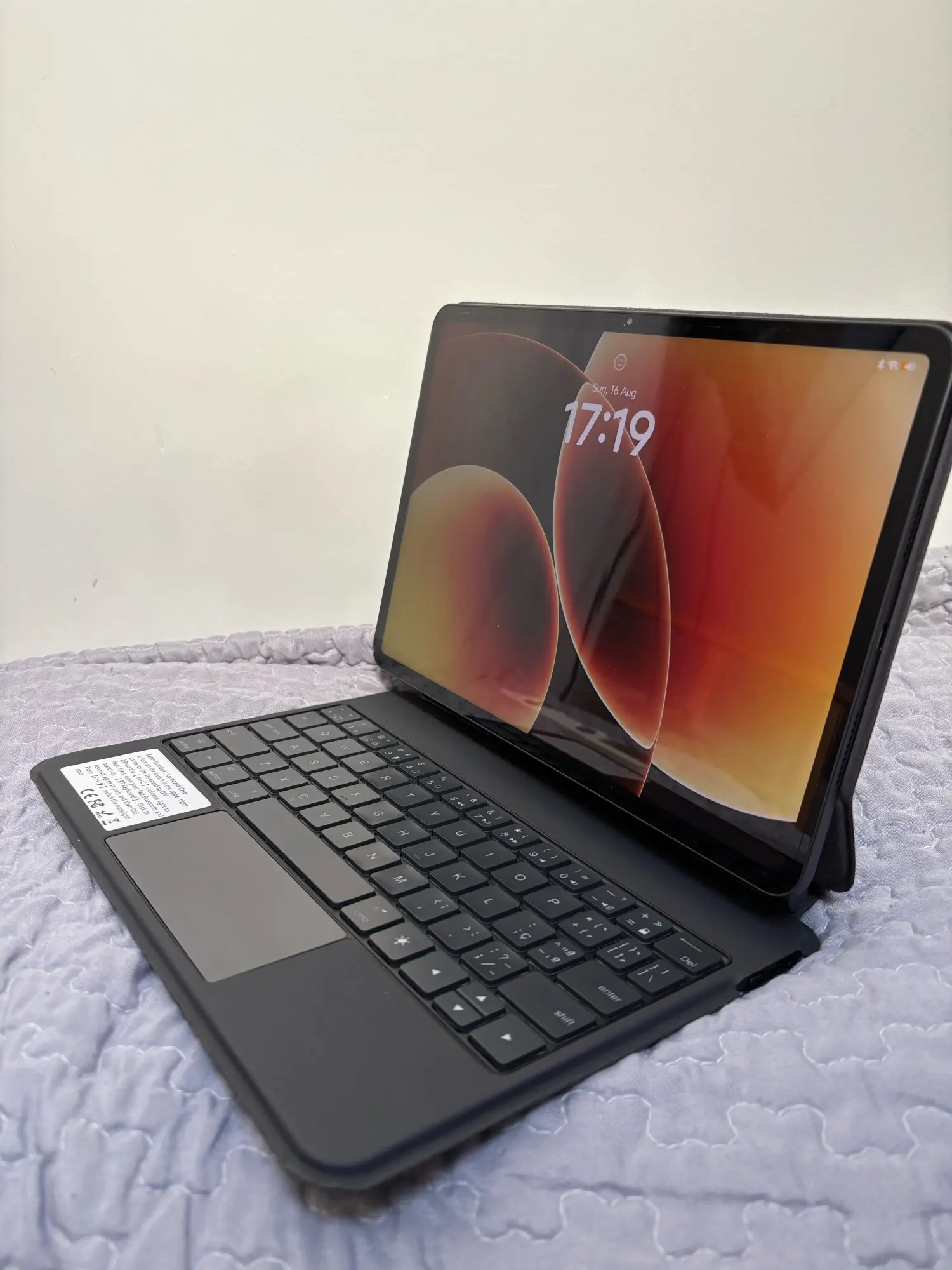
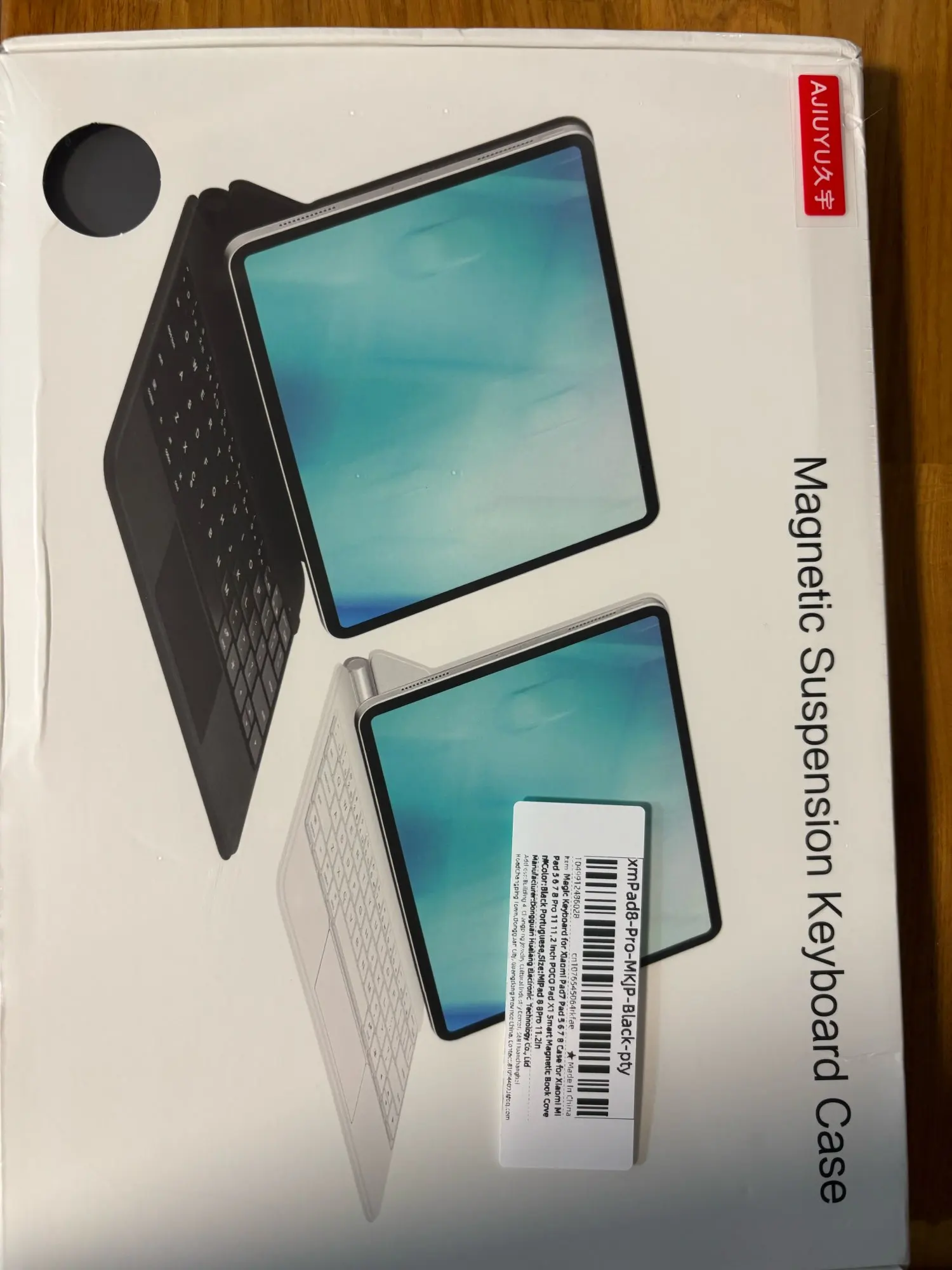
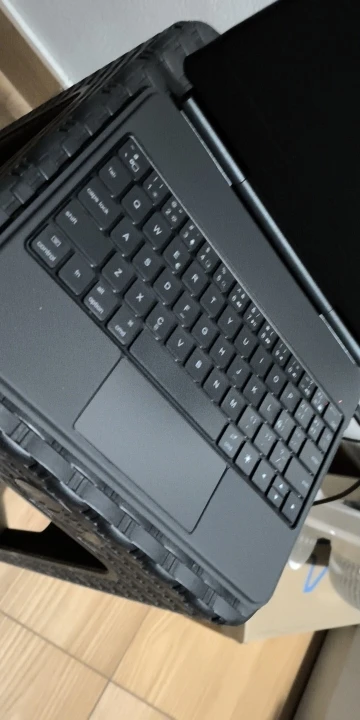
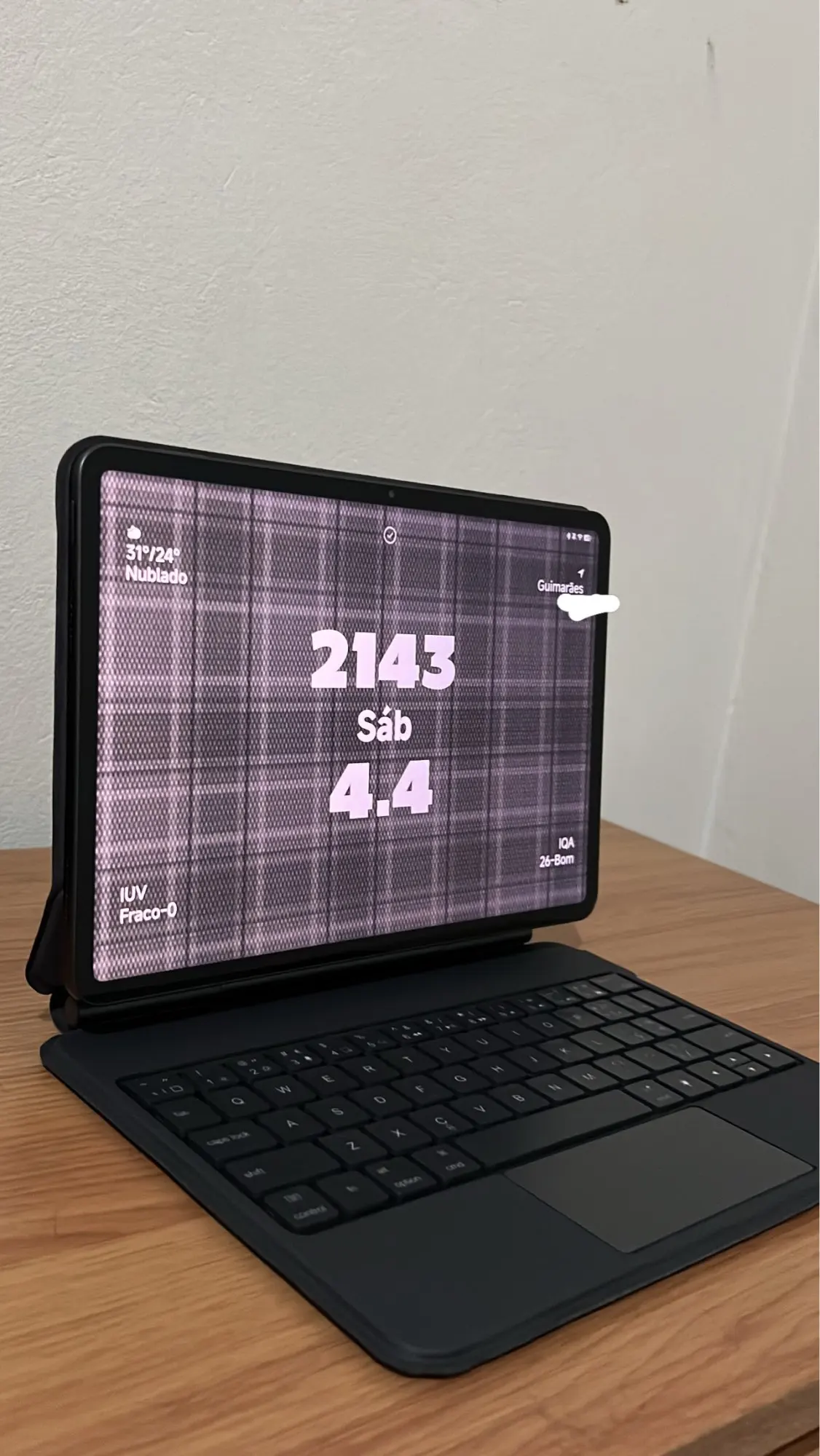
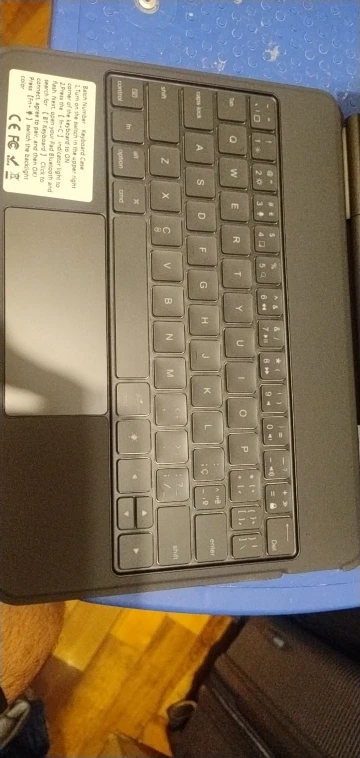
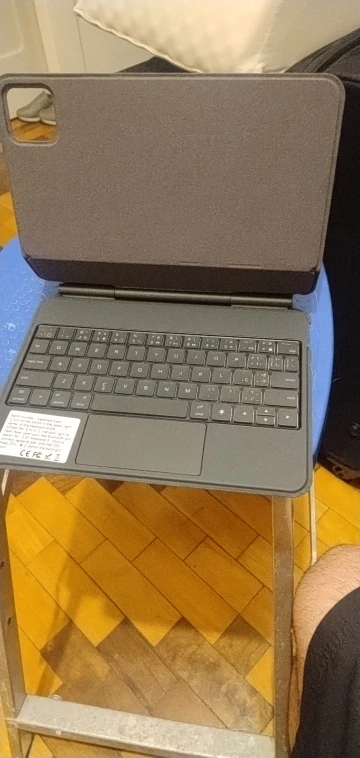
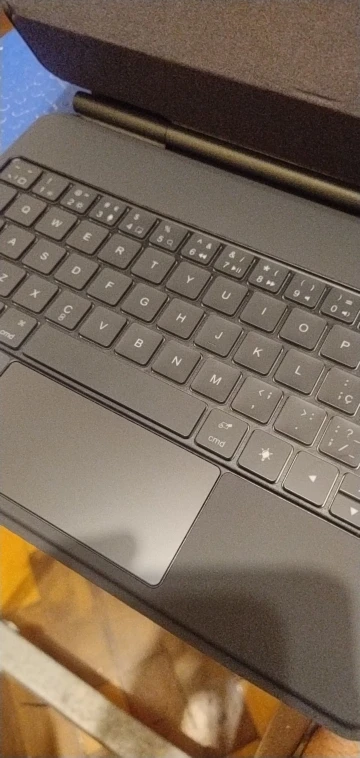
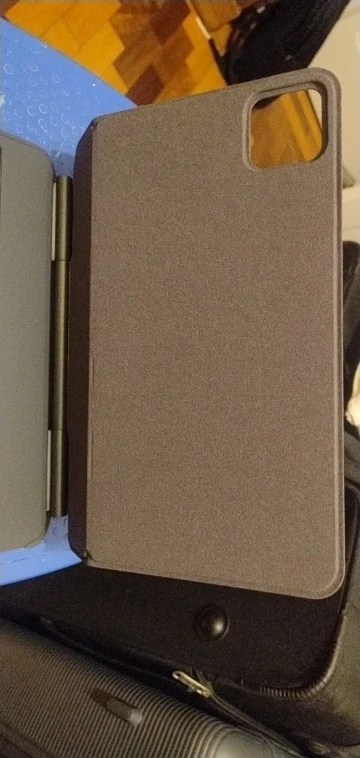
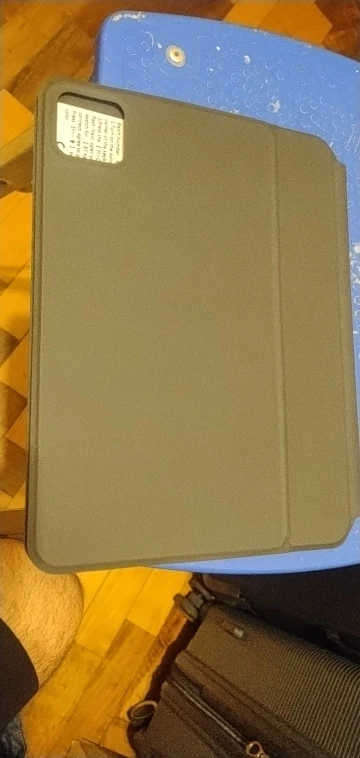
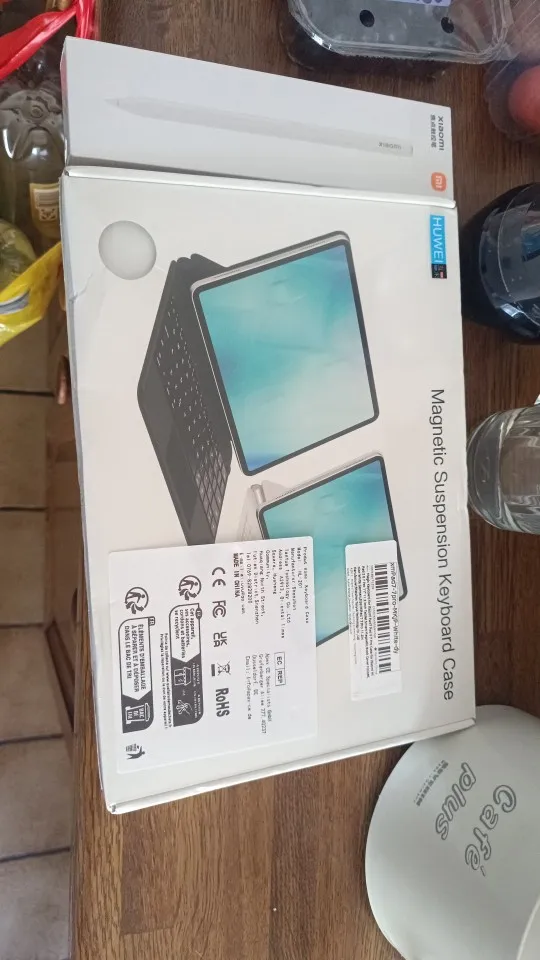
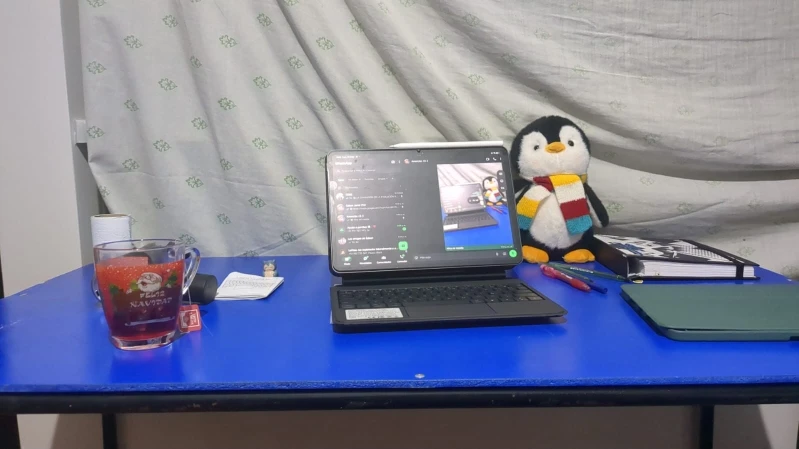
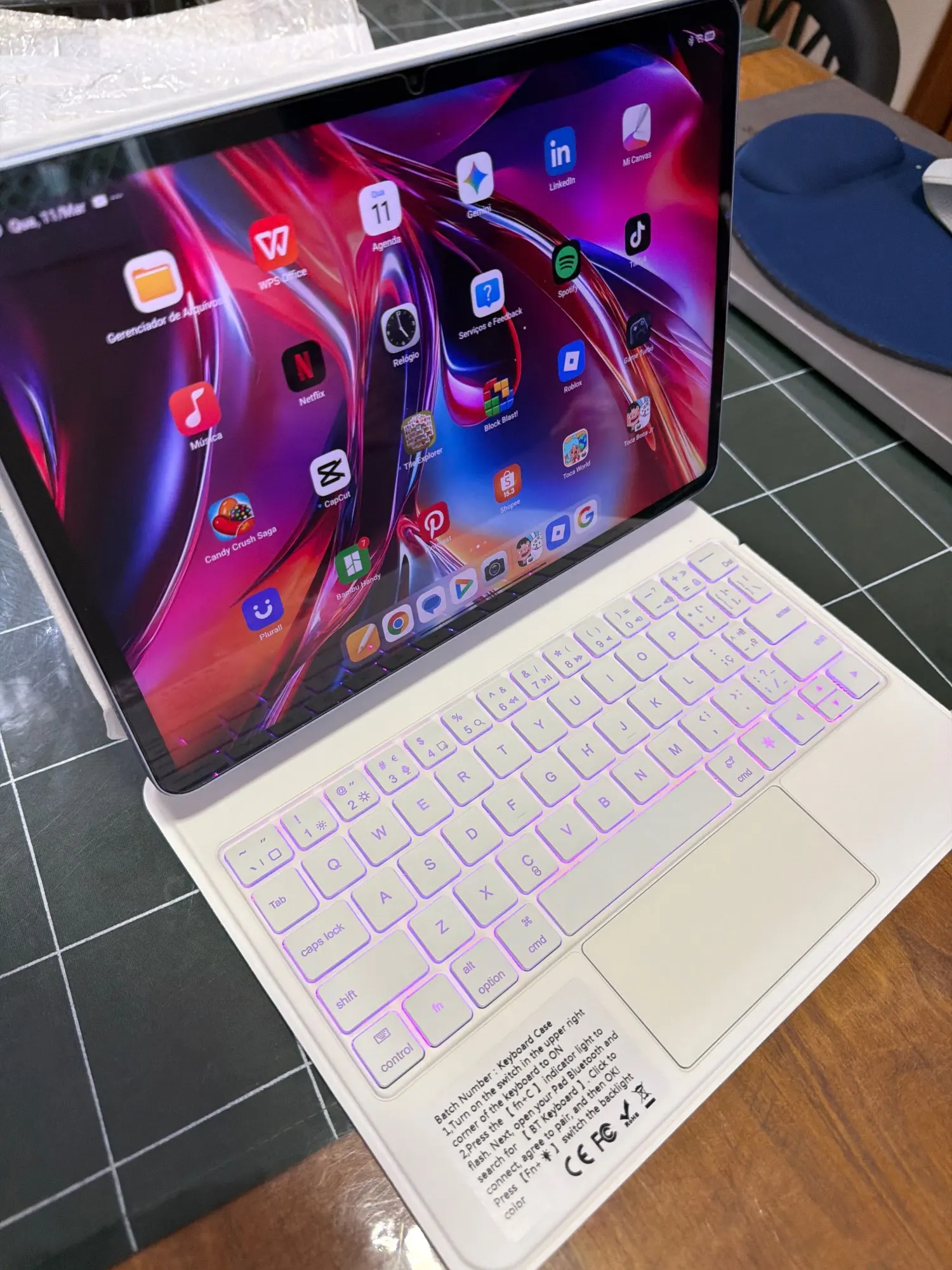
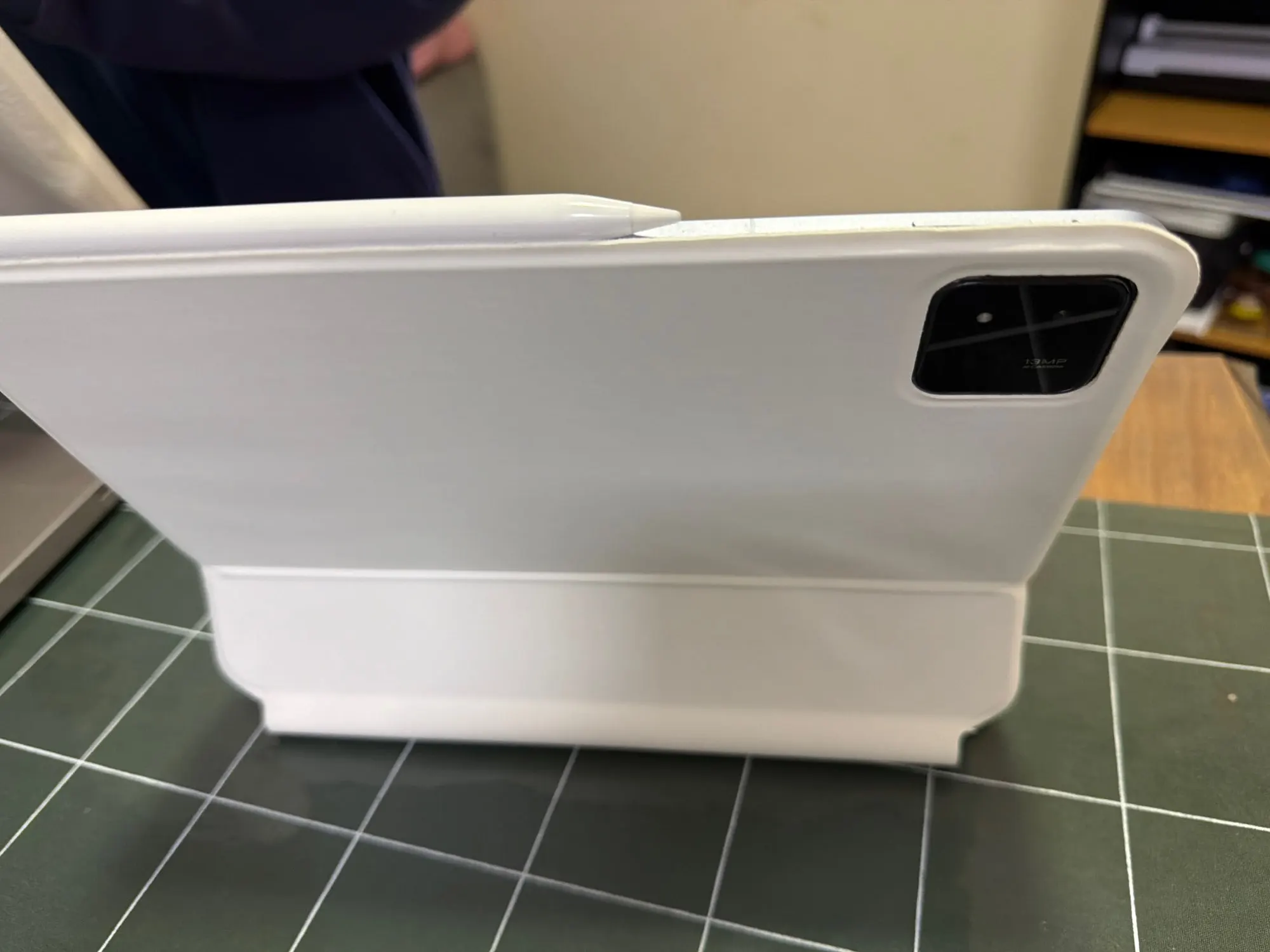
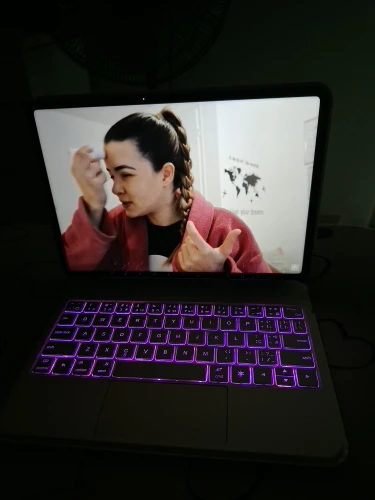
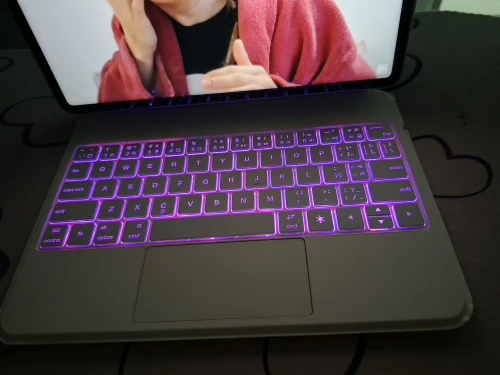
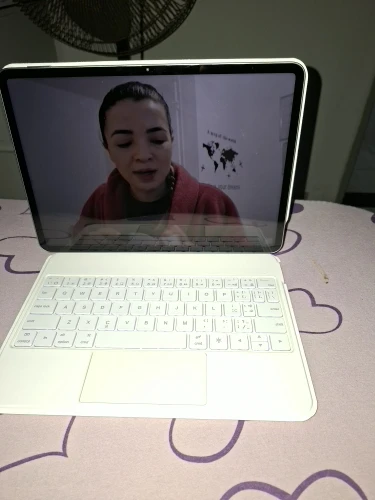
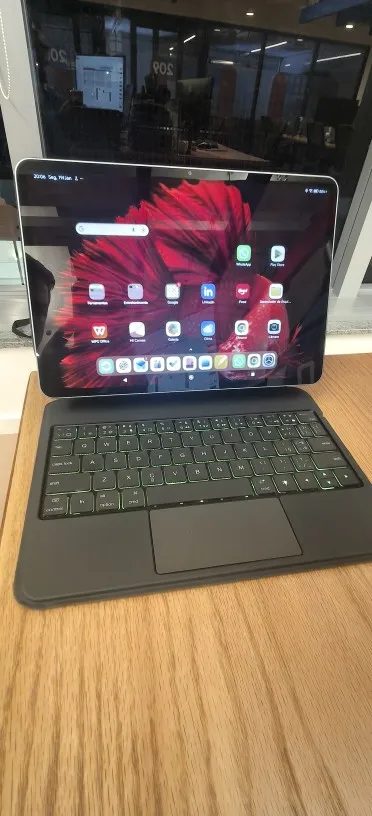
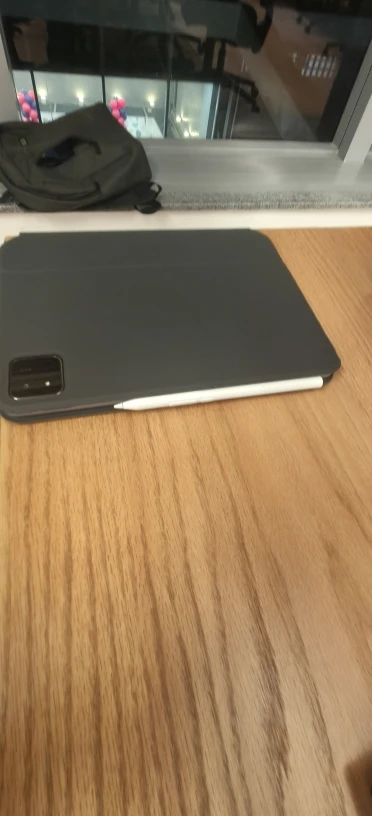
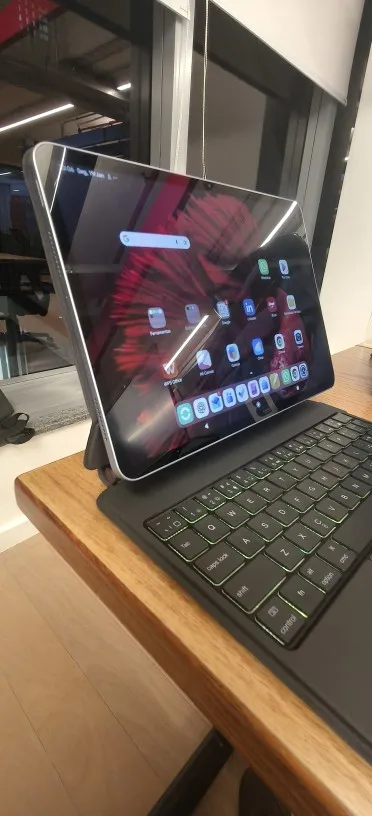
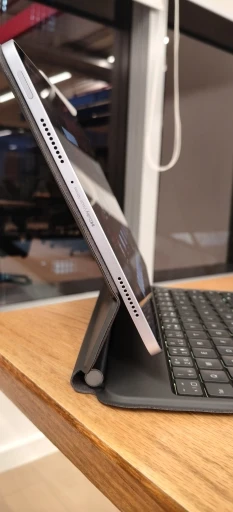
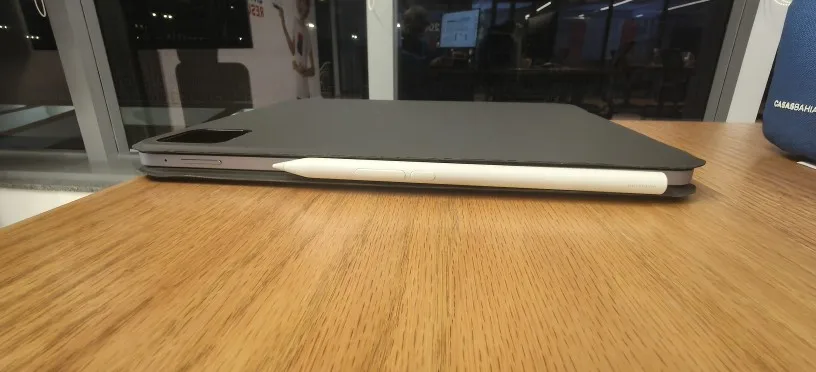
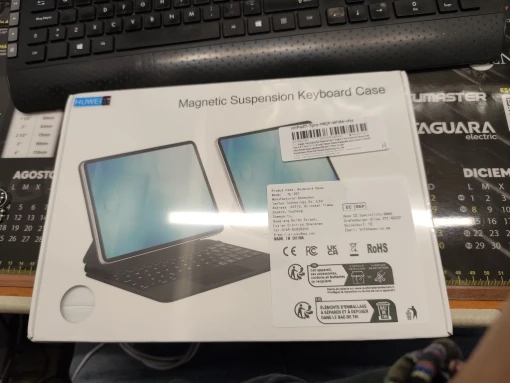
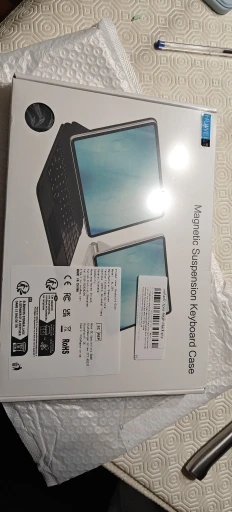
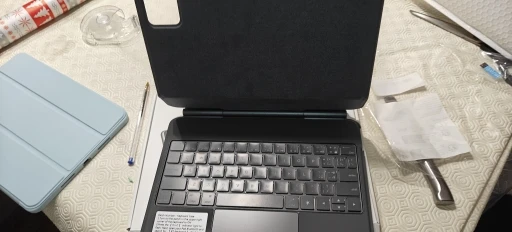
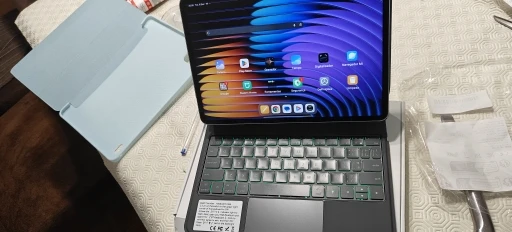
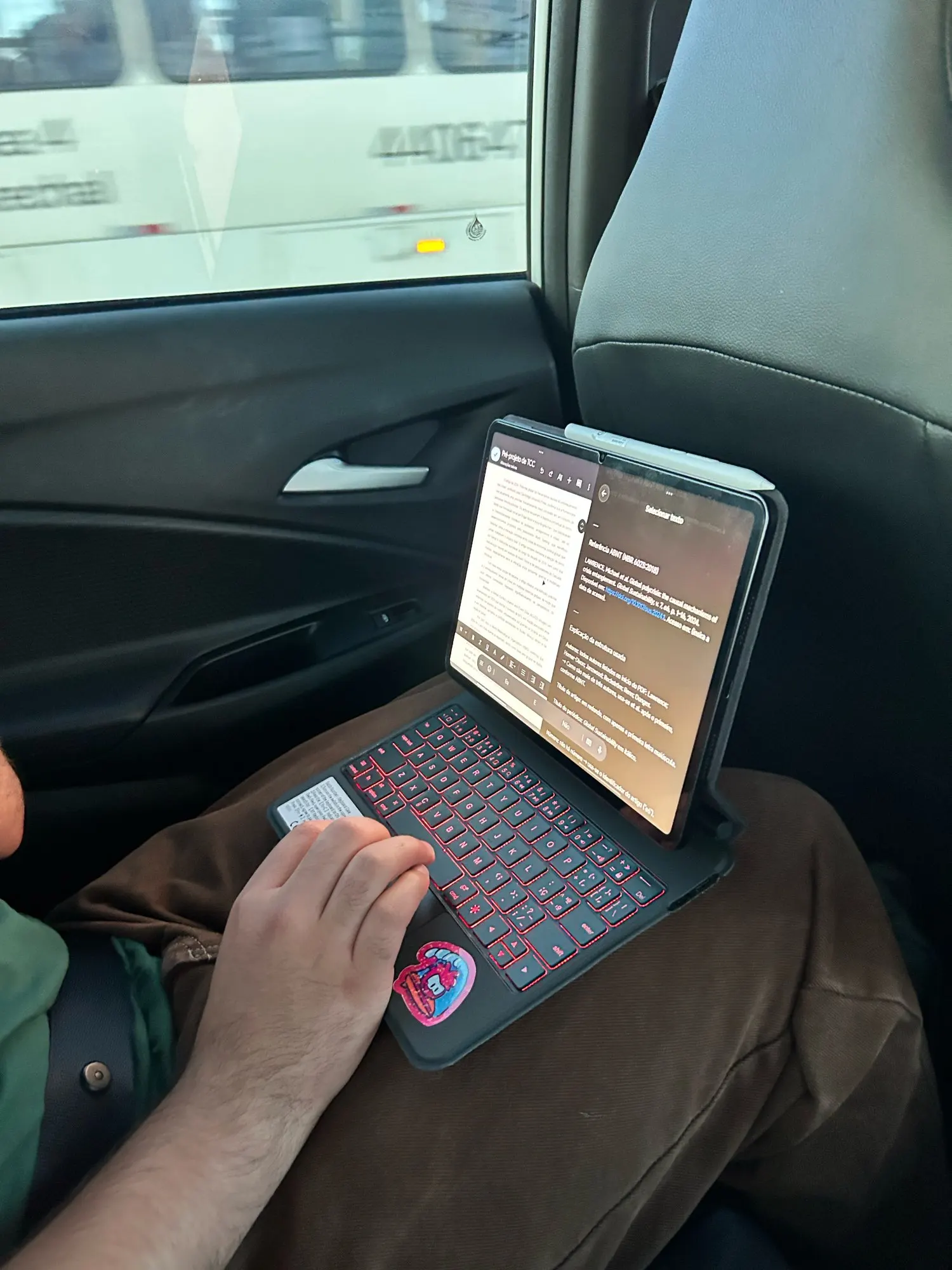
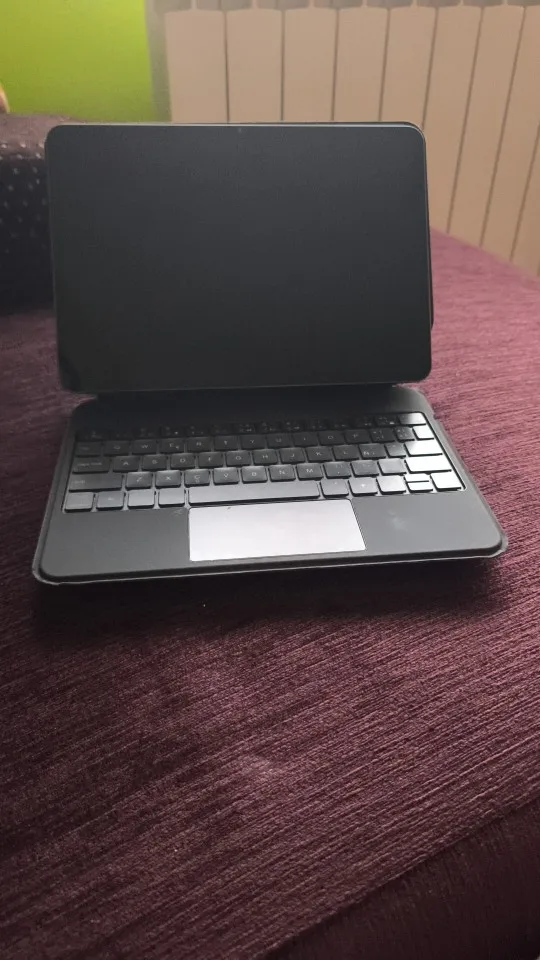
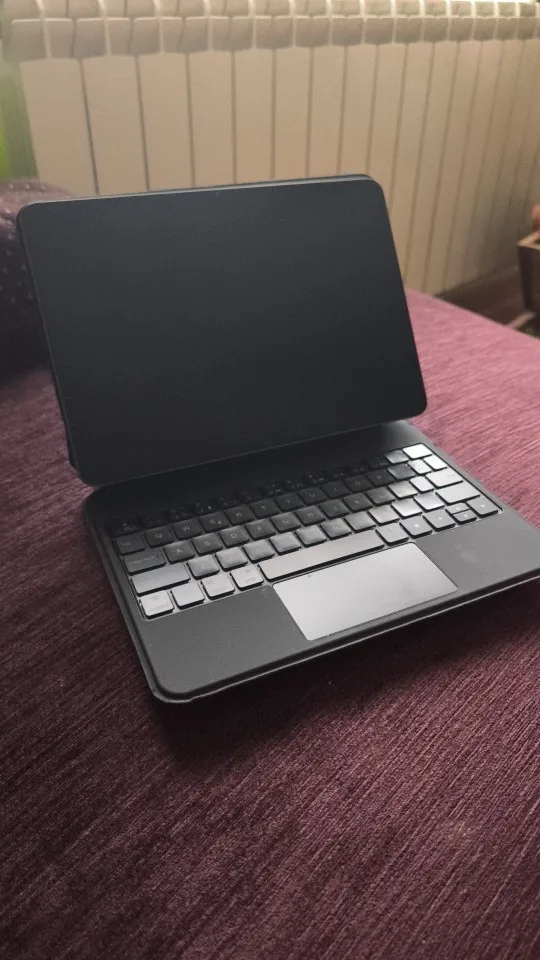
For Xiaomi Pad 5/6/7/8/Pro,POCO Pad X1 Magic Keyboard
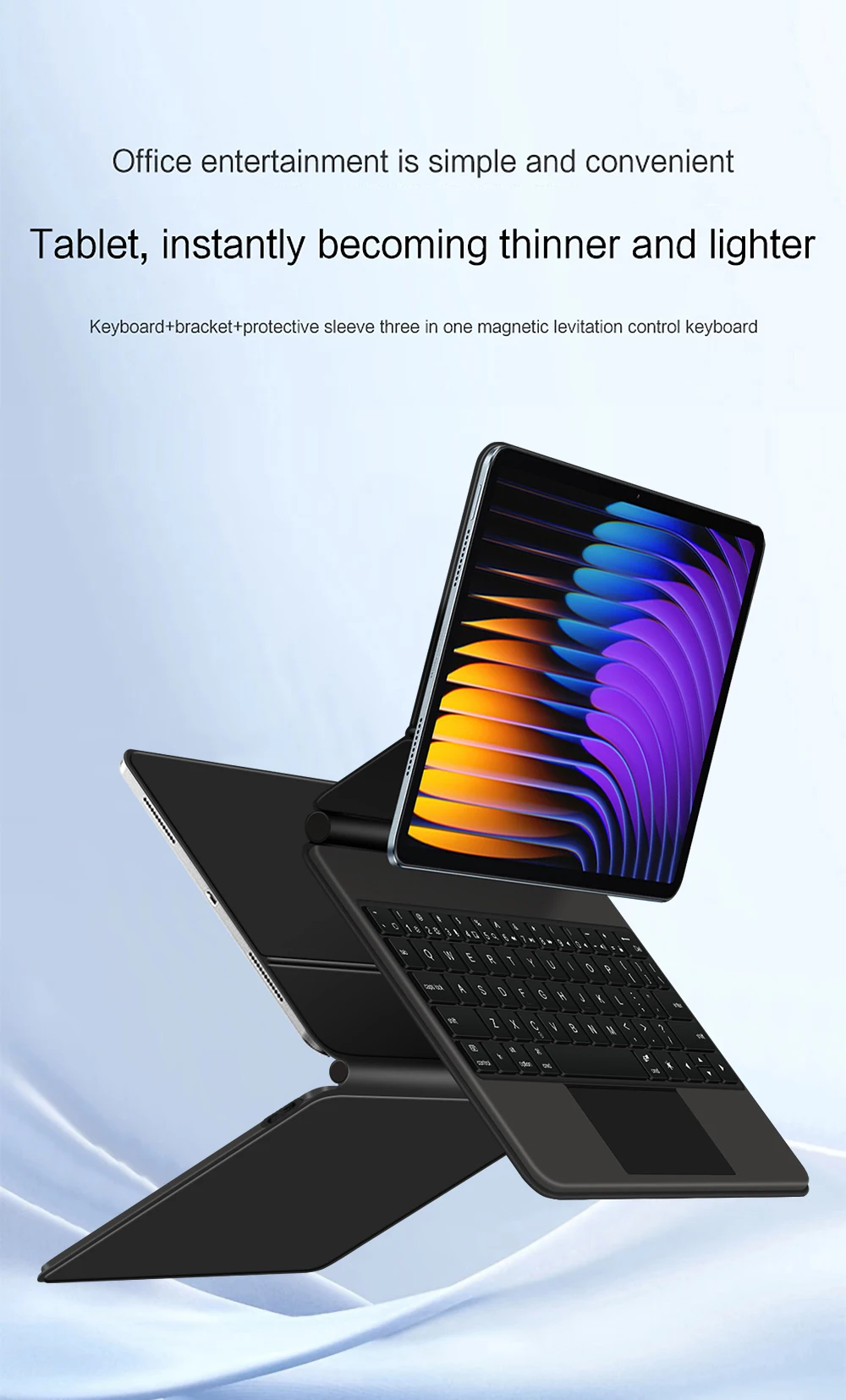
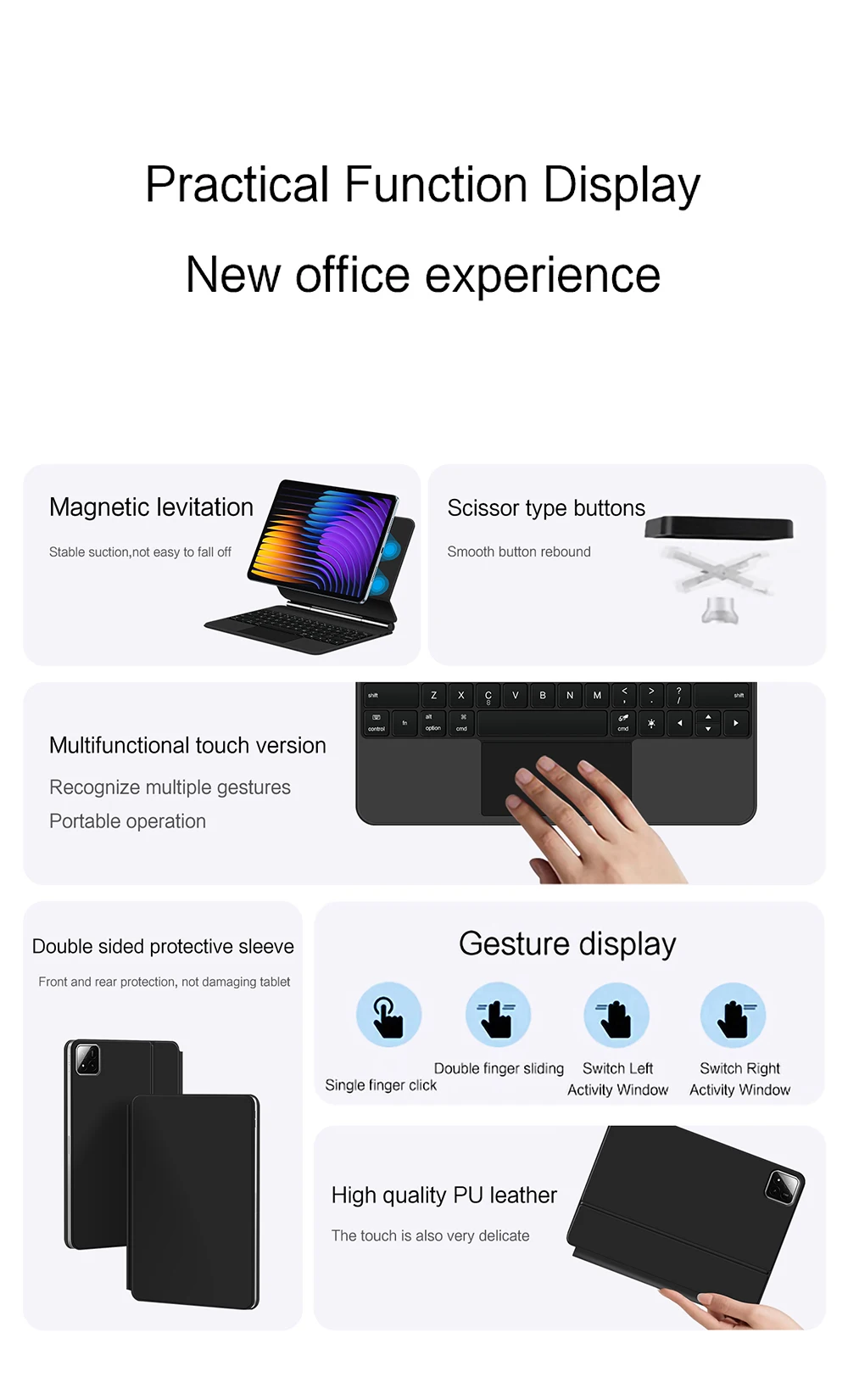
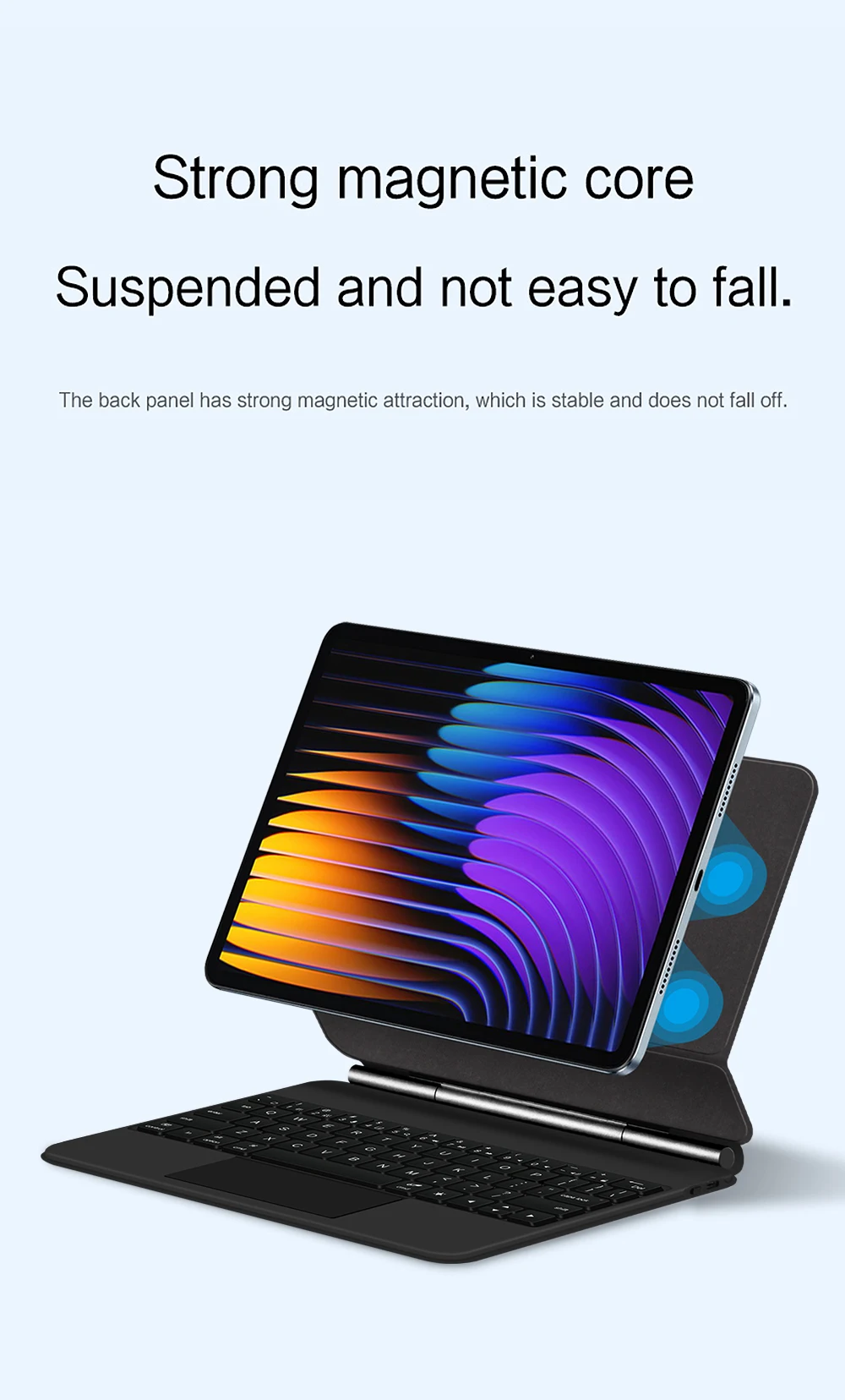
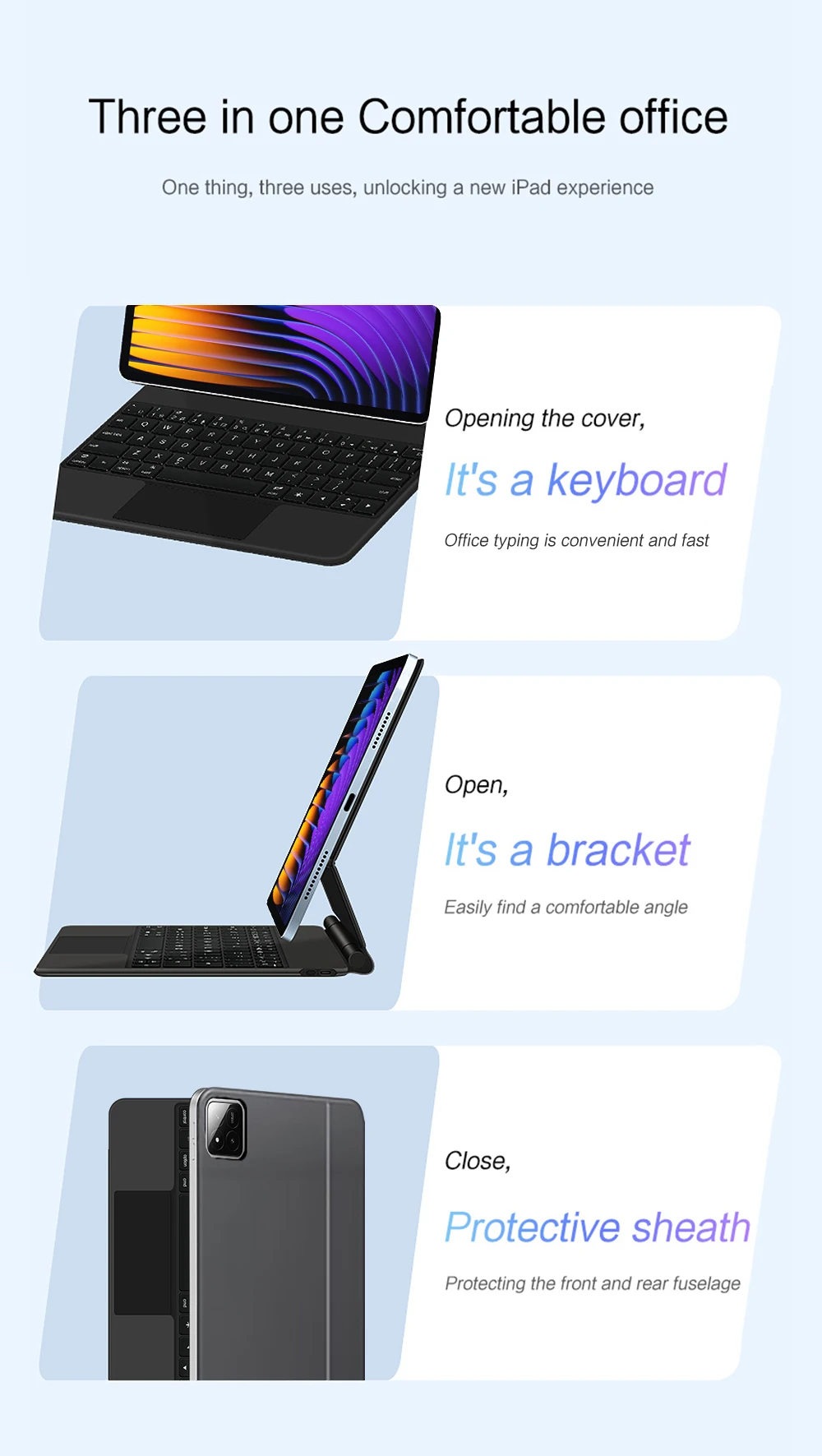
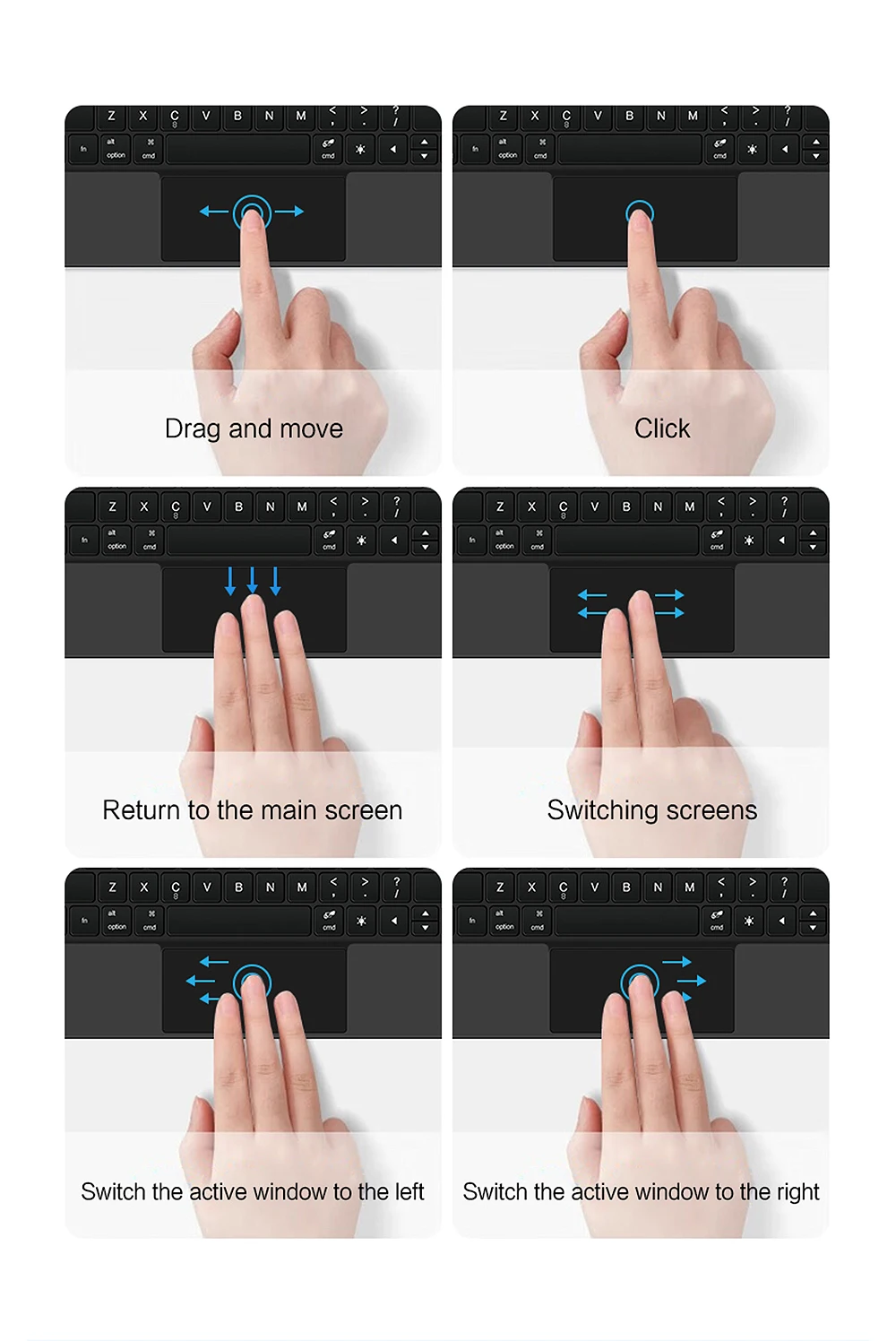
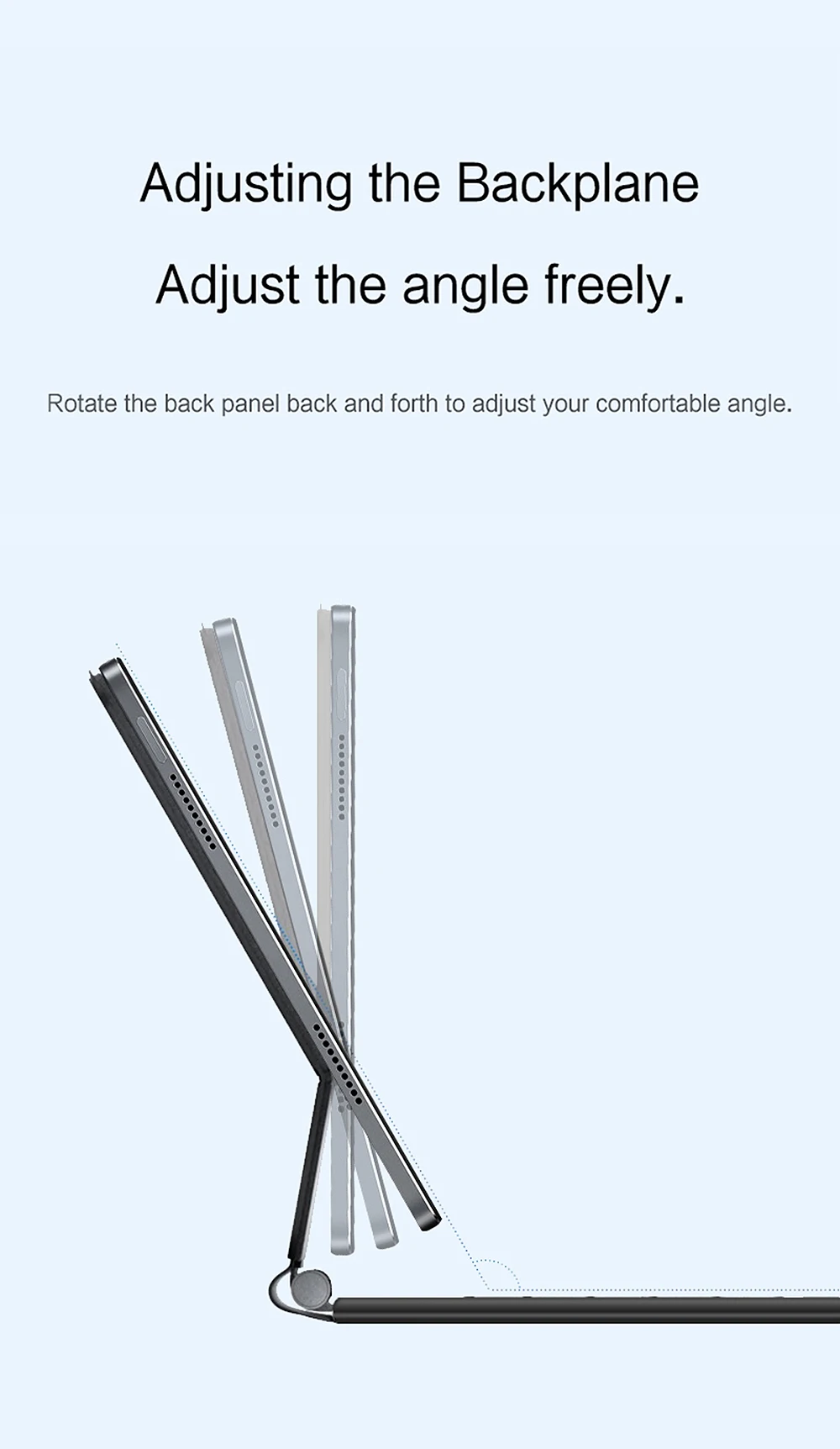
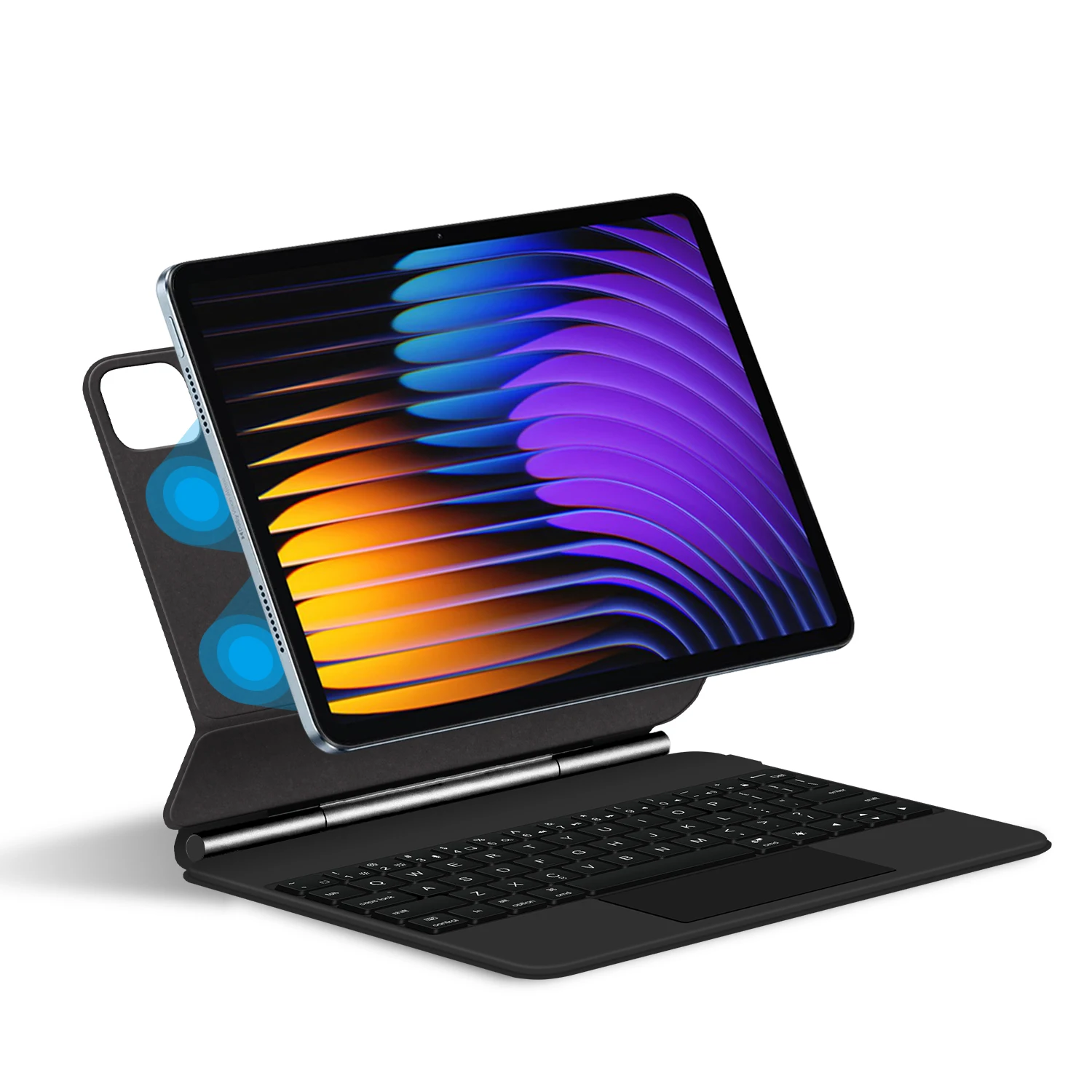
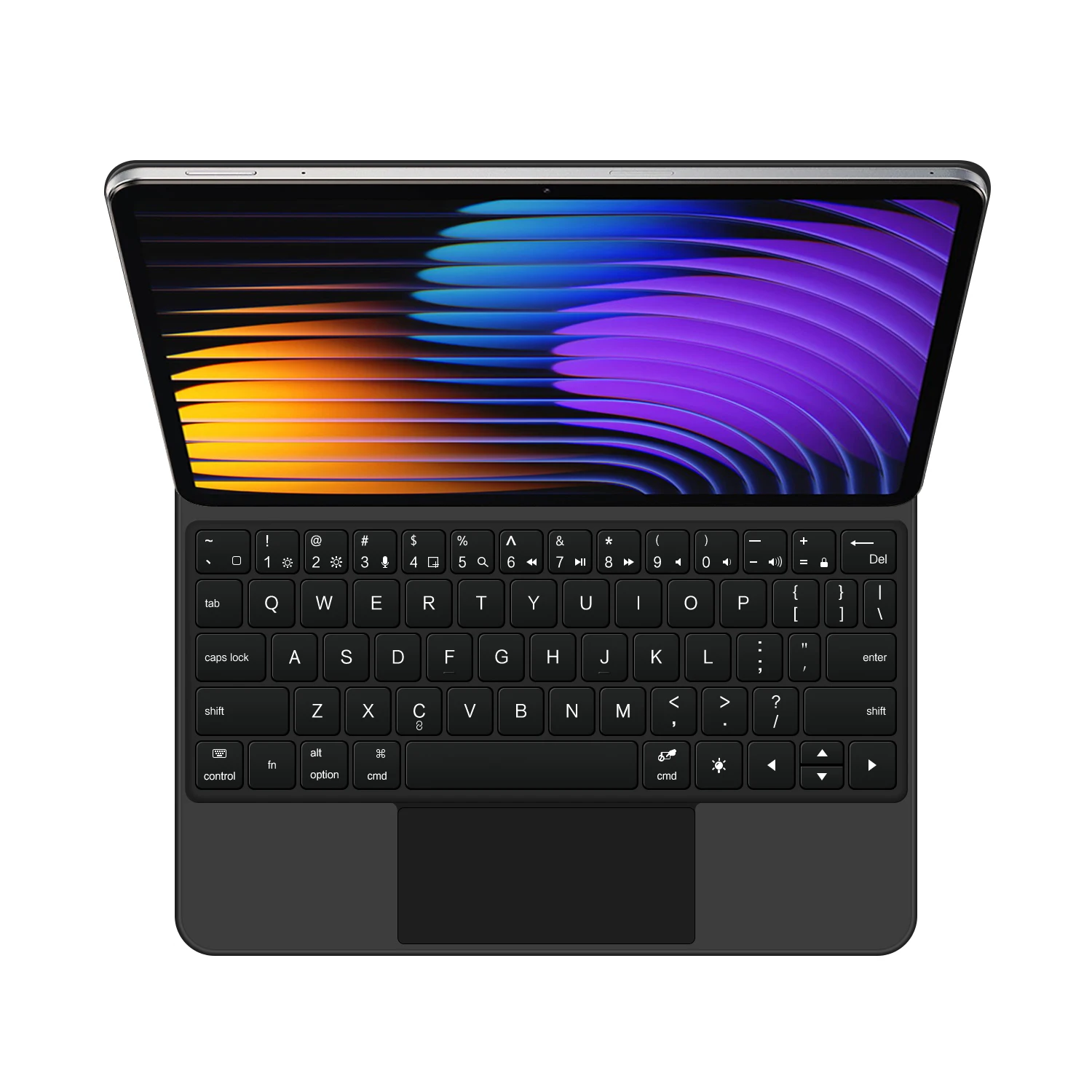
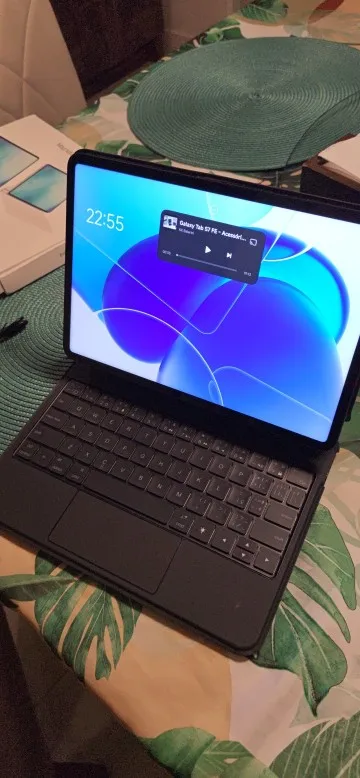
Magnetic adsorption, backlight, touch panel, multi angle support、Wireless Bluetooth
connection.
Product Details:
1. Number of buttons: 64
2. Battery: Lithium battery 500mAh
3. Stand-by time: 150 days
4. Working Time: 5 hours (with backlit on),120 hours (with backlit off)
5. Working Voltage: 3.0 - 4.2V
6. Charging current:<250 mA
7. Effective distance: 10 meters
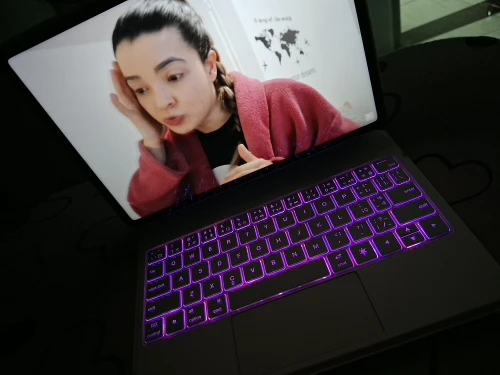
8. Backlit Light: 7 colors backlit
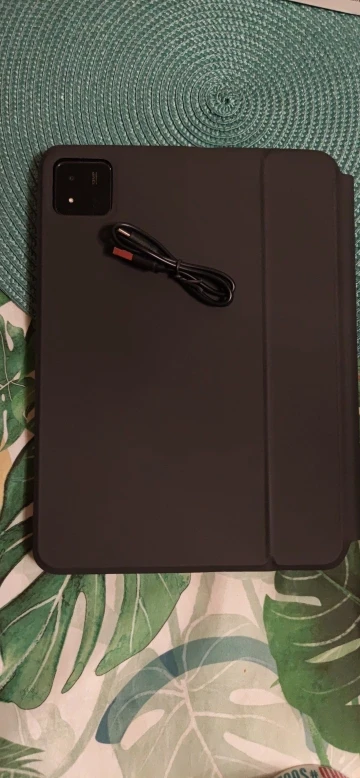
9. Charge Port: Type-c
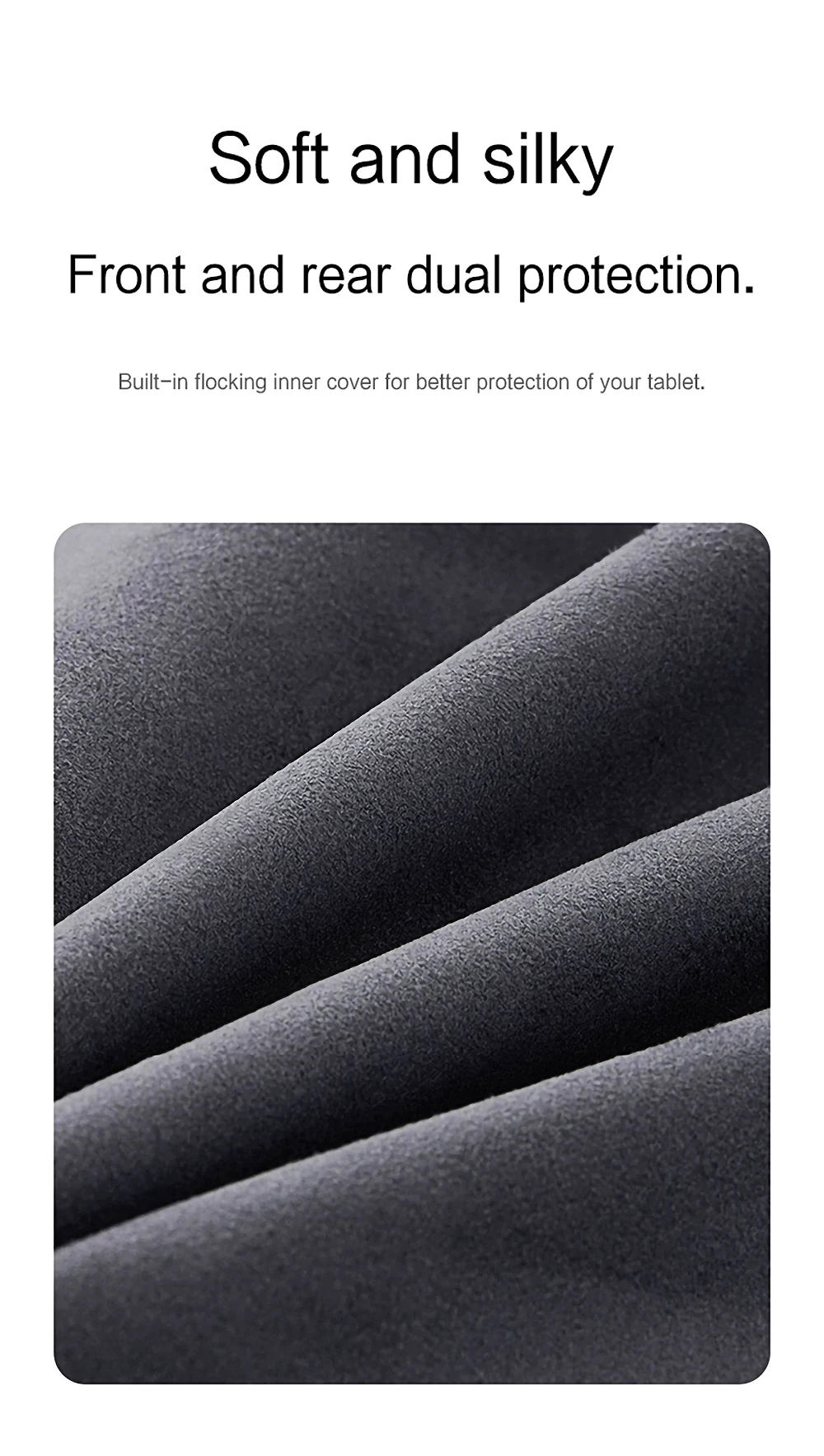
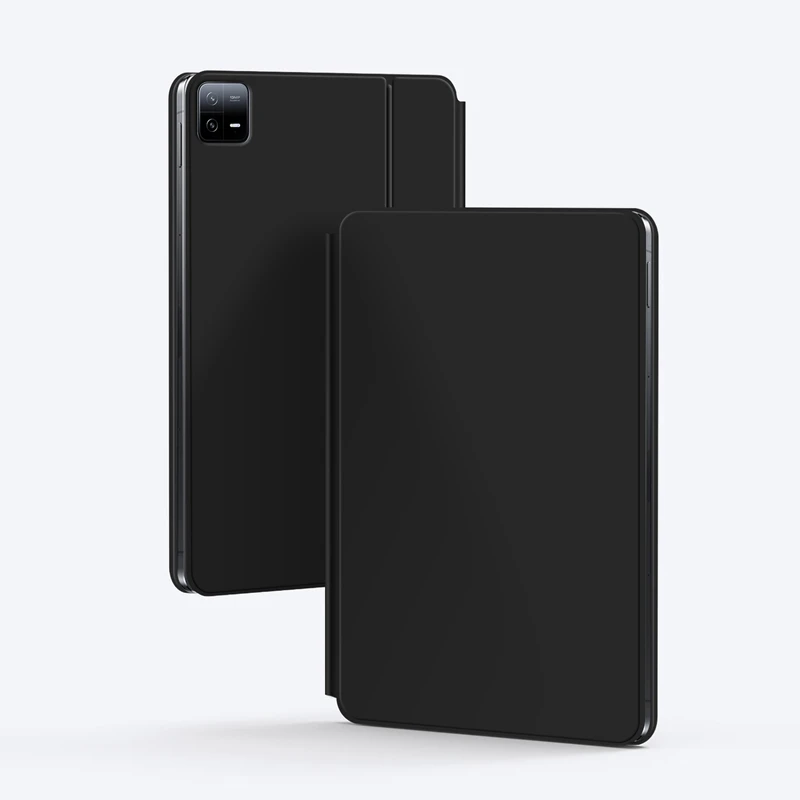
10. Material: PU Leather
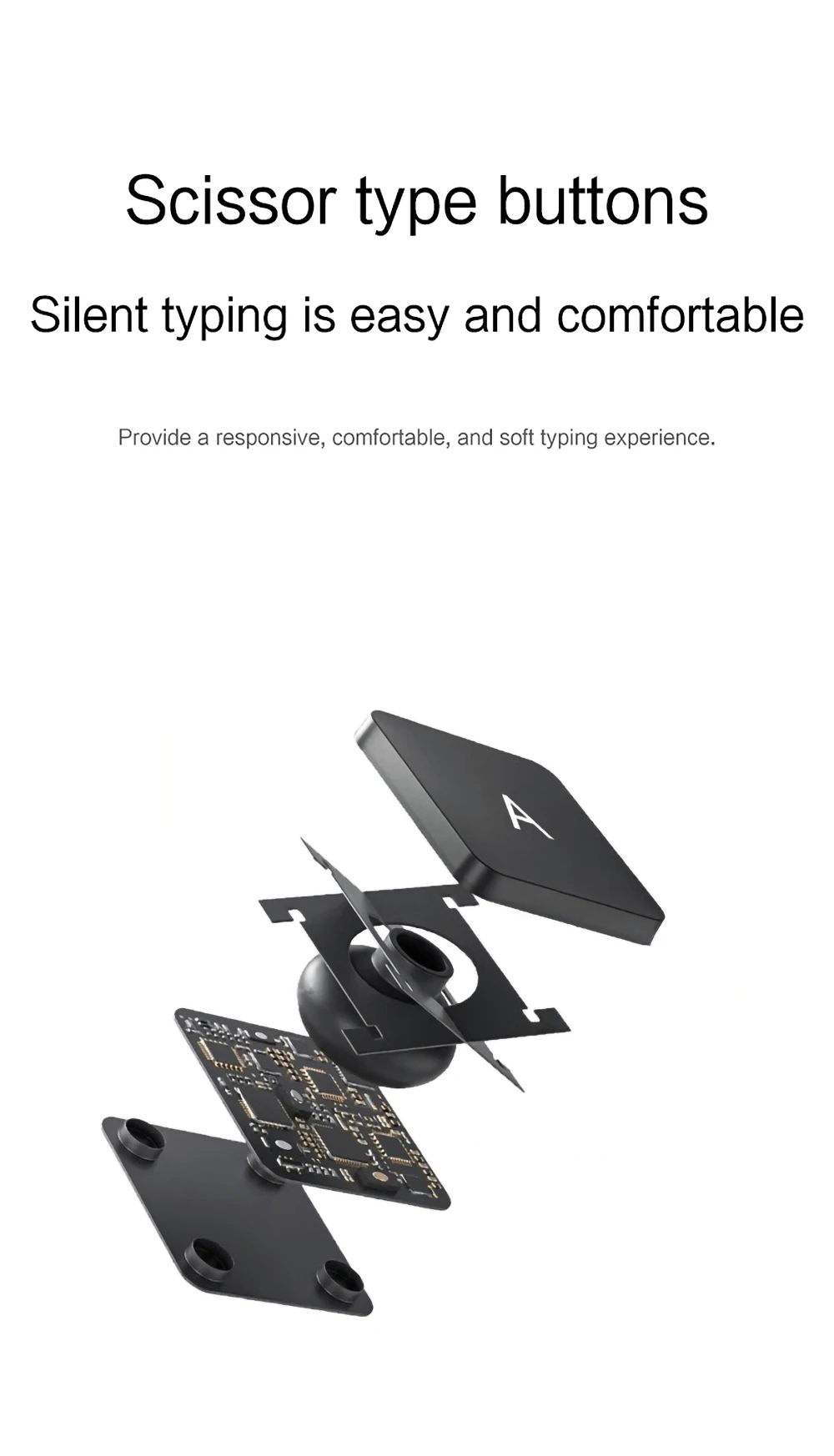
11. Key life:3 million
12. Charging times: 3 hours
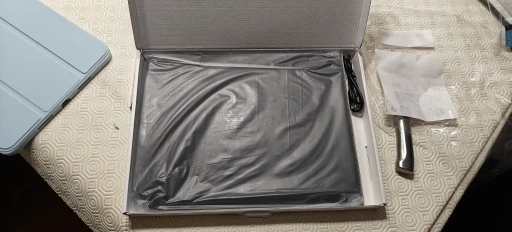
Note: Tablets and pens are not included in the packaging .
Note 1:You need to upgrade Tablet to version 15.0 or higher to use the touchpad.
Note 2:Please check in the size and detail model of your iPad. it is very importtant ! ! !
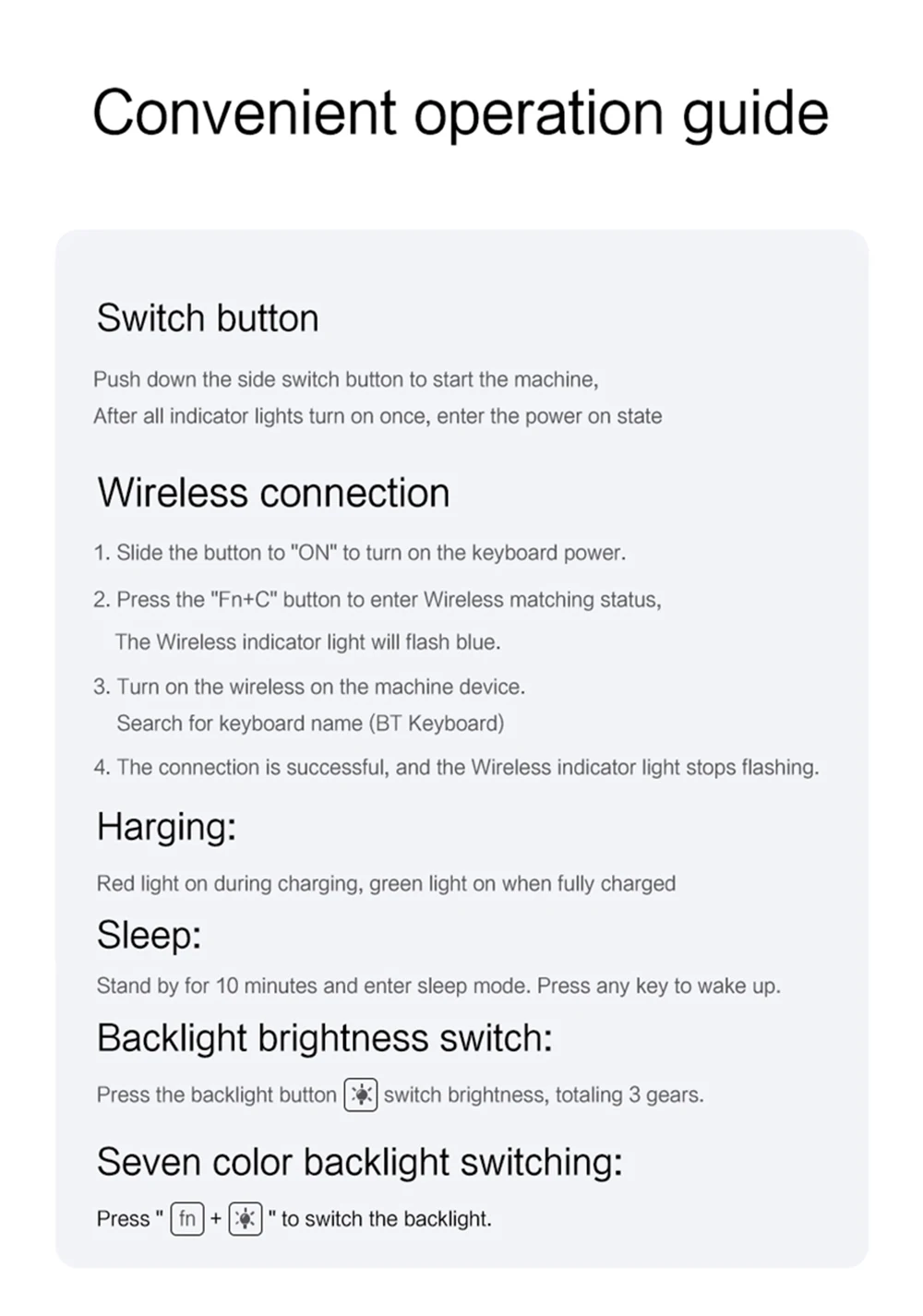
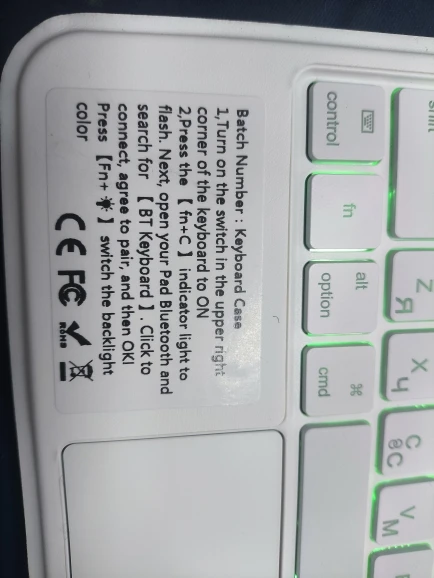
Note 3:After Open the Power, Please Click "Fn" and "C" 【Fn+C】Button Together to Open the Keyboard's Bluetooth. It is Very Important.
Due to multiple model options available on this link, please make sure to confirm your machine model or code before making a purchase in order to select the correct option. If you make a wrong purchase, you will be responsible for it yourself.
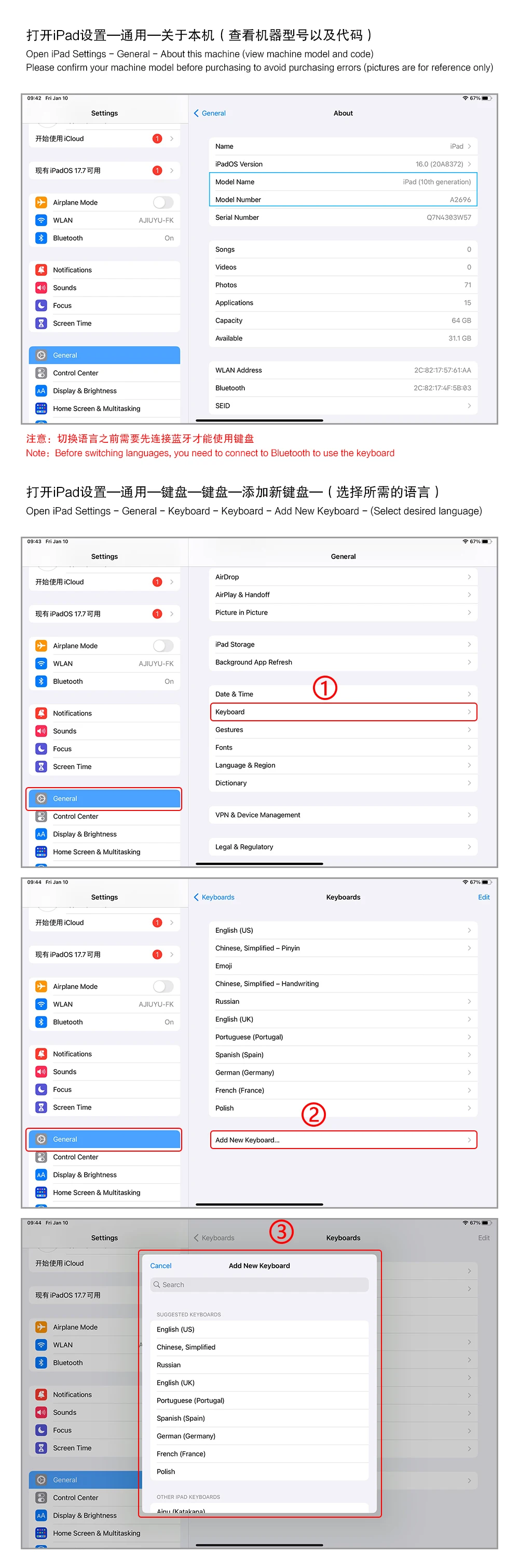
How To Verify Your Tablet Model
1.Turn your tablet to the back find your specific model,
2.Find the "Settings"--Click the "About"--Find the "Model"
3.Please select the correct model number for your tablet purchase after viewing it.
Applicable Models:
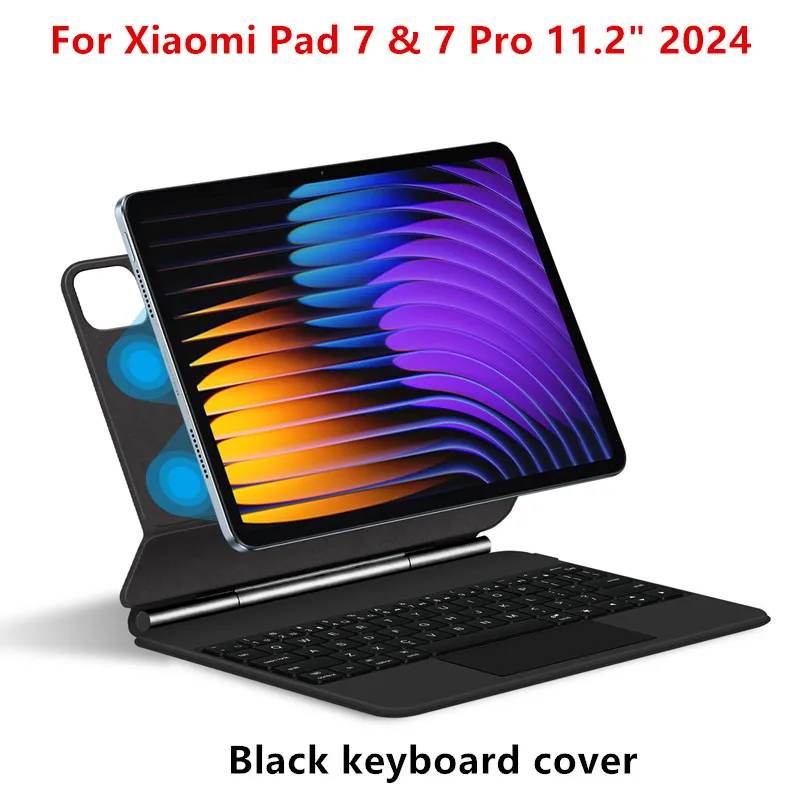
For Xiaomi Pad 7 / 7 Pro (Mi Pad 7 / Mi Pad 7 Pro) 11.2 inch Tablet 2024.
For Xiaomi Pad 8 / 8 Pro (Mi Pad 8 / Mi Pad 8 Pro) 11.2 inch Tablet 2025.
For Xiaomi POCO Pad X1 11.2 inch Tablet 2025.
The above models of keyboard covers are universal.
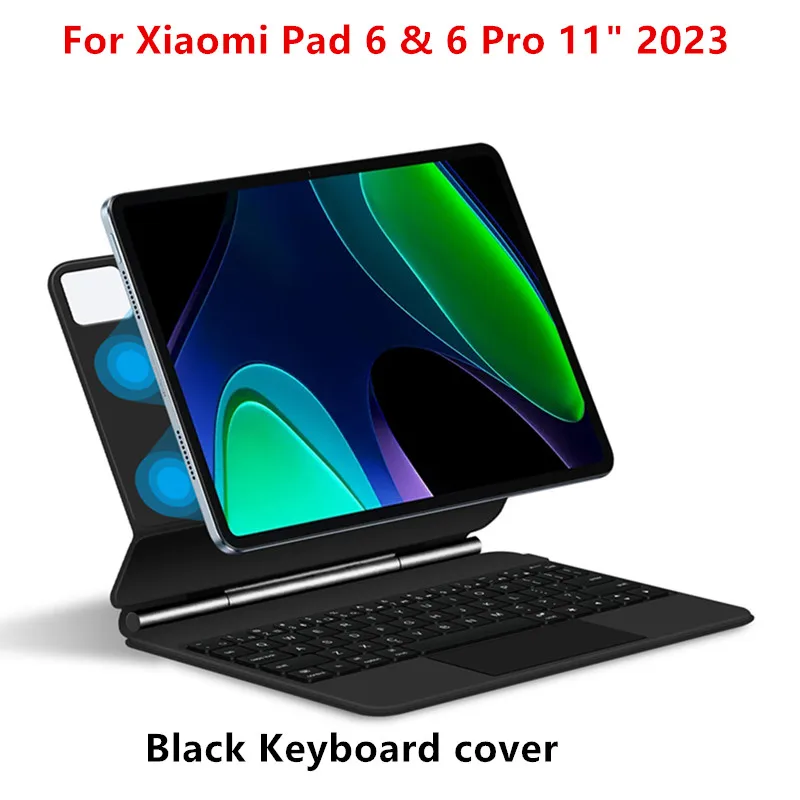
For Xiaomi Pad 6 / 6 Pro (Mi Pad 6 / Mi Pad 6 Pro) 11 inch Tablet 2023.Not compatible with other models.
For Xiaomi Pad 5 / 5 Pro (Mi Pad 5 / Mi Pad 5 Pro) 11 inch Tablet 2021.Not compatible with other models.
Attention Please
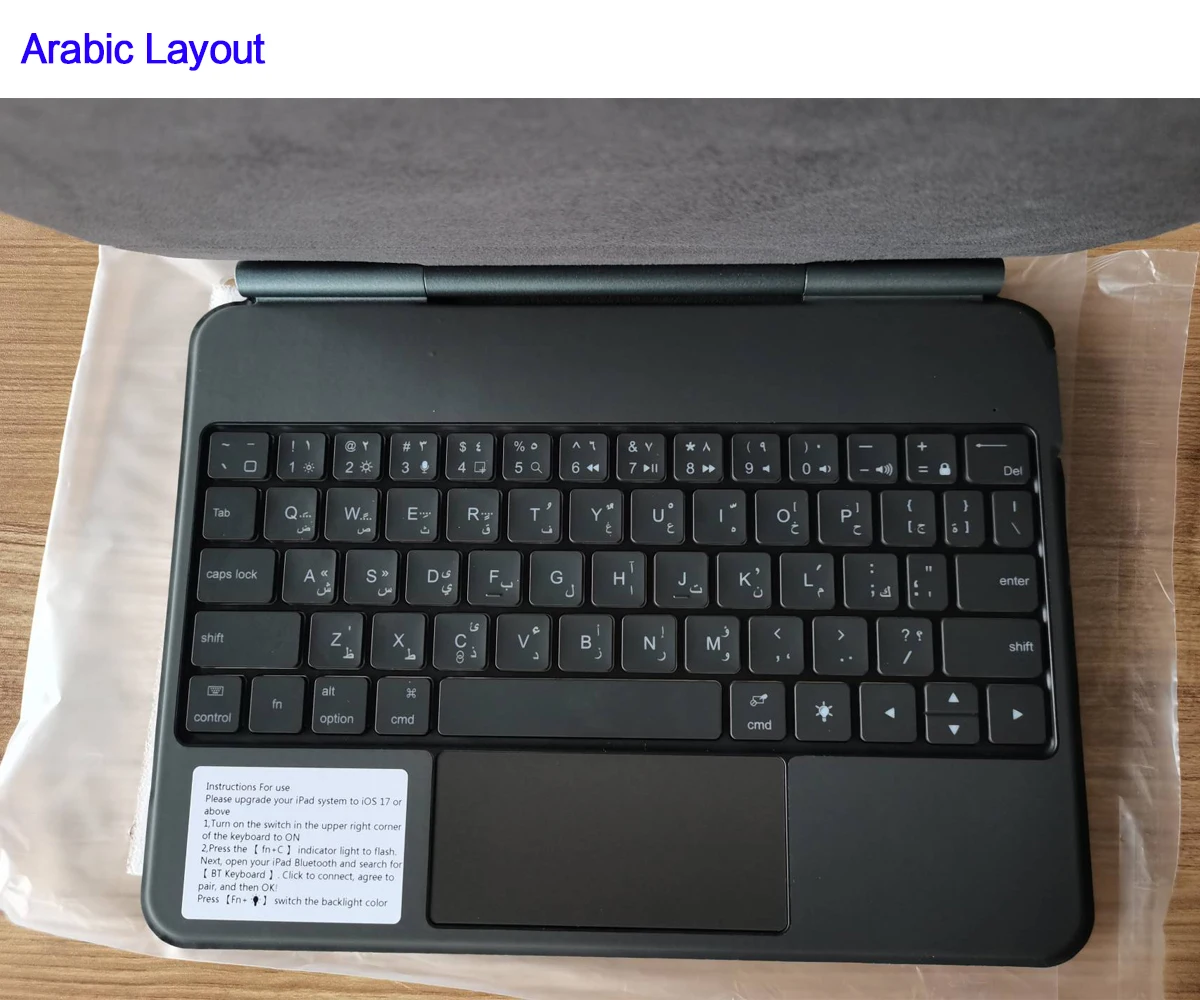
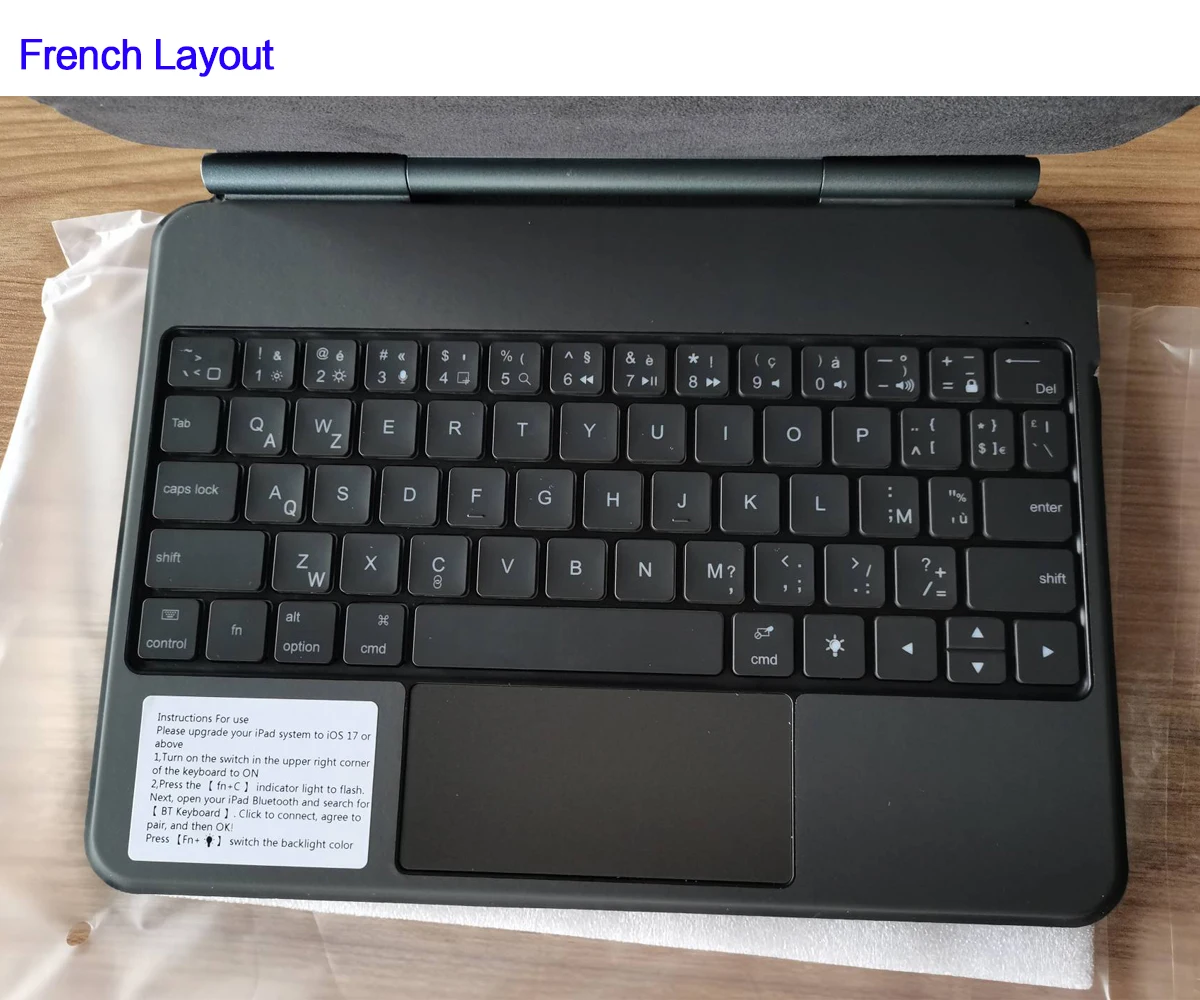
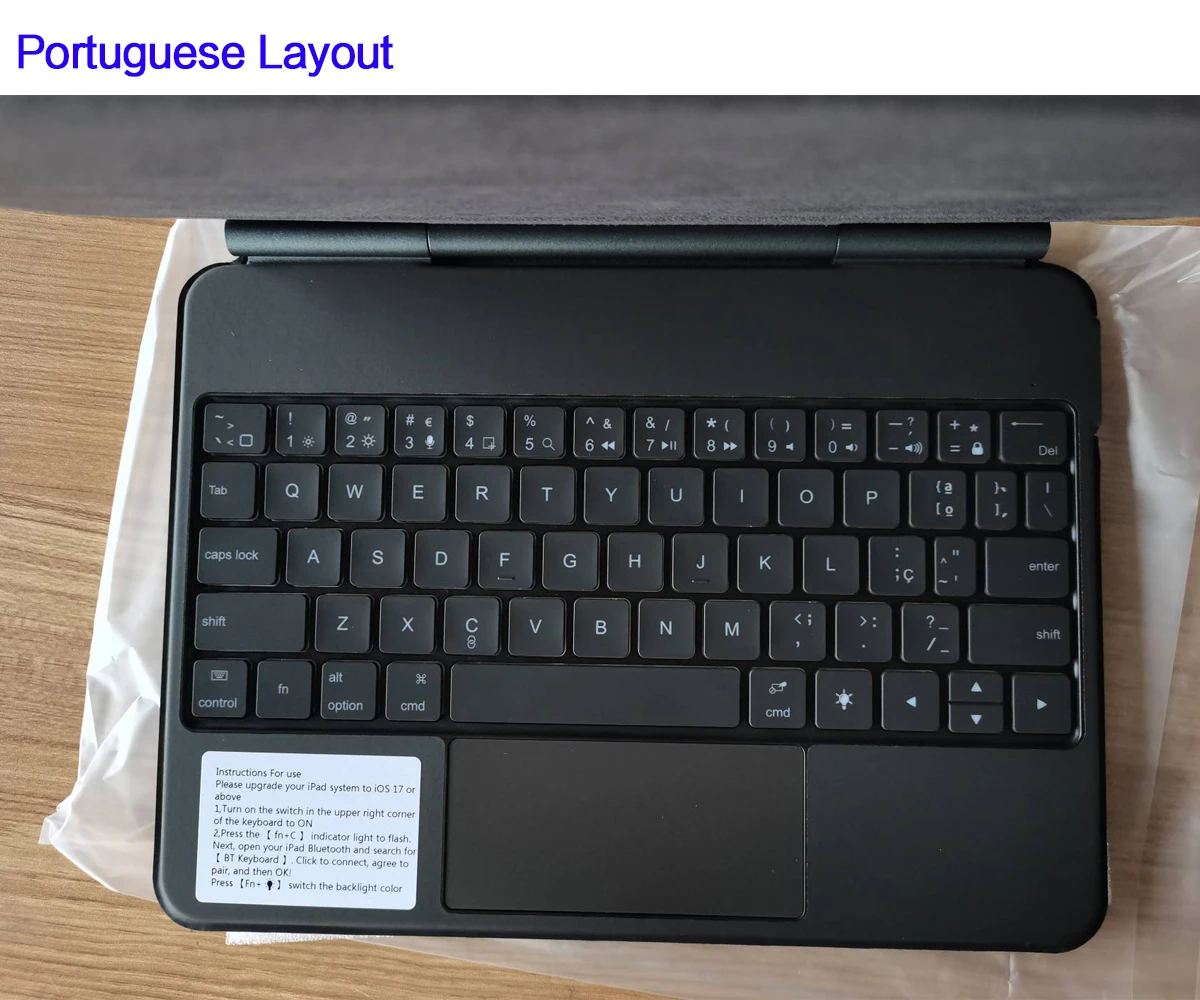
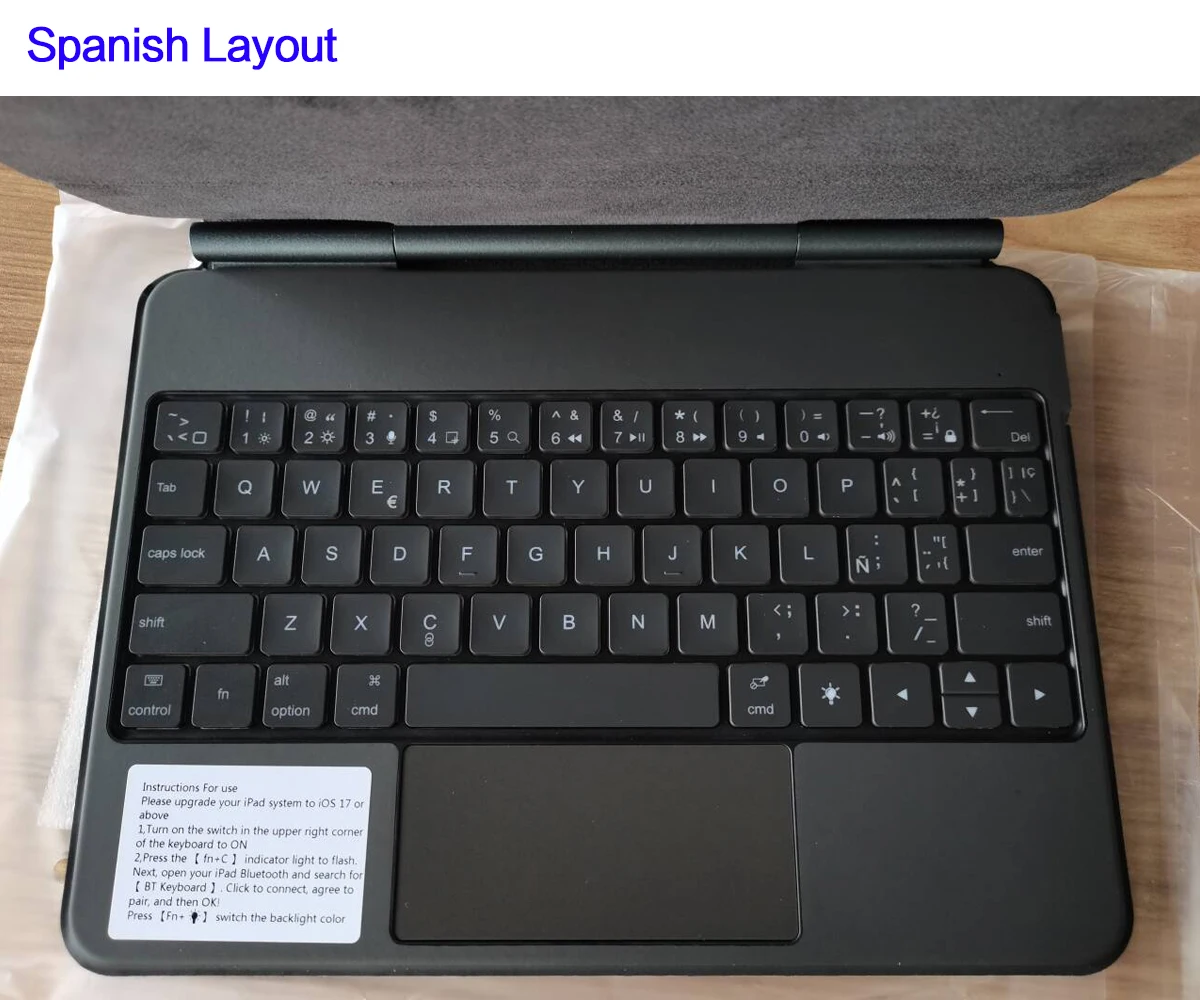
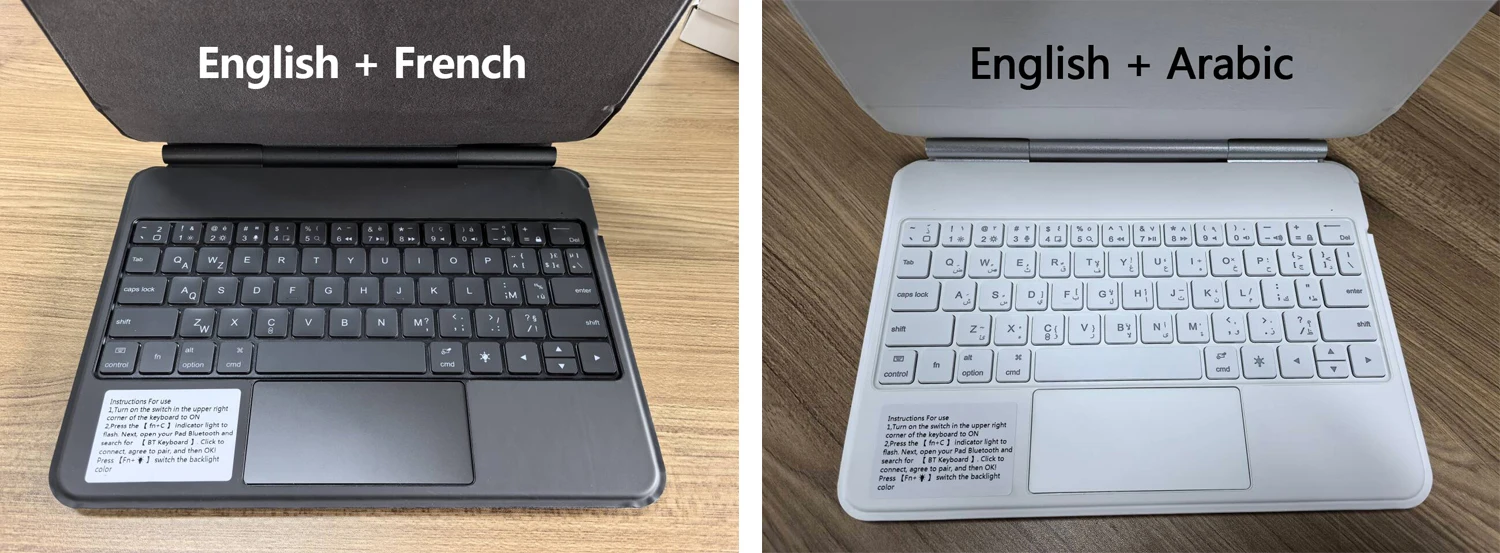
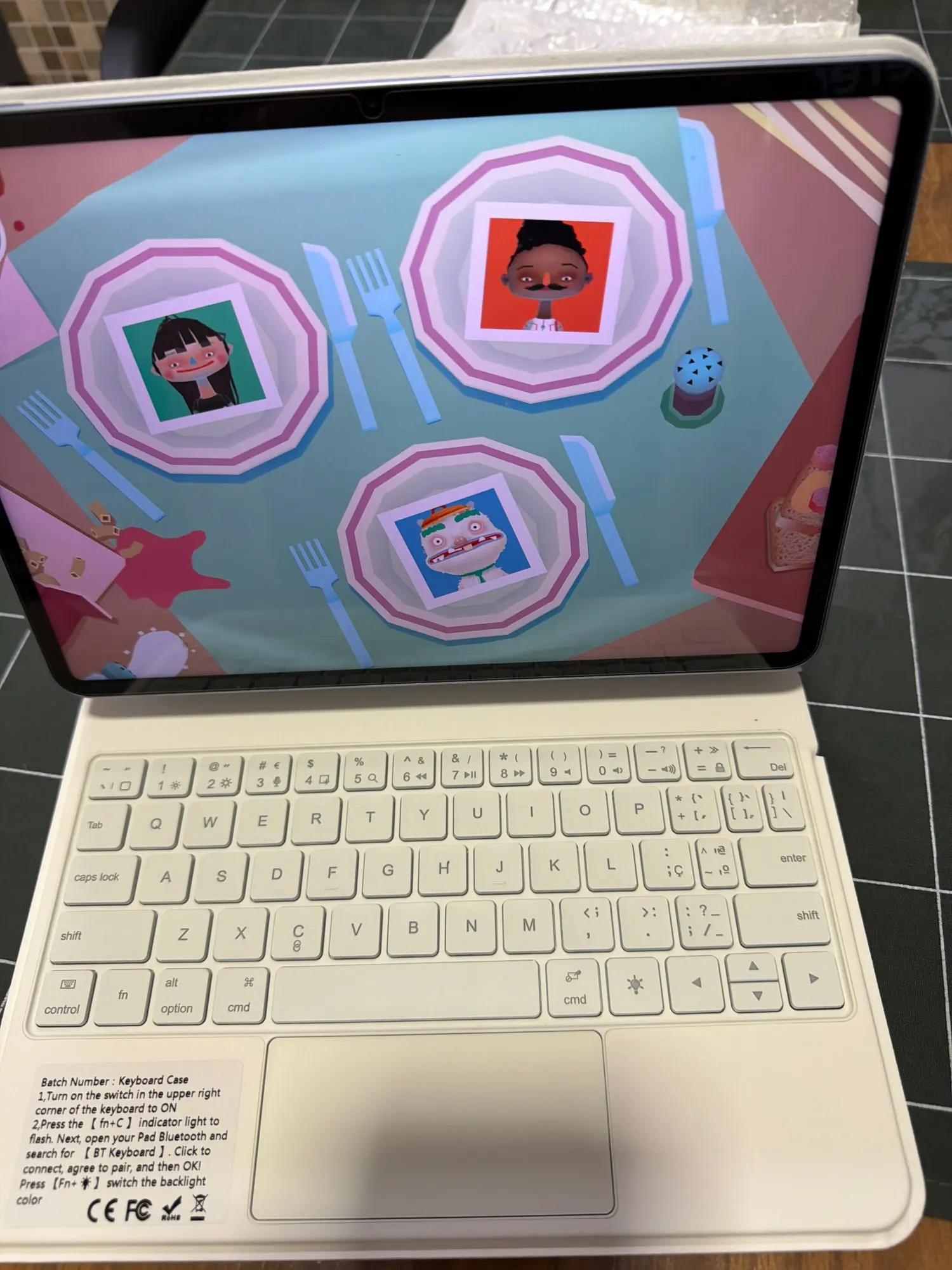
English versionkeyboard : There are English letters on the keyboard only.
Multi-language versionkeyboard : English letters and carved language letters together.【For example, if you choose French, the keyboard will display English and French letters. Please note that the same letters will not be engraved repeatedly】(Due to the difference in the number of keyboard keys compared to a normal office keyboard, some special character engraving positions are the same, which is a normal phenomenon)
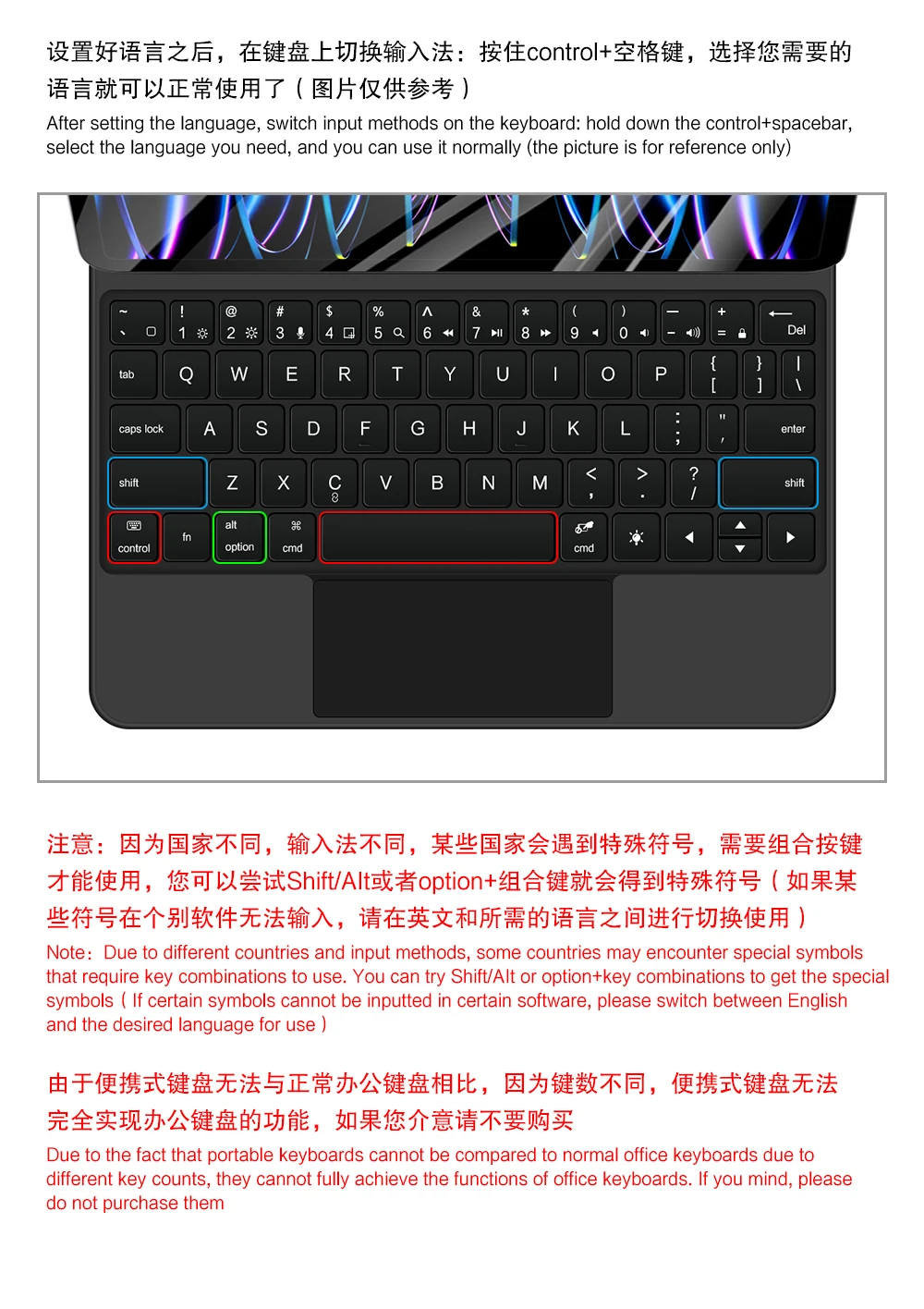
The keyboard Core defaults to English, and the characters engraved on the keyboard are only a Surface display.so in some countries, even if the input method is switched, the special symbols do not necessarily match the keyboard function layout(You can hold down the Shift combination).If you mind, please do not purchase!!.
Note :Due to the material of the white keyboard, the engraved letters are dark gray .
【Note】Bluetooth connection method: Turn on the keyboard switch, then hold down Fn+C for about 2-3 seconds to start Bluetooth, then turn on your tablet Bluetooth device, search for"BT Keyboard",and click connect to connect 。
Note: If you do not use the keyboard for a long time, the keyboard will enter sleep mode and Bluetooth will automatically disconnect.
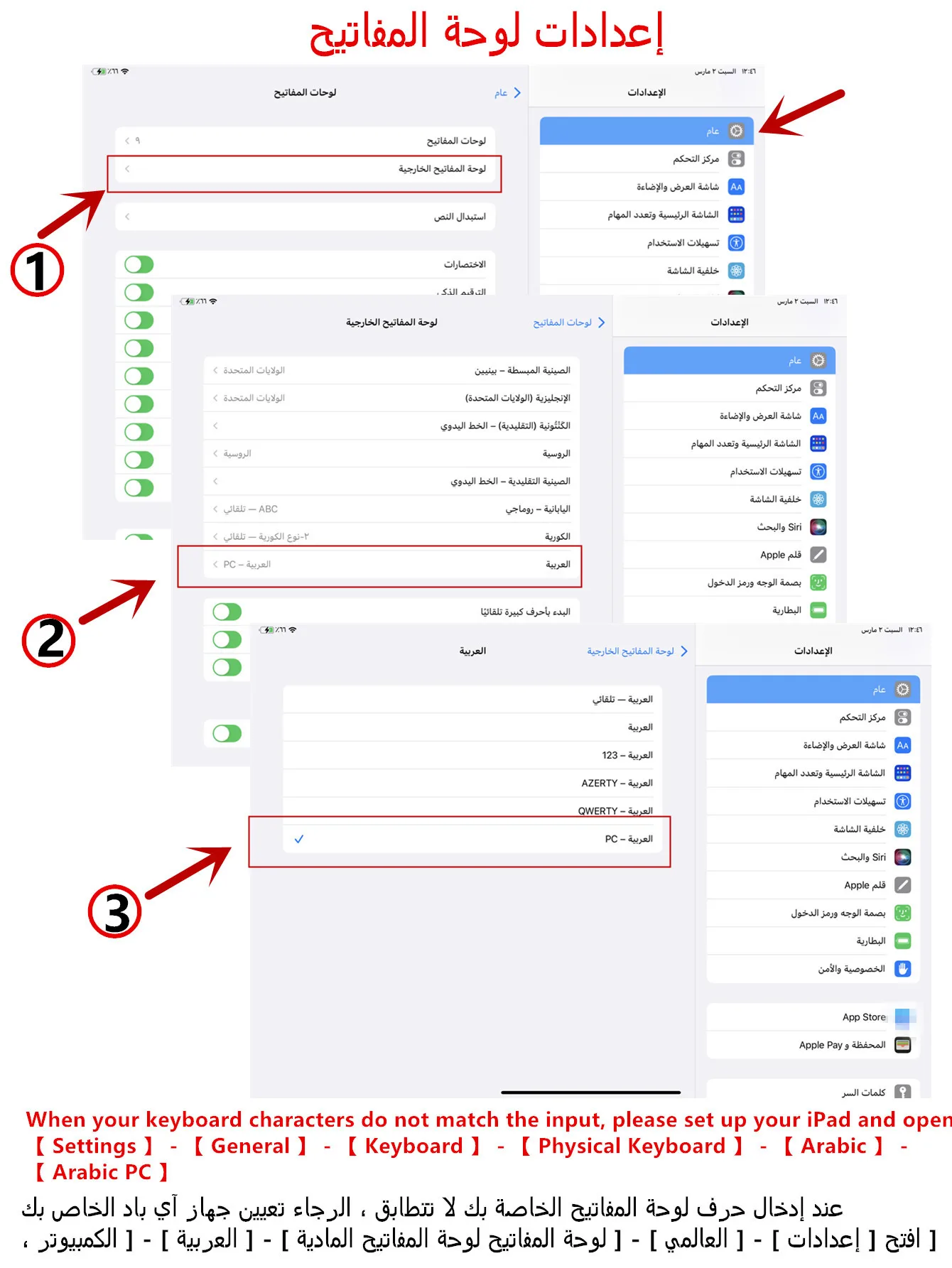
【1】1. After connecting Bluetooth, open your tablet - Settings - Keyboard - Add New Keyboard
【1-1】Input method switching: control+spacebar.(Choose the language you need)
【2】Type-C charging interface, with switch button, 5.0 Bluetooth version
【3】For detailed instructions, please read the user manual. If you have any questions, you can contact "Online Services" for consultation .
If you experience delays in the touchpad or unstable Bluetooth connection while using the keyboard, please check your iPad system to see if it has been upgraded to the latest version
The resolution of the machine is different, and there may be color differences in the images, which is a normal phenomenon. The actual product received shall prevail
(Pictures are for reference only)